01
Library and themes
Keep comics, ebooks and PDFs in one library.
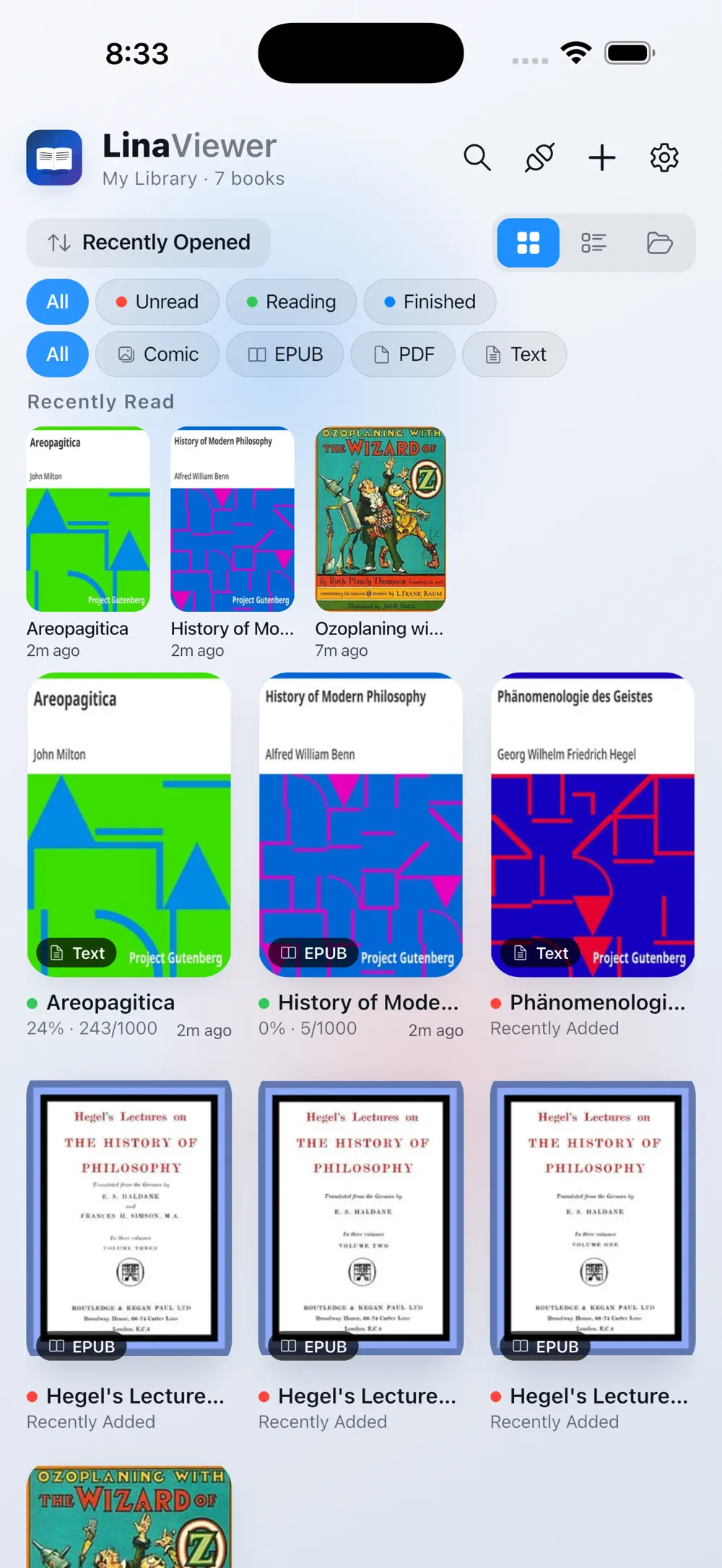
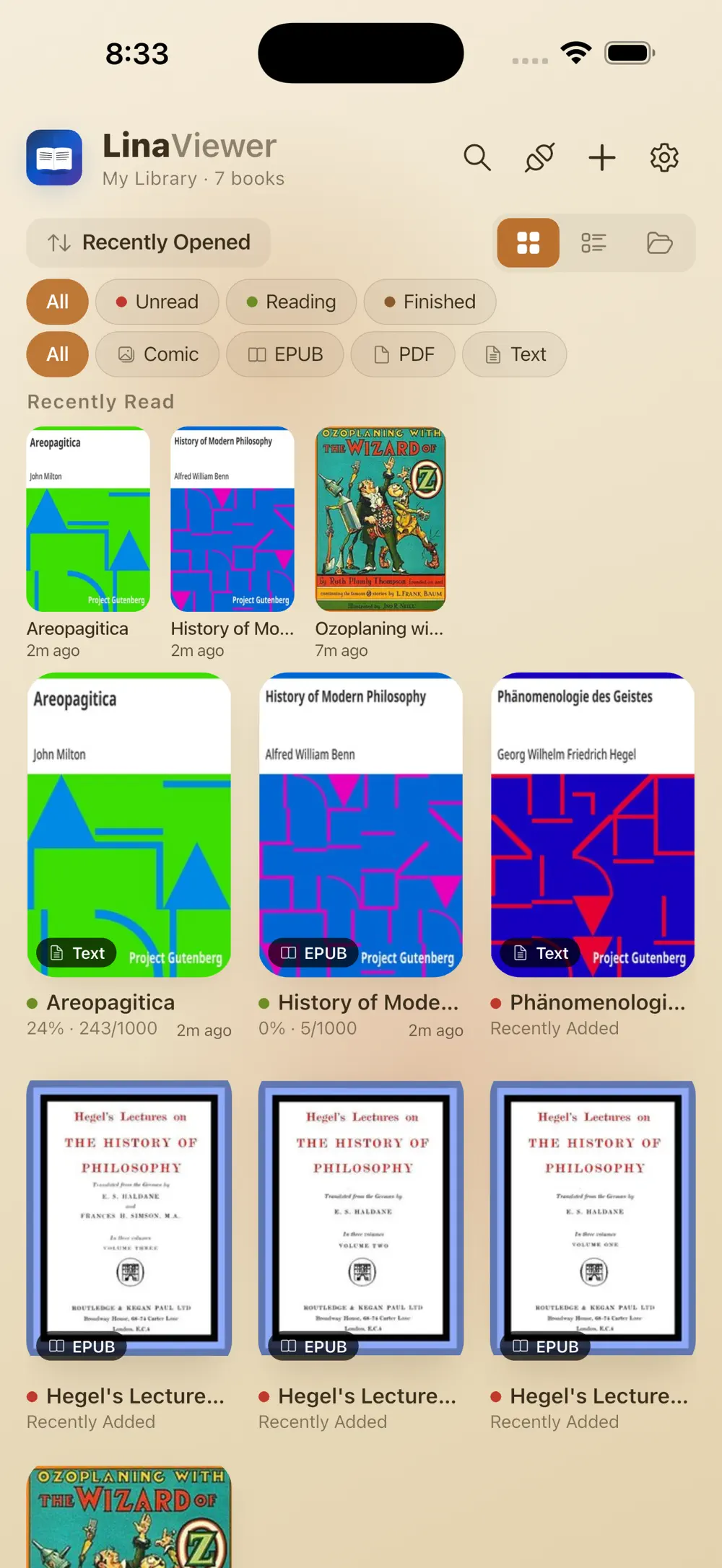
Covers, progress and format filters appear in both light and sepia themes. Comics, EPUB, PDF and text files share one library and can be sorted as you like.

Lifestyle
iOS · Android
Every comic and book in one beautiful library
Open CBZ and CBR comics, EPUBs, PDFs and text files, plus HWP and DOCX documents, then organize local, NAS and cloud collections in one refined library.
Free download code for students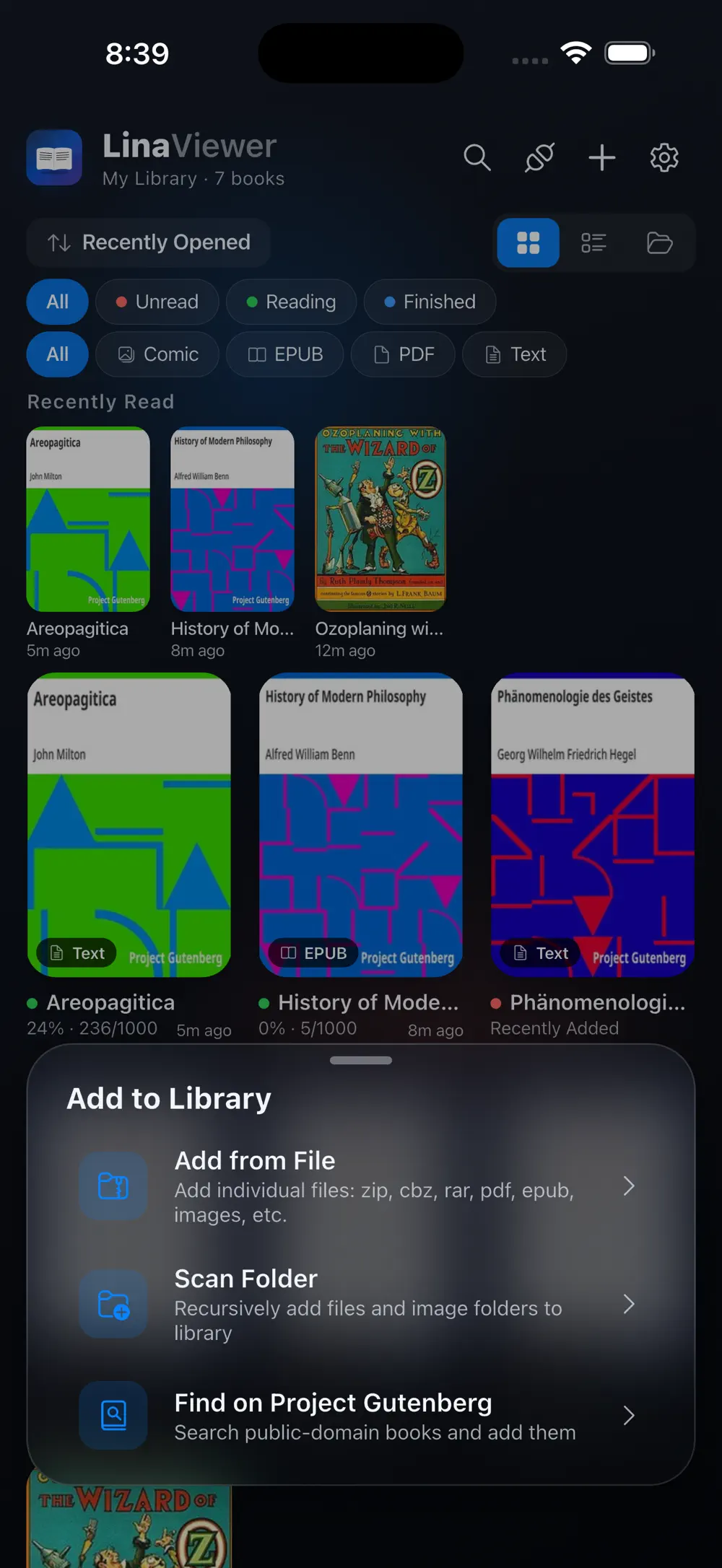
10+
File formats
3
Reading modes
4
Remote sources
Screenshots
9 screenshots
Library and themes
Covers, progress and format filters appear in both light and sepia themes. Comics, EPUB, PDF and text files share one library and can be sorted as you like.
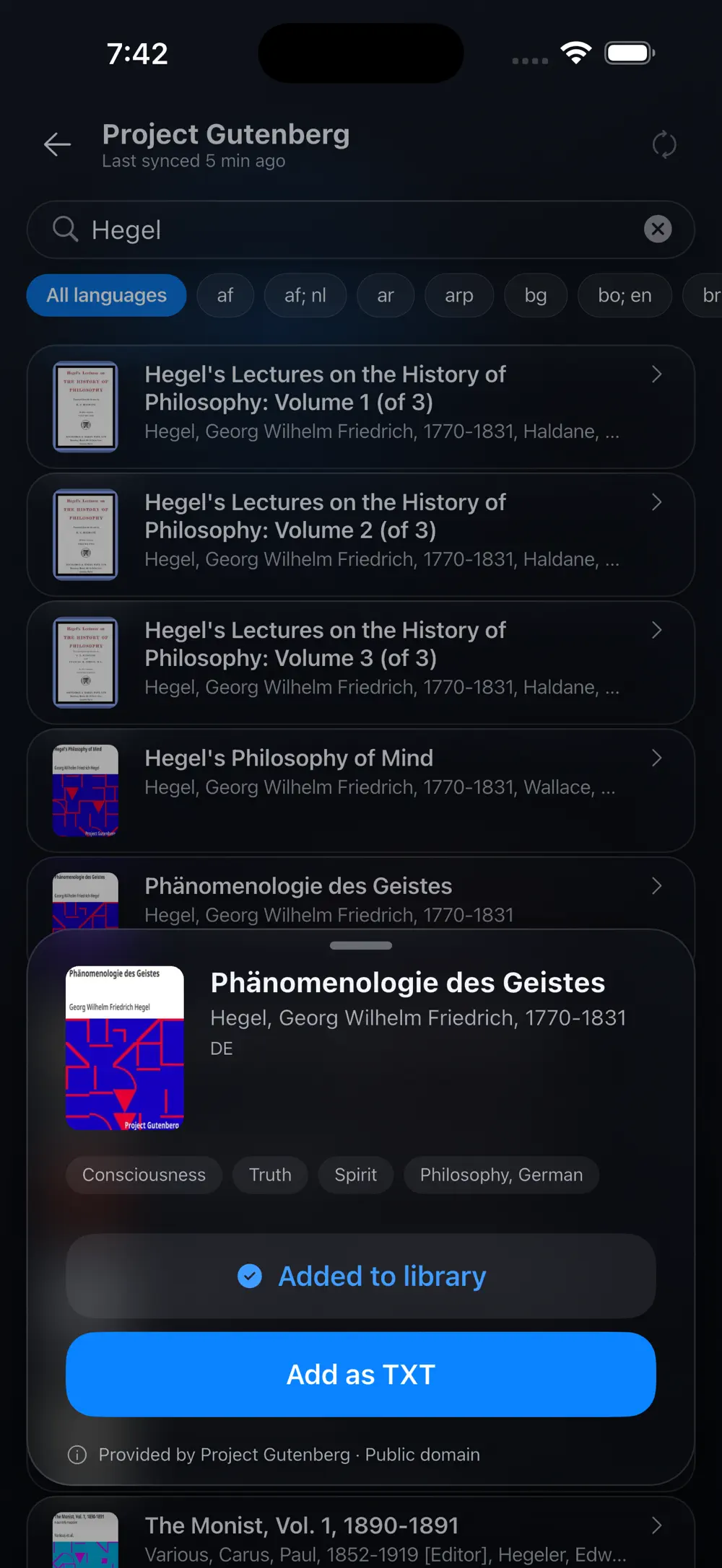
Classic books
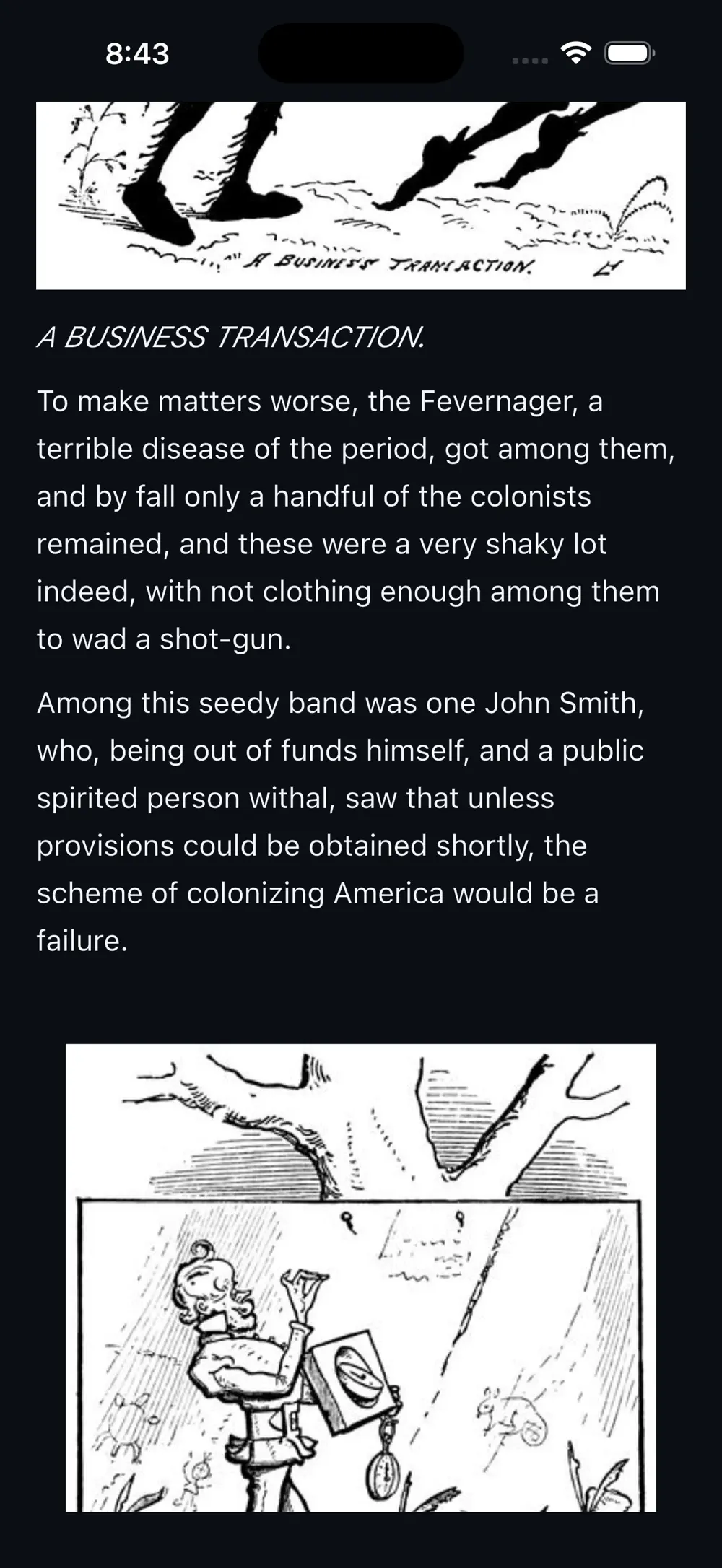
Search Project Gutenberg for public-domain classics, add them as EPUB or text, and read illustrated books in their original layout.
Stats and remote files
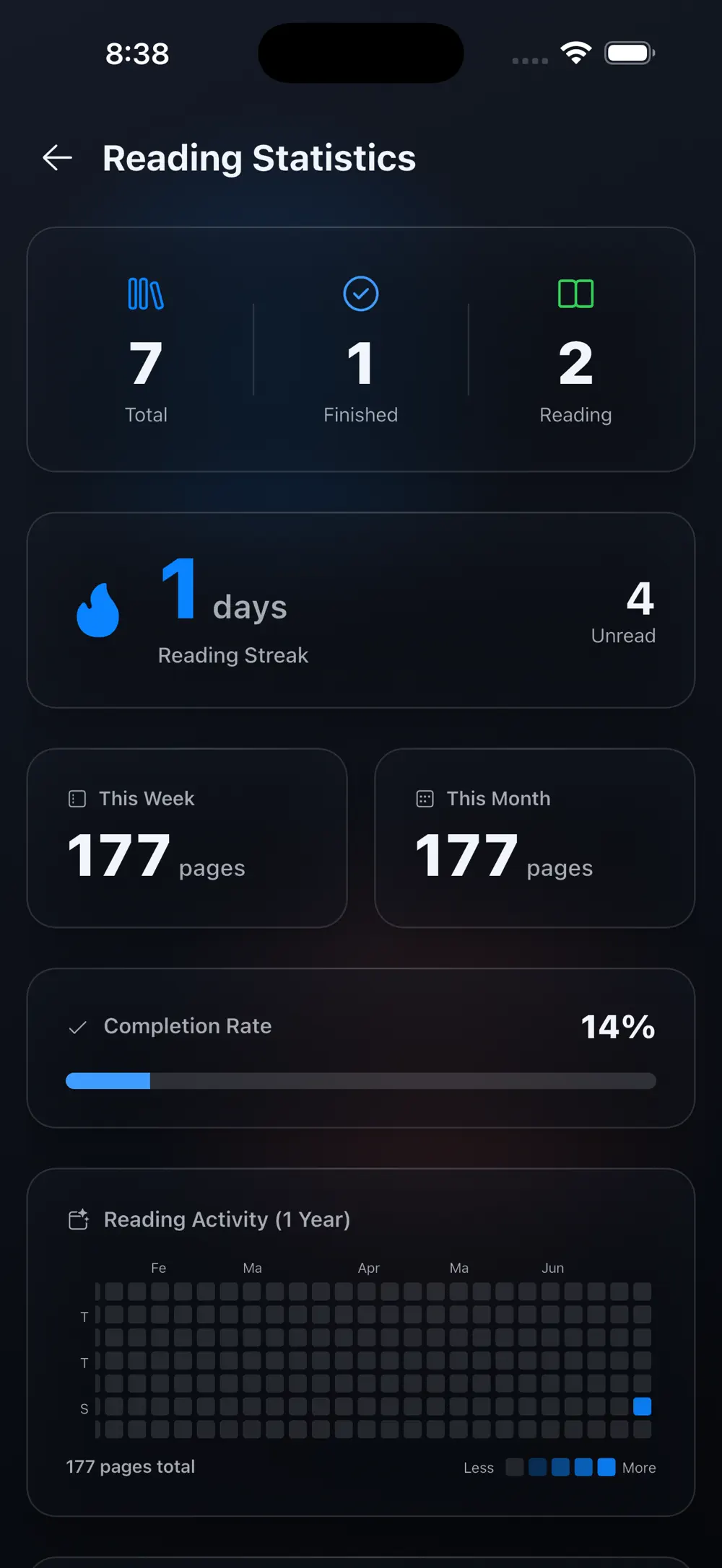
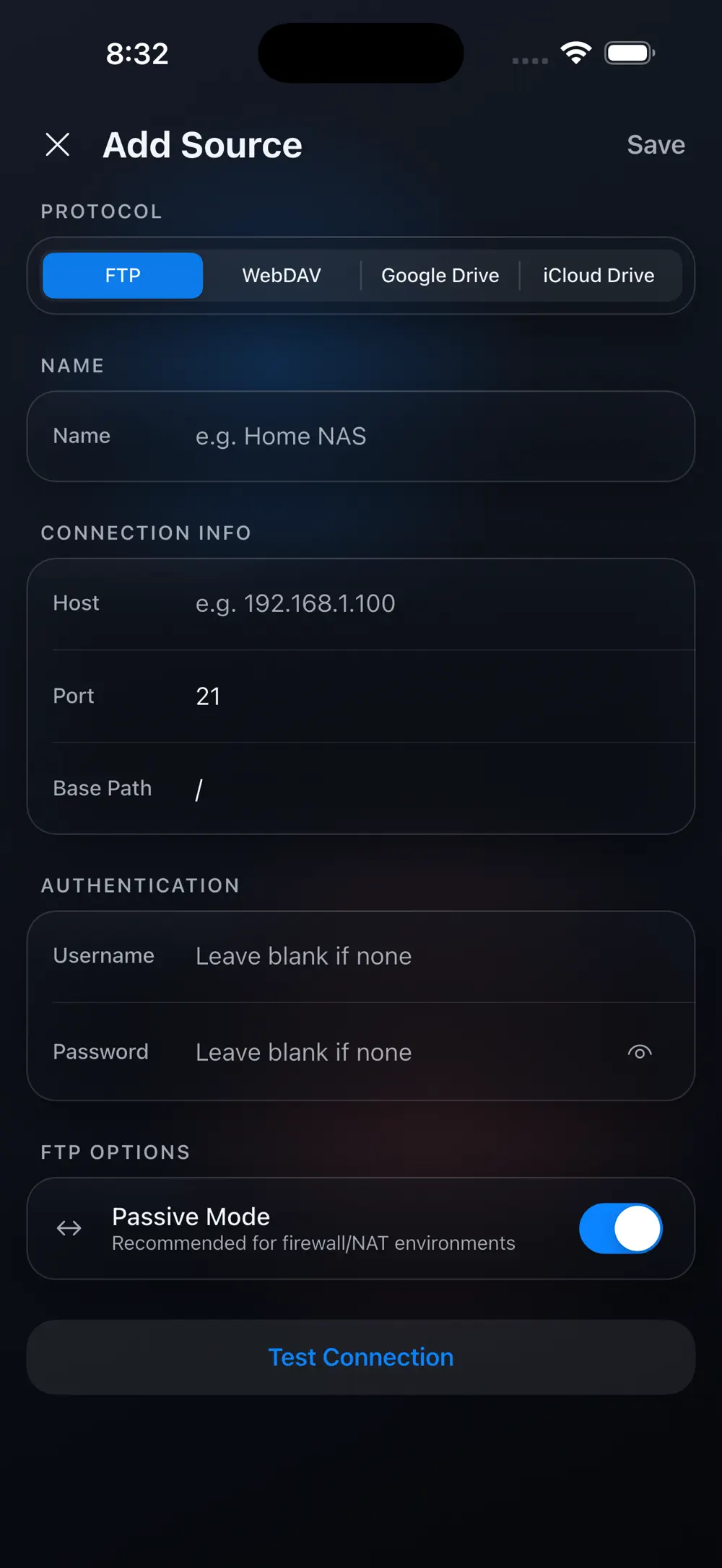
See completion, reading streaks and yearly activity in the statistics. Open or import files from FTP, WebDAV, Google Drive or iCloud Drive.
Reading controls
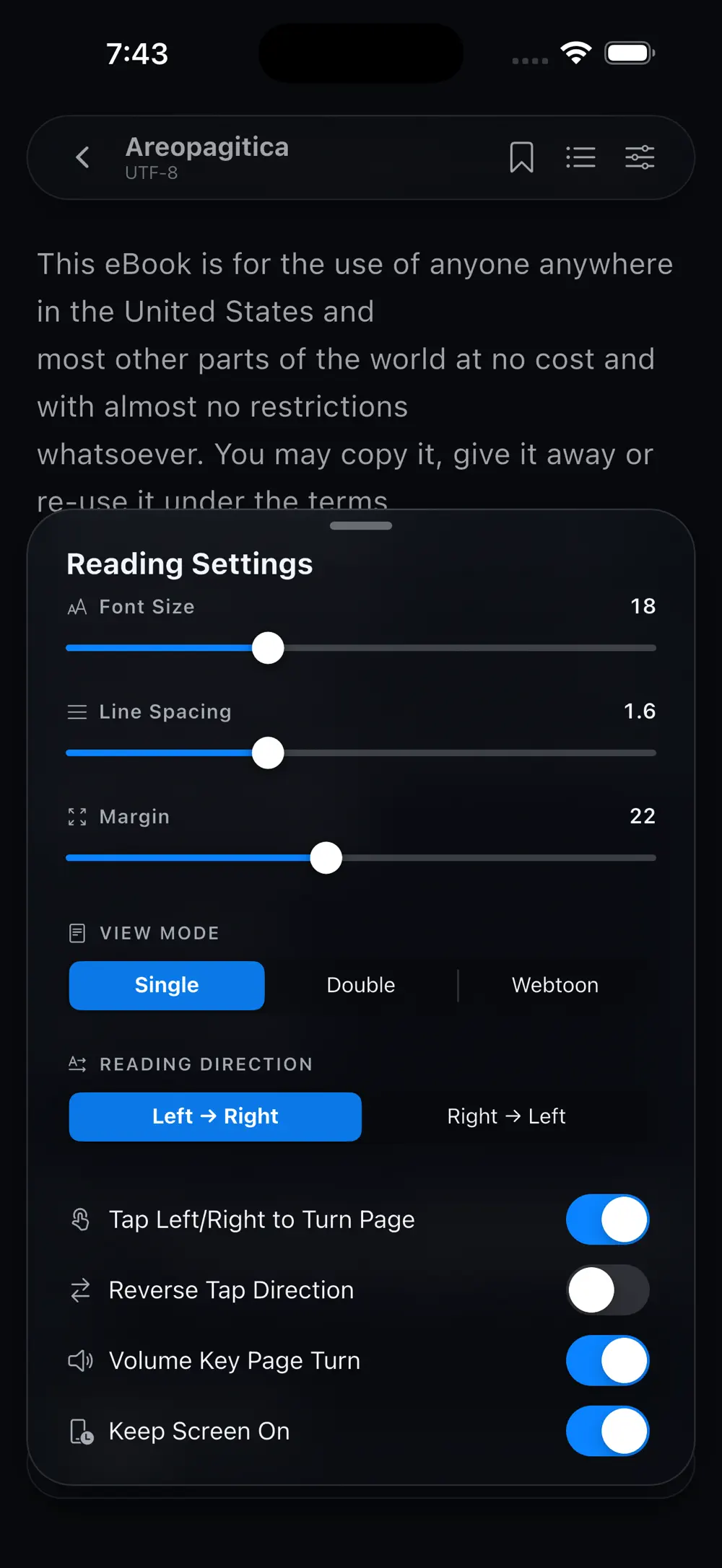
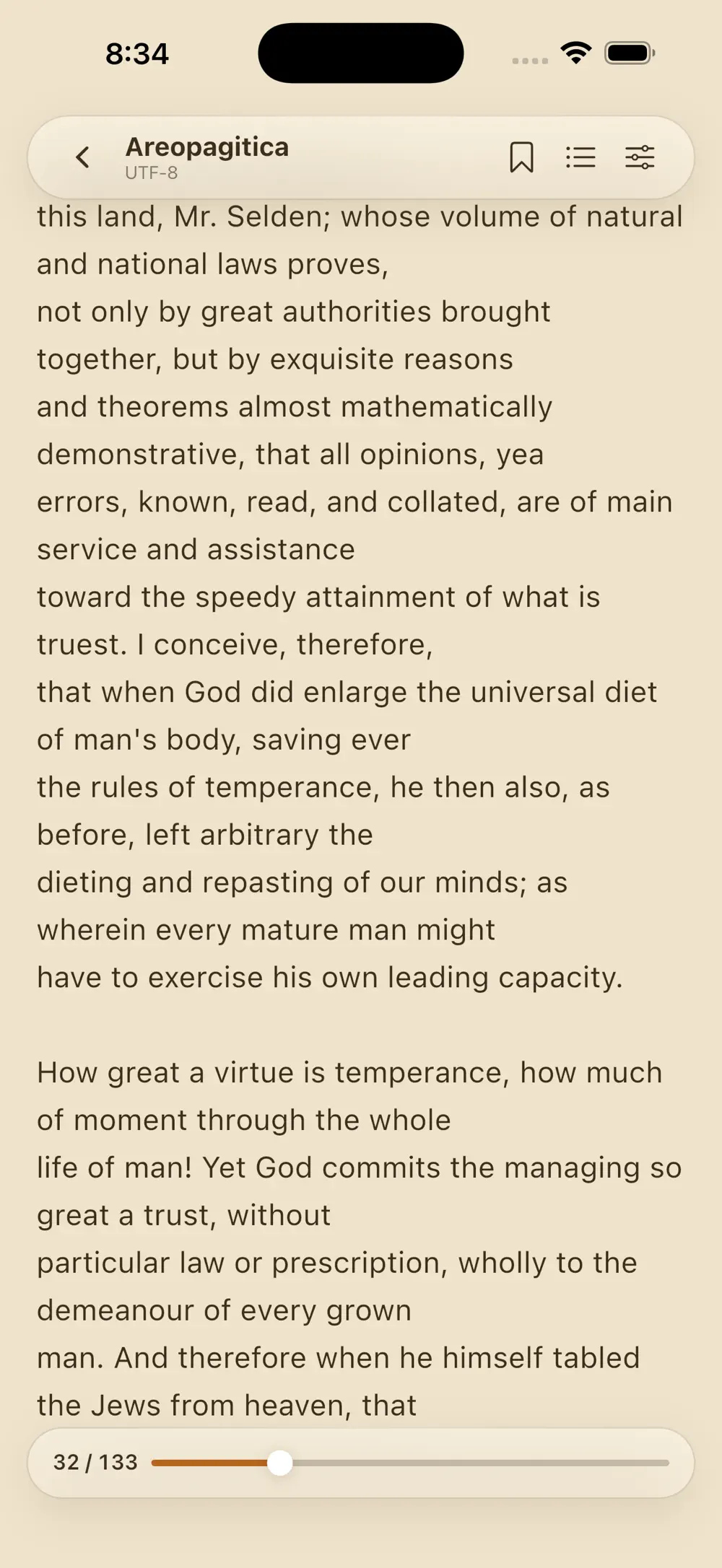
Change text size, line spacing, margins and single, double or webtoon mode for each book. Contents, bookmarks and progress are available in dark and sepia themes.
Made for
Readers with CBZ and CBR comic libraries
People reading ebooks and PDFs in one app
Collectors with large NAS or cloud libraries
Privacy & note
Built around files you own; reading history only leaves the device when you choose a backup destination.
FAQ
It opens over ten formats in a single library, including CBZ and CBR comics, EPUB, PDF, TXT and HWP, HWPX and DOCX documents.
Browse FTP, WebDAV, Google Drive and iCloud Drive to read remotely or import permanently.
Yes. Switch between single-page, two-page spread and continuous webtoon modes for each title.
Get the app
v1.0.17 · 41 MB · iOS 15.0+ · Android
Keep exploring