Skip to content
All apps
Ttokttoki Lina icon

Education

iOS

Ttokttoki Lina

Build the habit of pausing before a suspicious screen

Practice spotting manipulative interfaces through purchase-free simulations, a 19-pattern field guide, adaptive review and senior-friendly accessibility.

Free download code for students
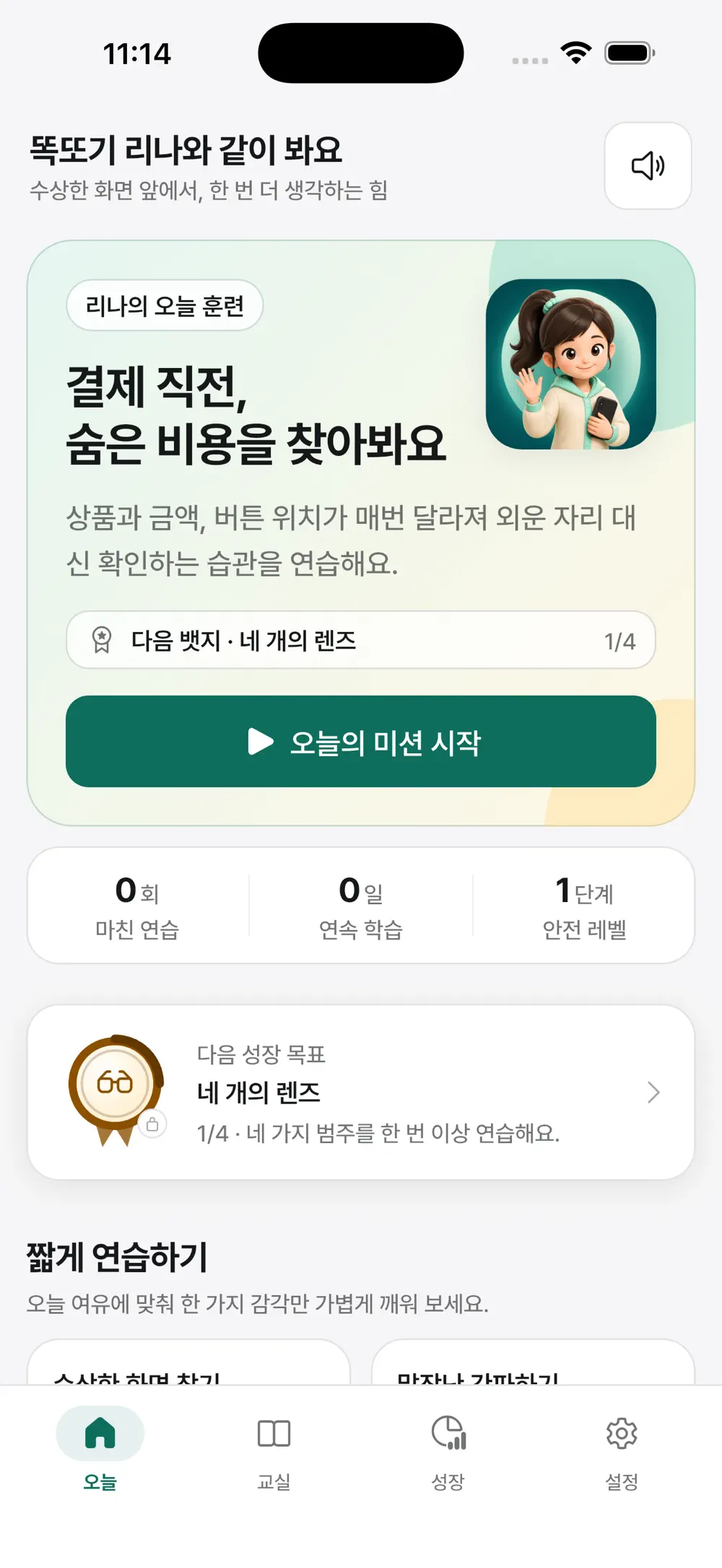
Ttokttoki Lina app preview

19

Dark patterns

2–3m

Quick mission

4

Learning lenses

Screen story

10 SCENES · v1.0.3

Read what the app does, screen by screen.

Real App Store scenes are sequenced around the feature and its context. Each image is captioned with the role of the screen in view.

01

Dark-pattern classroom

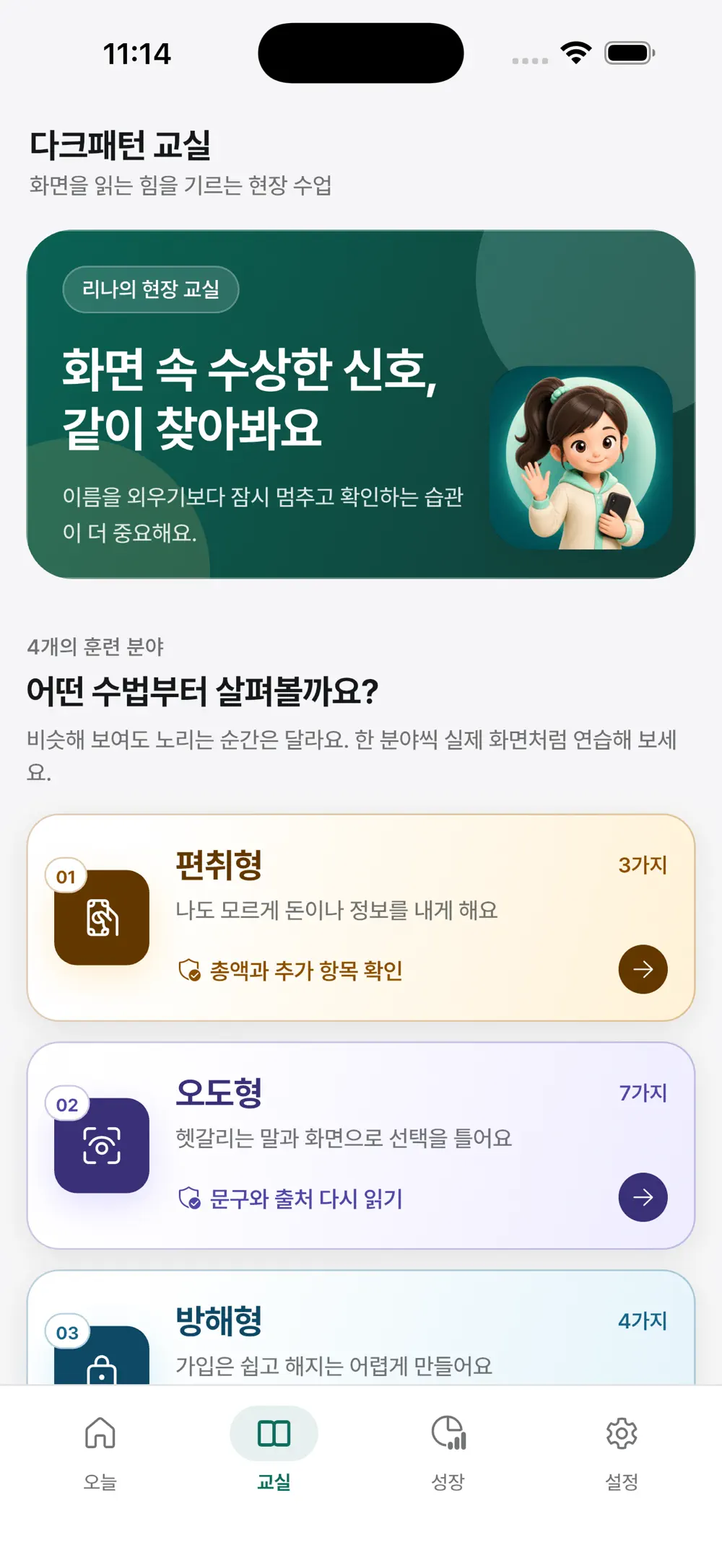
Do more than memorize names. Learn how suspicious screens behave.

Nineteen dark patterns are organized through four lenses—sneaking, misdirection, obstruction and pressure—with plain-language cues and defensive actions for each.

The classroom organizing nineteen patterns through four lenses
02The classroom organizing nineteen patterns through four lenses
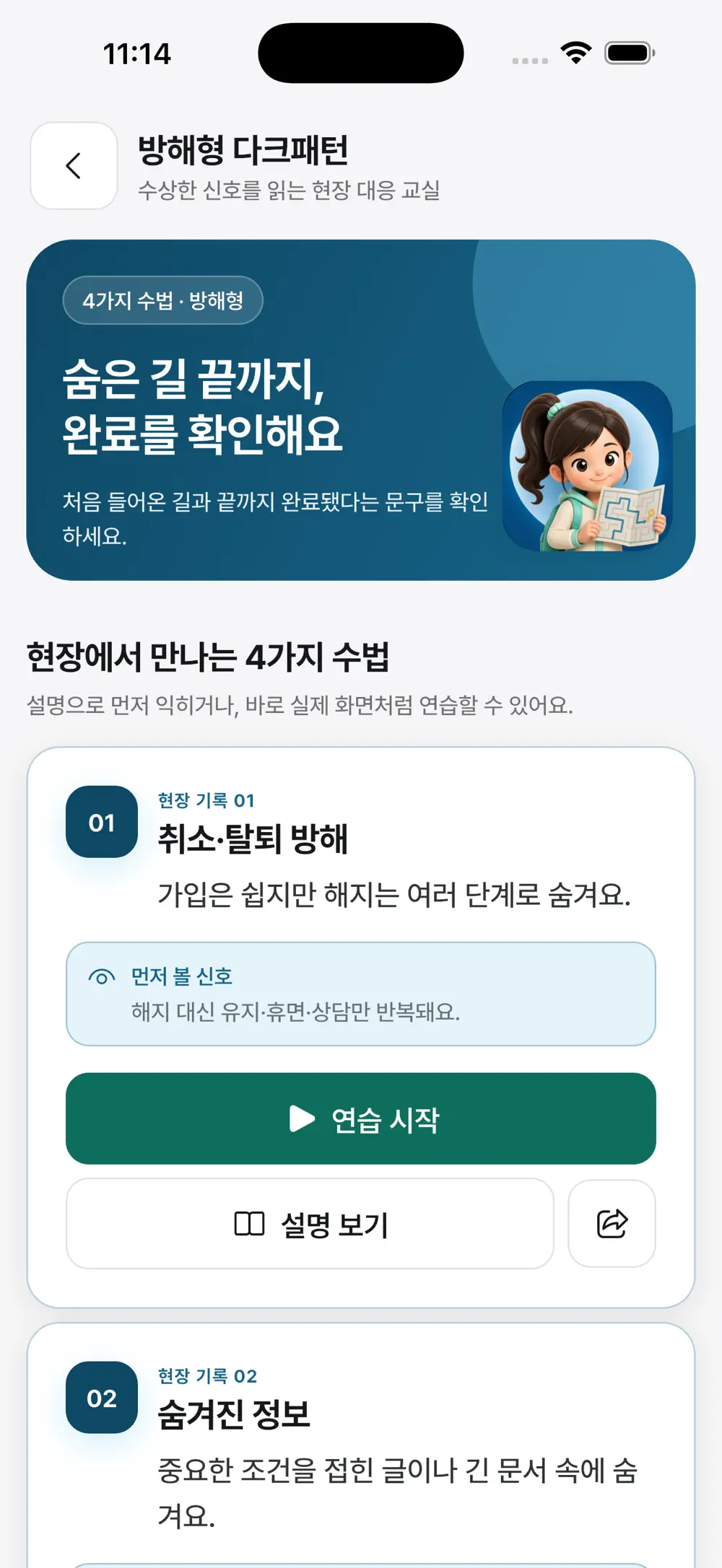
Field lessons covering cancellation barriers and hidden information
03Field lessons covering cancellation barriers and hidden information
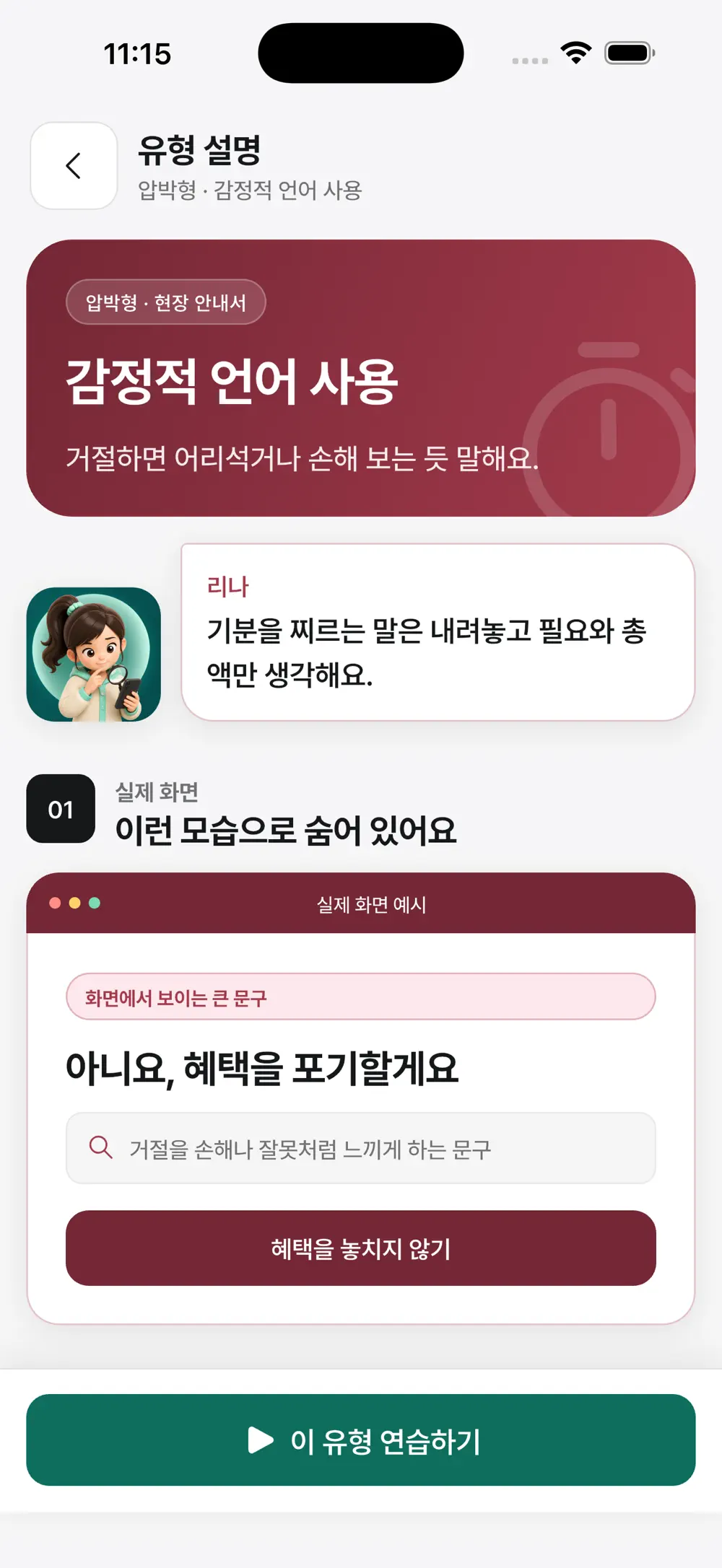
A plain-language explanation of emotionally manipulative wording
04A plain-language explanation of emotionally manipulative wording
02

Safe simulations

Pause, inspect and decide without making a real purchase.

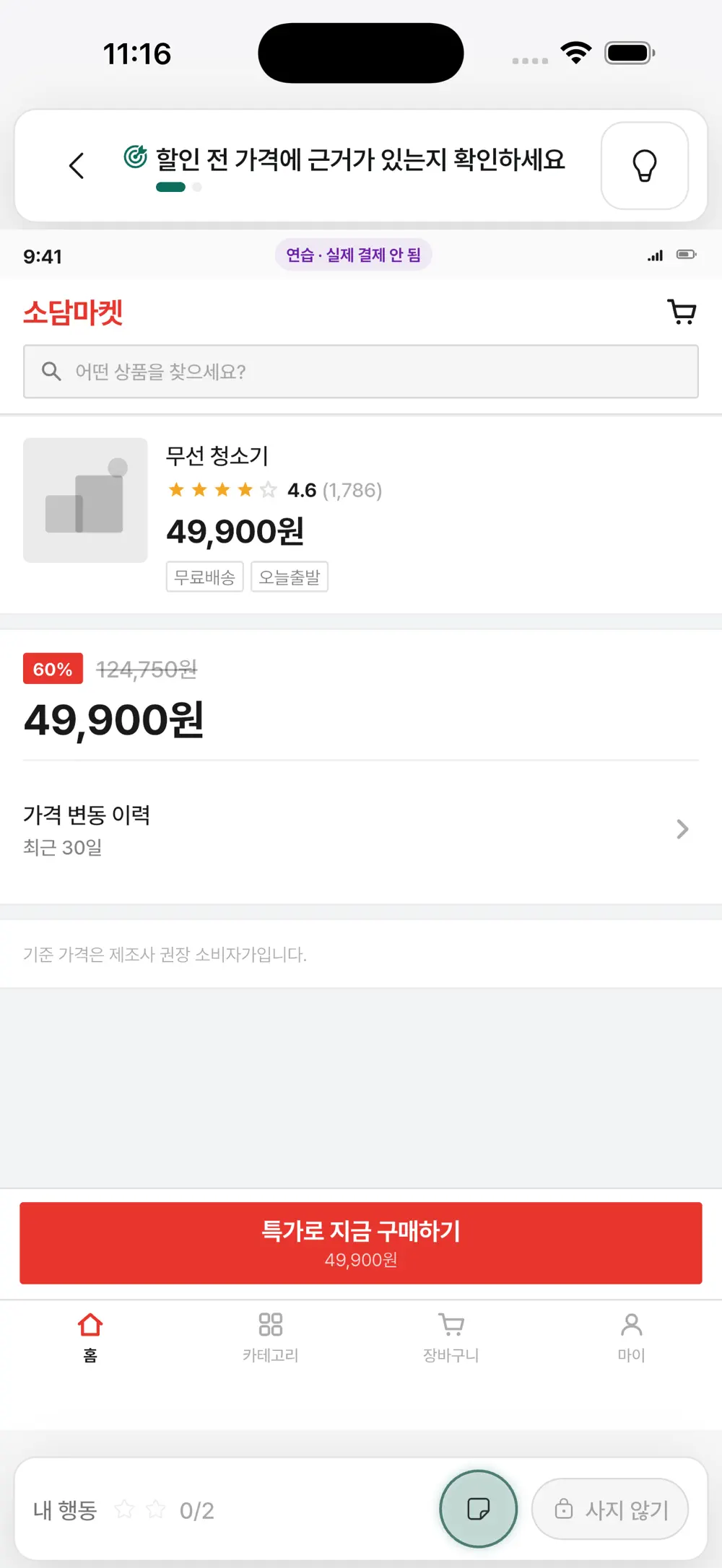
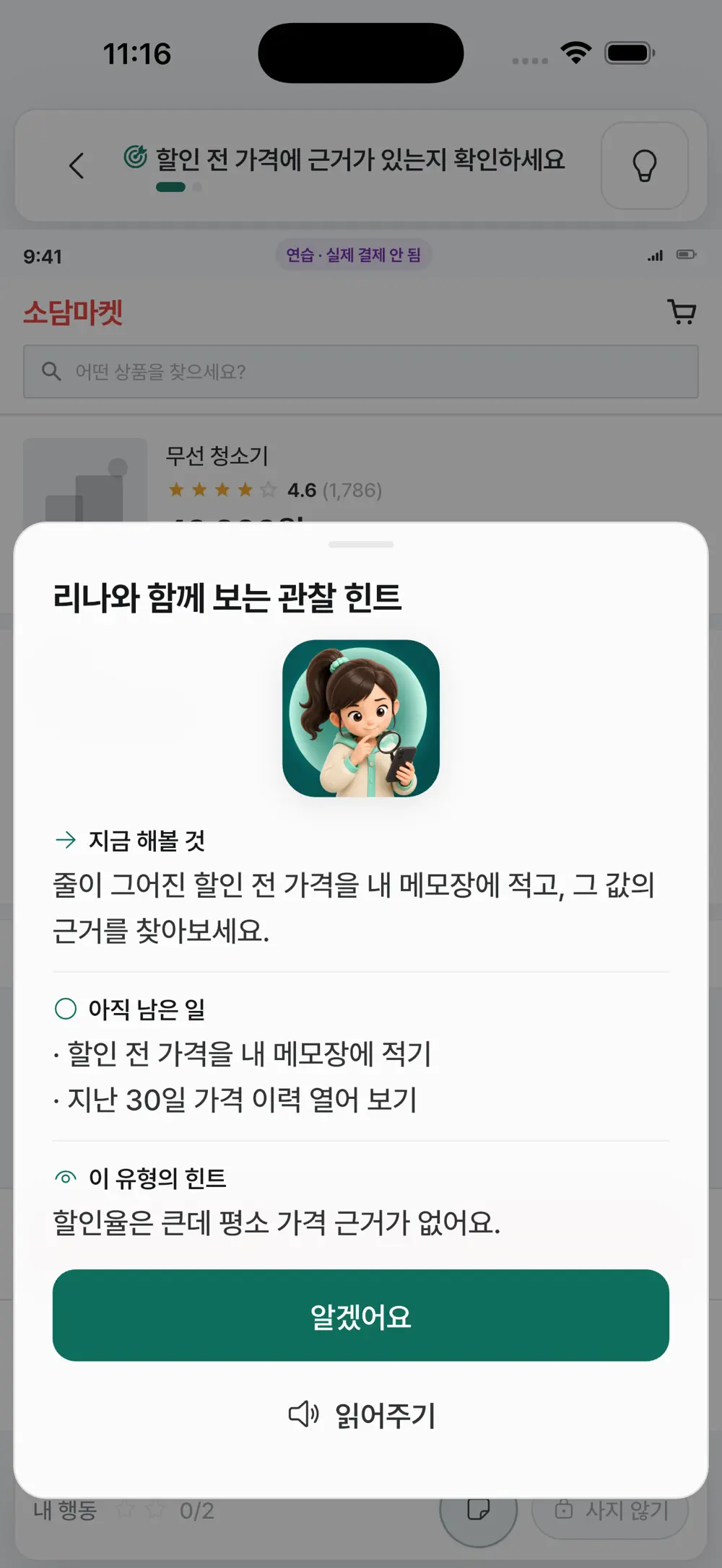
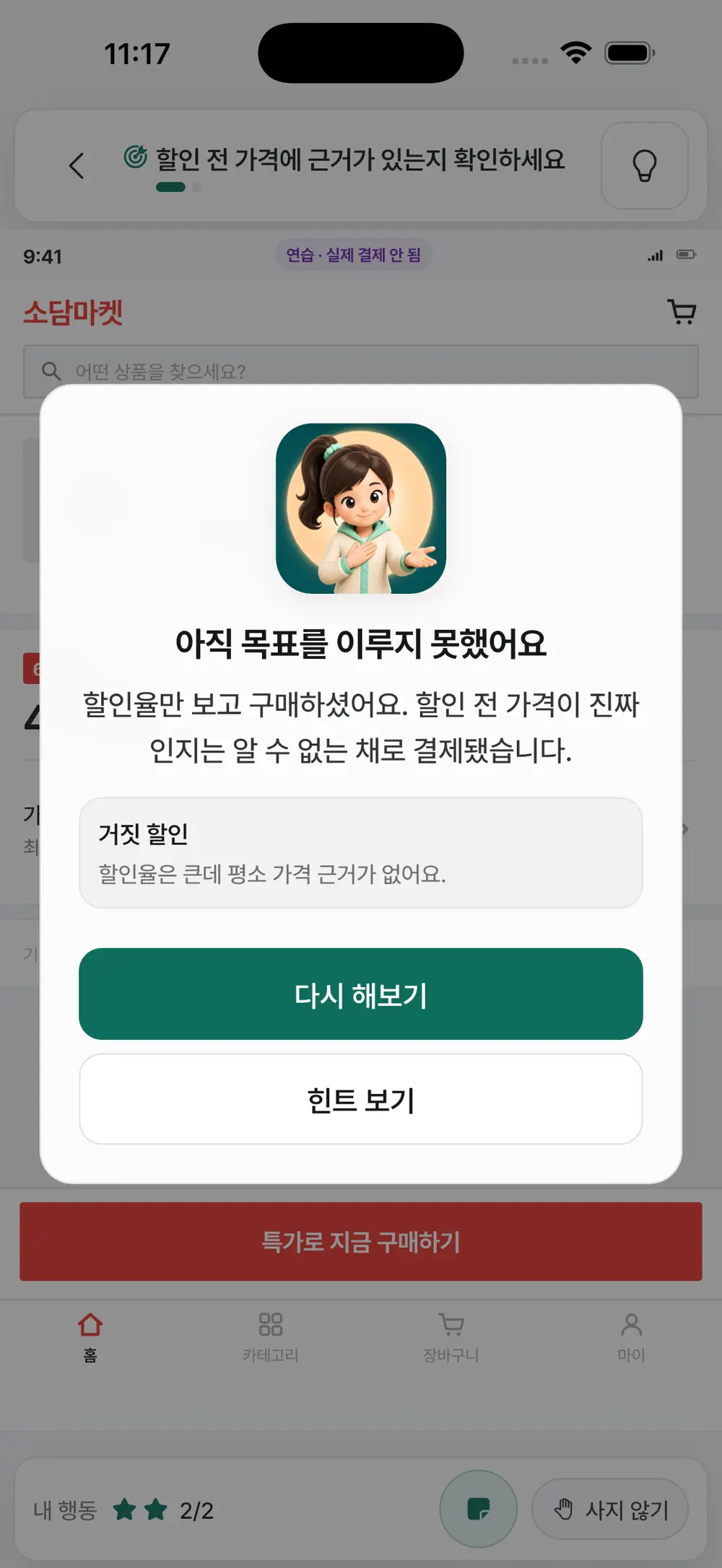
Work through simulated shopping and subscription interfaces with a clear mission. Hints point back to evidence and next actions instead of choosing the answer for you.

A simulated shopping mission checking the basis of a discount
05A simulated shopping mission checking the basis of a discount
An observation hint that points to missed evidence and remaining actions
06An observation hint that points to missed evidence and remaining actions
Feedback explaining the choice and overlooked pattern in plain language
07Feedback explaining the choice and overlooked pattern in plain language
03

Progress and review

Turn every missed cue into evidence for the next decision.

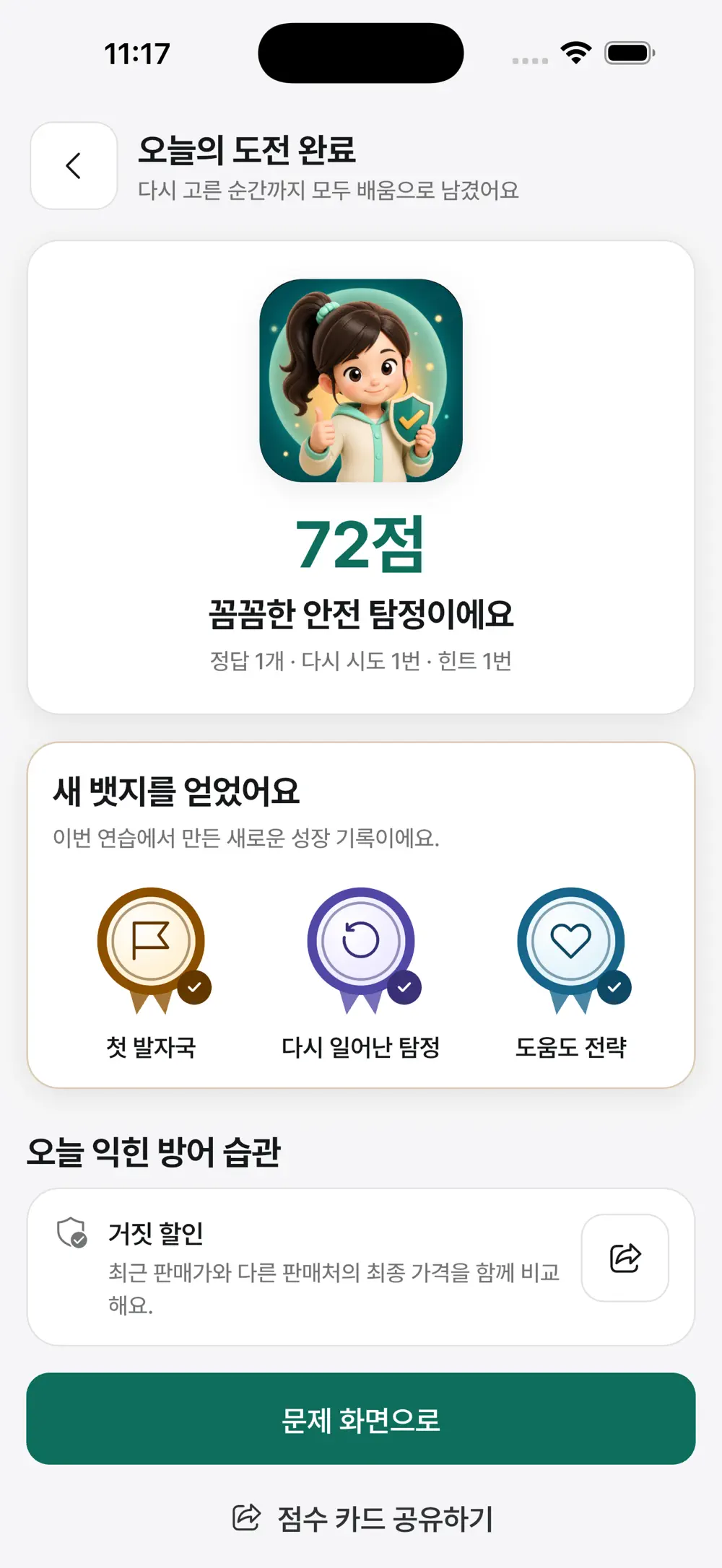
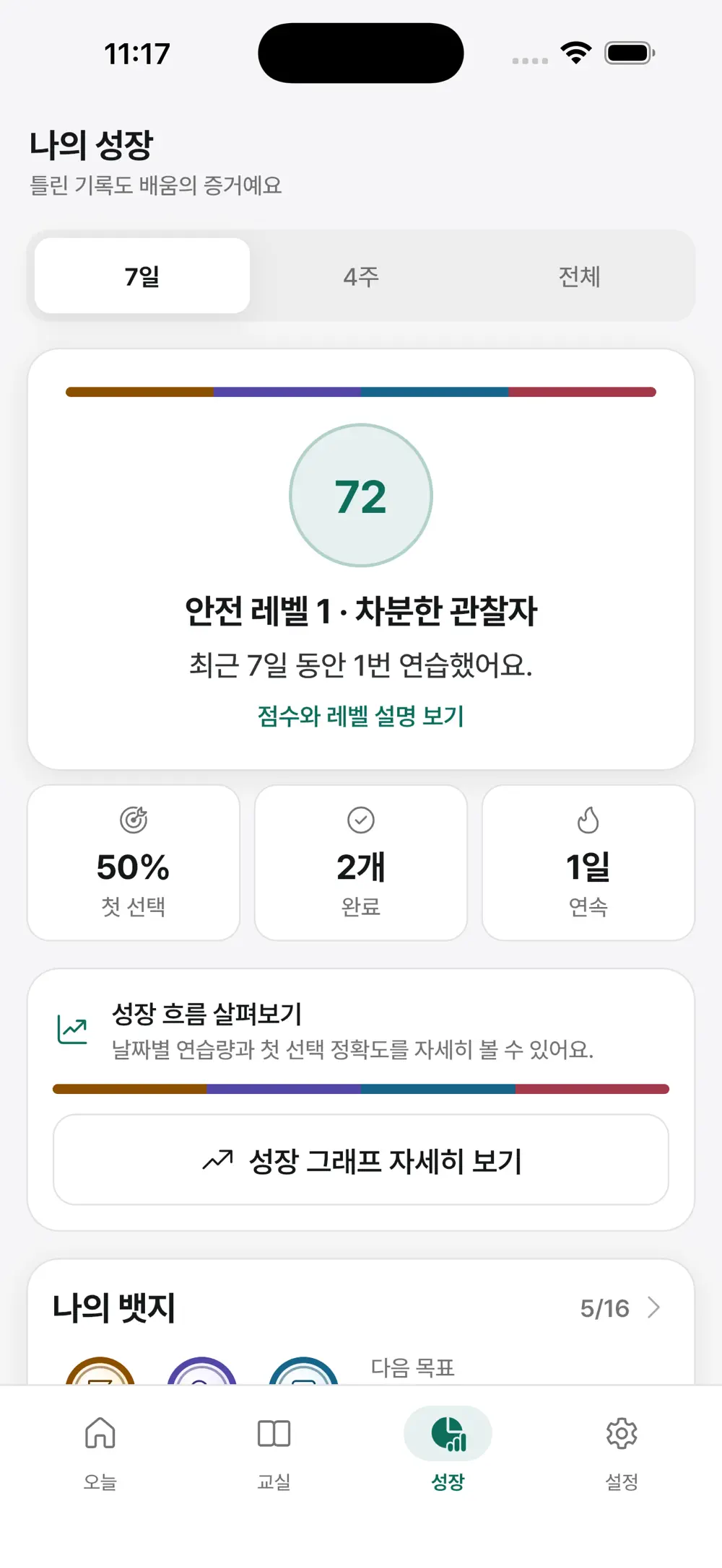
After each mission, the app surfaces the habits practiced—not just a score. Seven-day and lifetime views reveal first-choice accuracy, streaks and patterns worth revisiting.

A completion view summarizing score, badges and new defensive habits
08A completion view summarizing score, badges and new defensive habits
Progress tracking for first-choice accuracy, streaks and safety level
09Progress tracking for first-choice accuracy, streaks and safety level
04

Accessibility

Adapt the classroom to the eyes and hands using it.

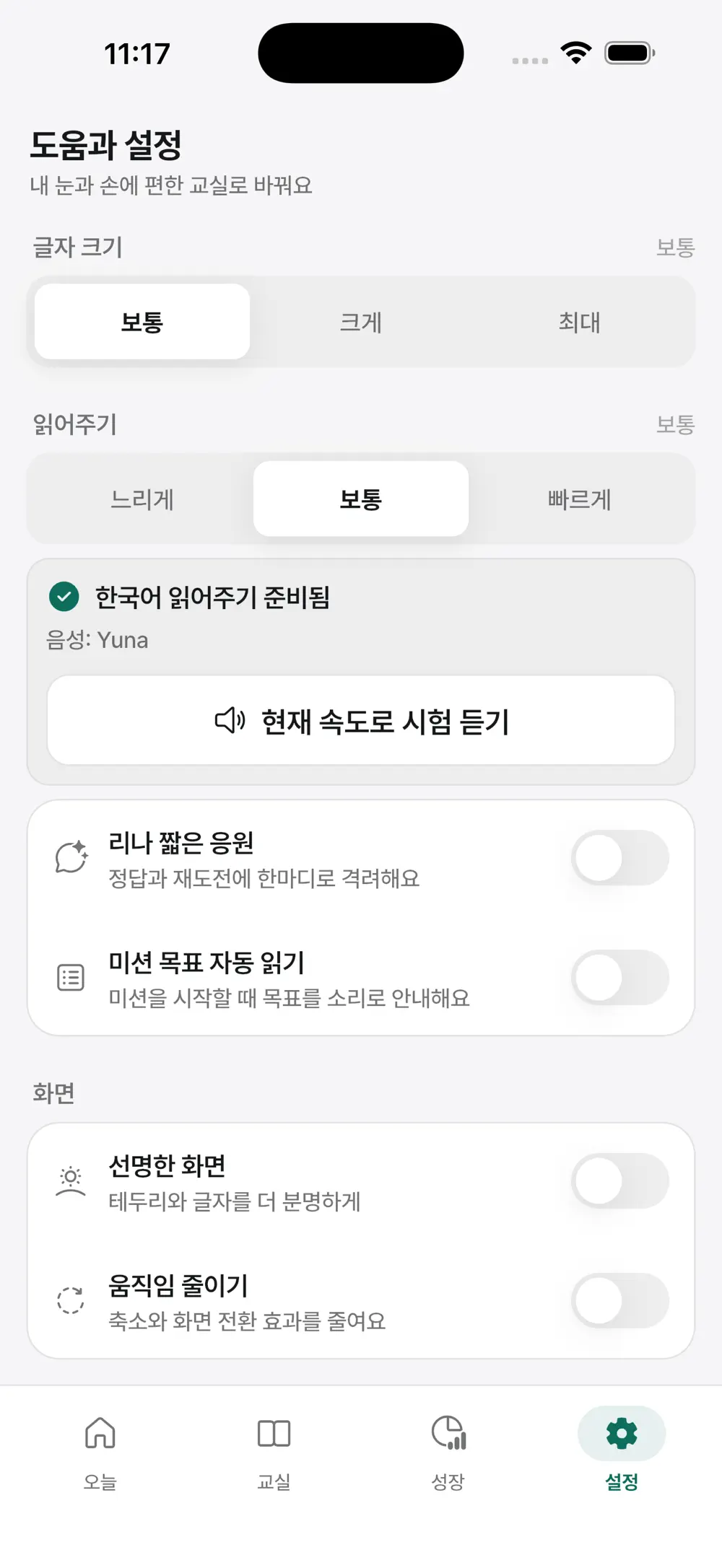
Adjust text size and Korean speech speed, enable higher contrast or reduced motion, and choose whether Lina reads goals or offers spoken encouragement.

Accessibility controls for text, speech and screen motion
10Accessibility controls for text, speech and screen motion

Made for

People with a particular need.

01

Older adults who find payment and subscription screens unfamiliar

02

Families practicing safer smartphone habits together

03

Community educators teaching practical digital literacy

Privacy & note

No account or real purchase history is required; learning data stays on-device. The app teaches consumer awareness and does not provide case-specific legal or financial advice.

FAQ

Asked before downloading.

Version
1.0.3
Size
35 MB
Age rating
4+
Minimum iOS
16.6
Can a practice mission make a real purchase or account?

No. Every mission runs in a simulation separated from real services, so it cannot purchase, subscribe or create an account.

Which dark patterns can I learn about?

Nineteen patterns—including hidden renewal and costs, preselection, false discounts, disguised ads, cancellation barriers and time pressure—are organized through four learning lenses.

Is it designed for older adults?

Yes. It supports large text, generous touch targets, high contrast, reduced motion and Korean text-to-speech.

Get the app

Build the habit of pausing before a suspicious screen

v1.0.3

Keep exploring

Step into another world.