01
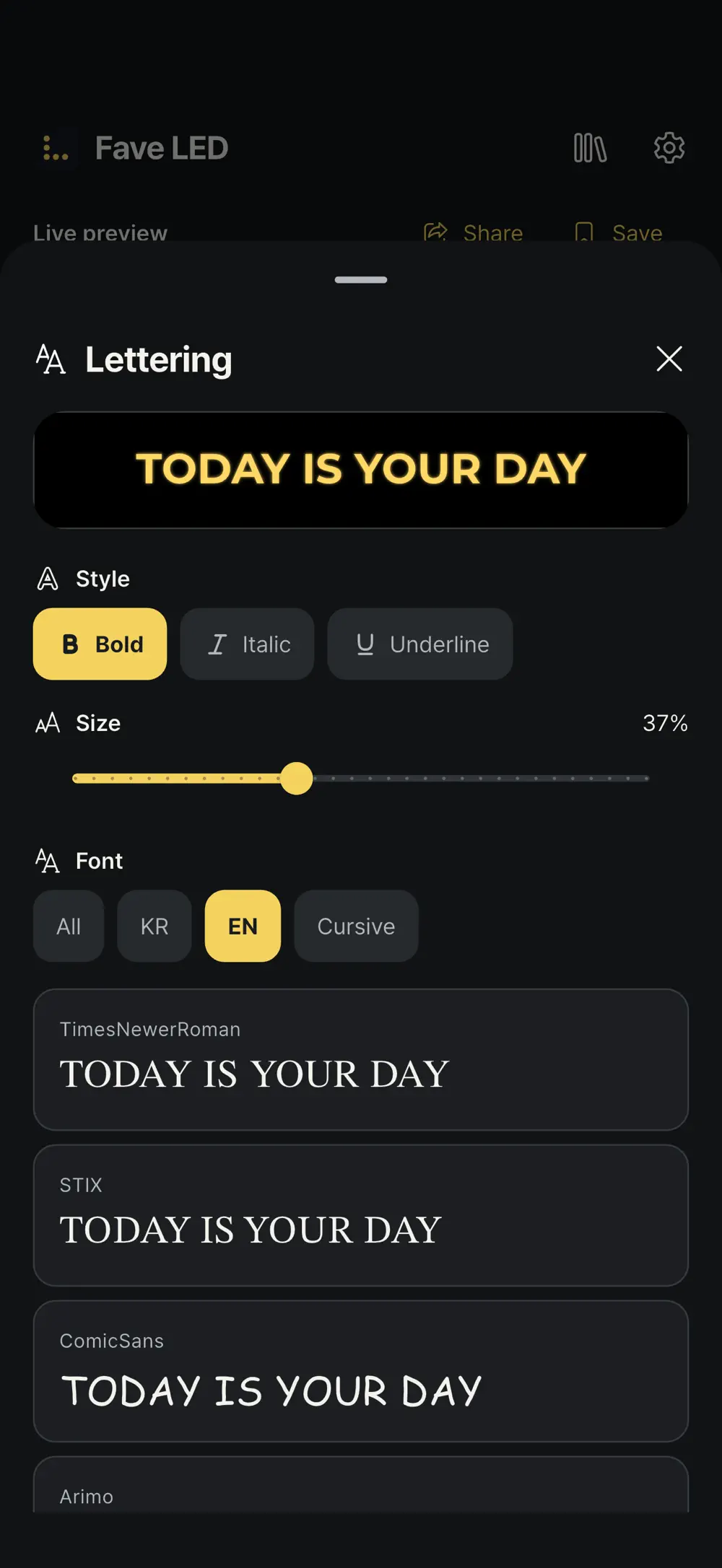
Type and color
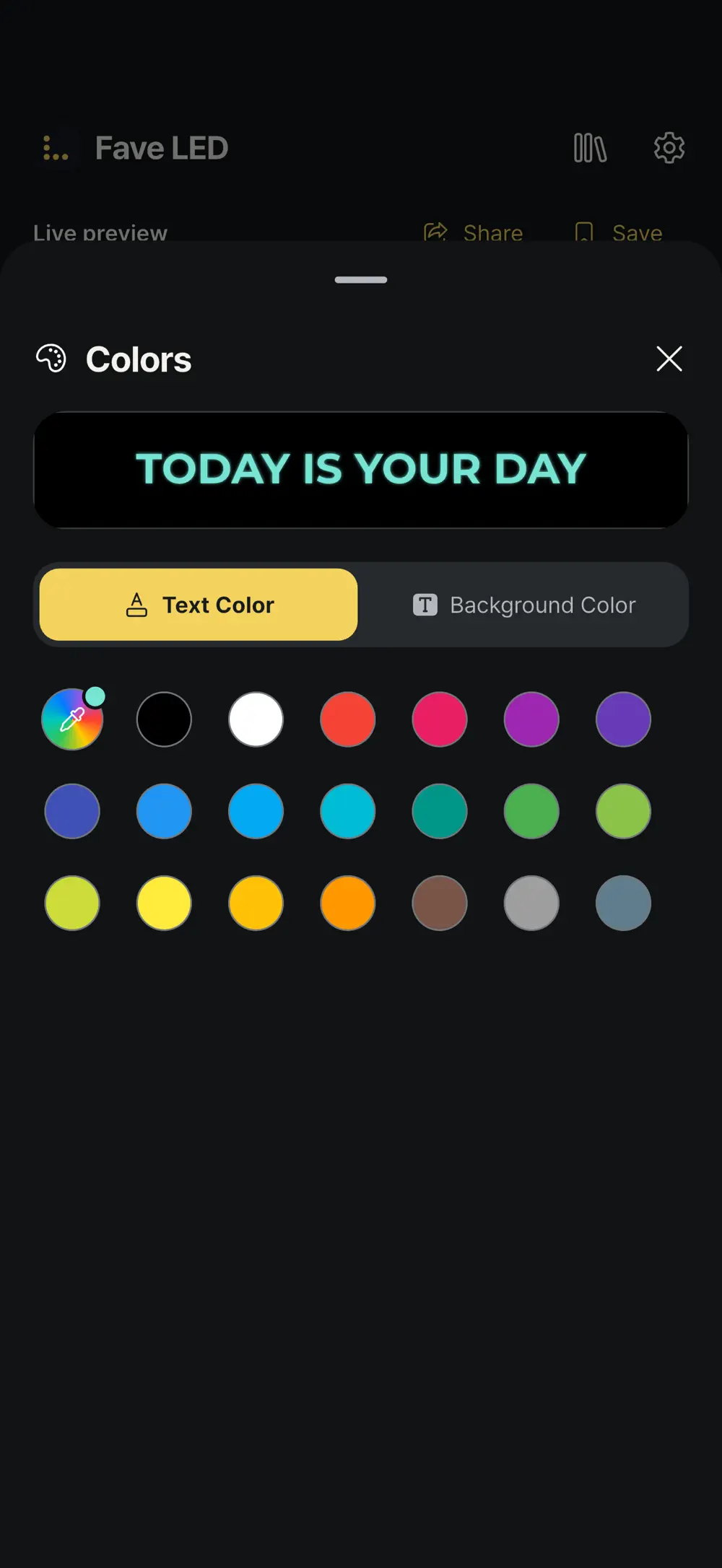
Choose the font, text color and background.
Choose Korean, English or cursive fonts, bold, italic or underline and the text size, then set text and background colors separately. The preview above updates as you go.
Utilities
iOS · Android
Make your message brighter, bigger and impossible to miss
Type a message, pick a suggested style and see it instantly. Style it with fonts, colors, motion and effects, play it full screen, then rotate saved boards or share them by code.
Free download code for students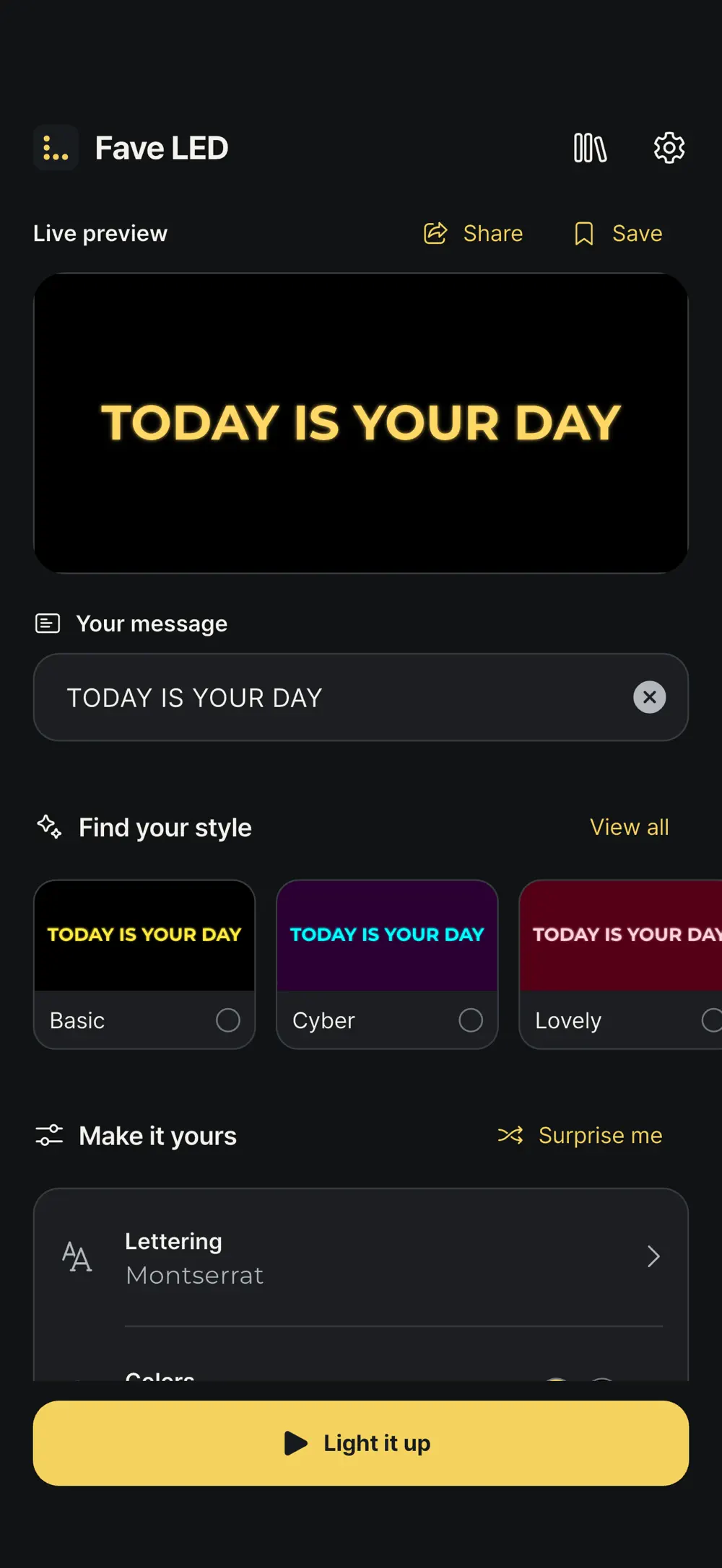
4
Styling tools
QR
Style sharing
8
App languages
Screenshots
8 screenshots
Type and color
Choose Korean, English or cursive fonts, bold, italic or underline and the text size, then set text and background colors separately. The preview above updates as you go.
Motion and effects
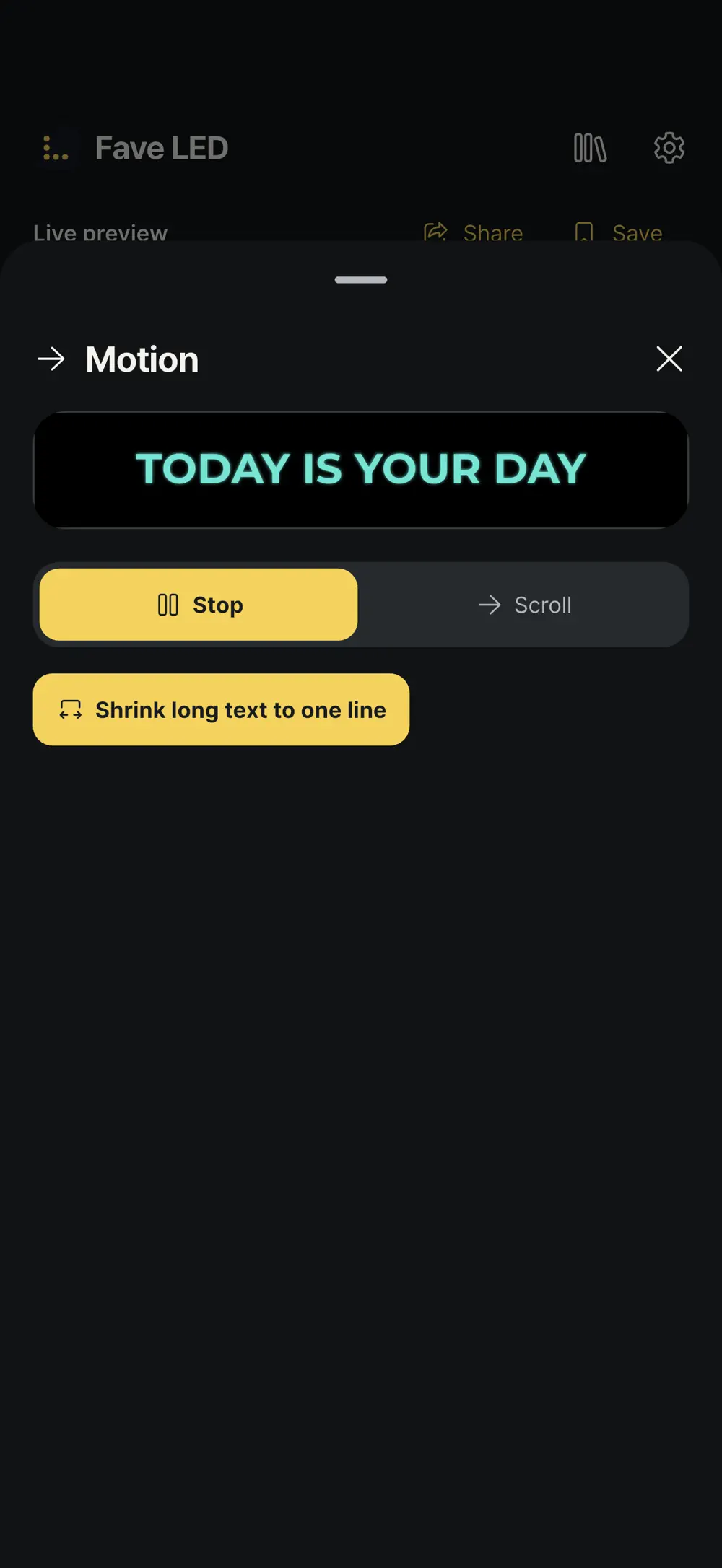
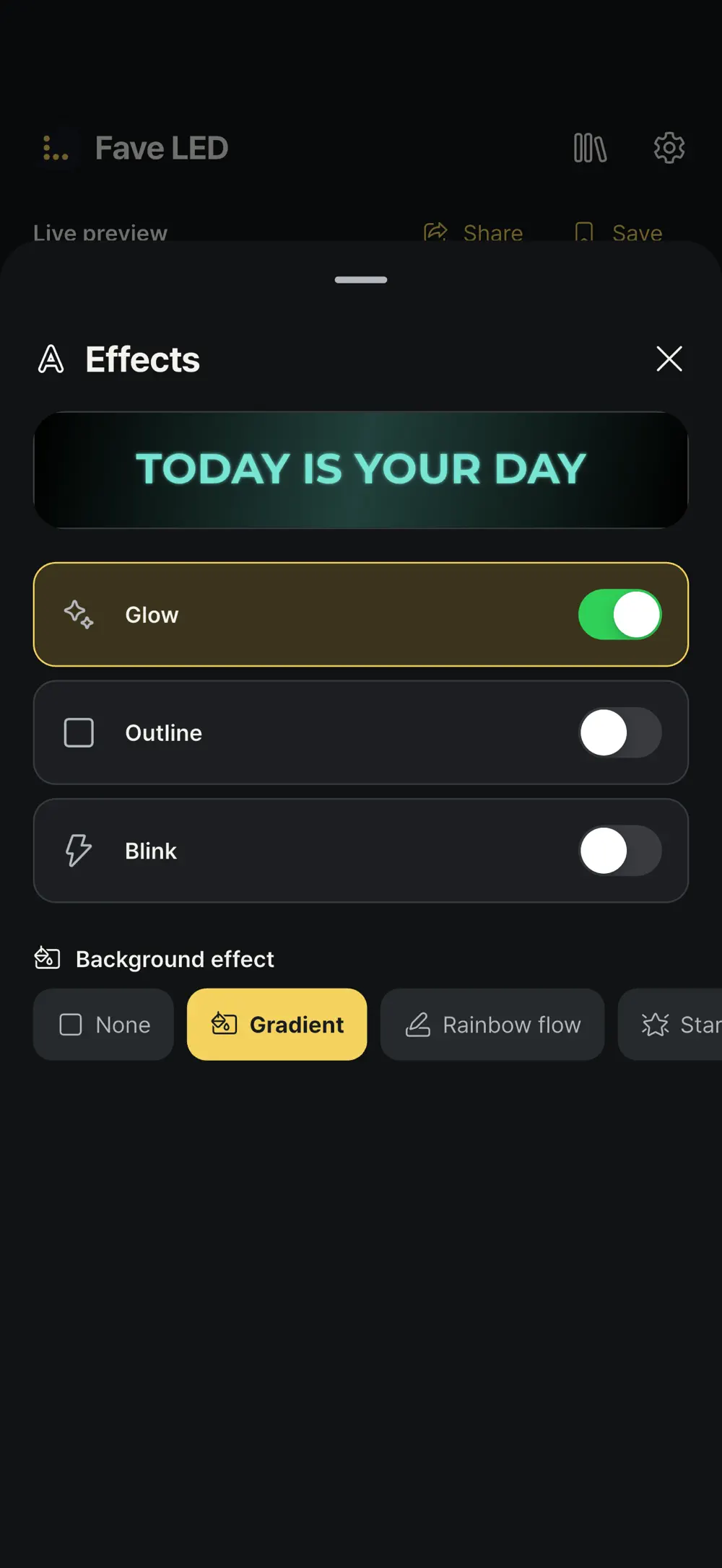
Keep the message still or let it scroll, and shrink long text to one line. Add glow, outline or blink, and gradient, rainbow-flow or starlight backgrounds.
Library and sharing
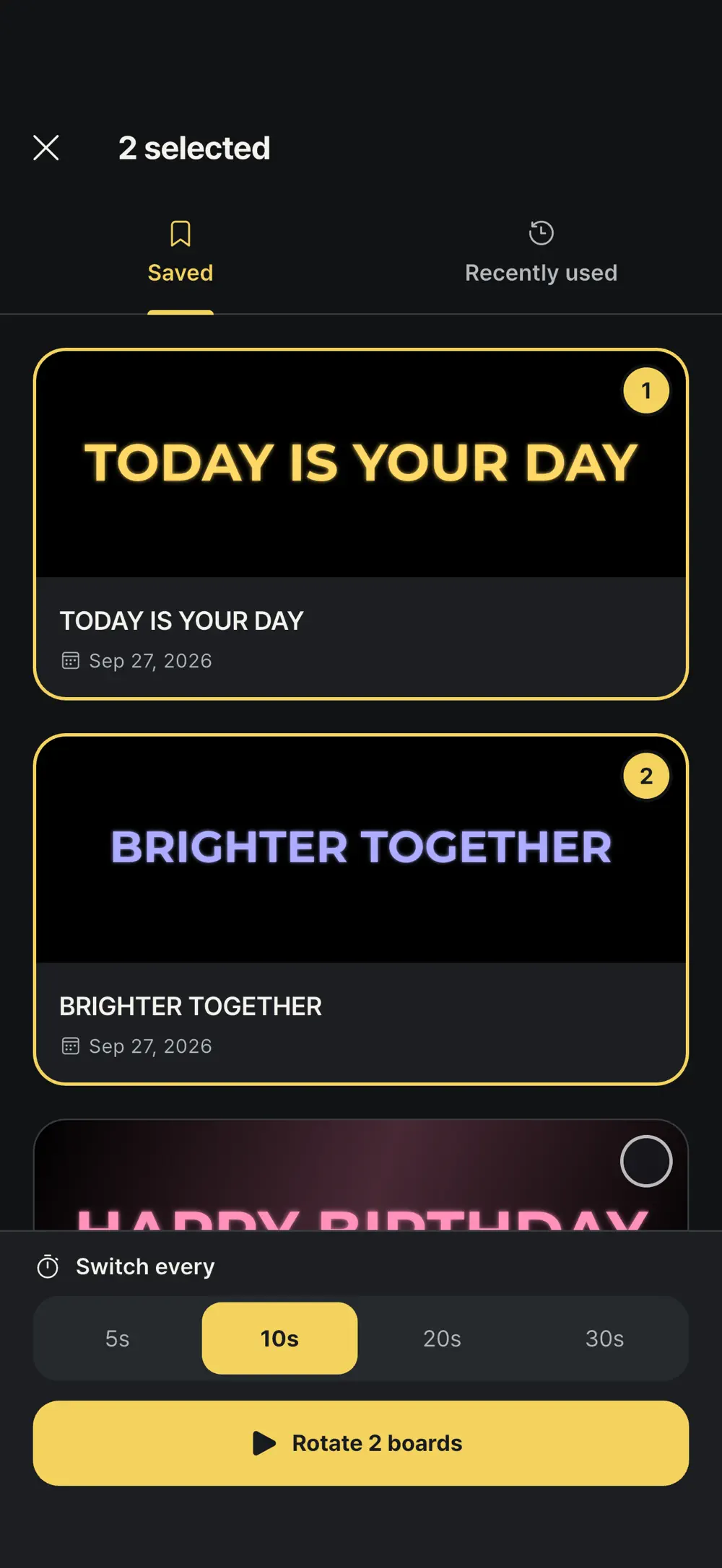
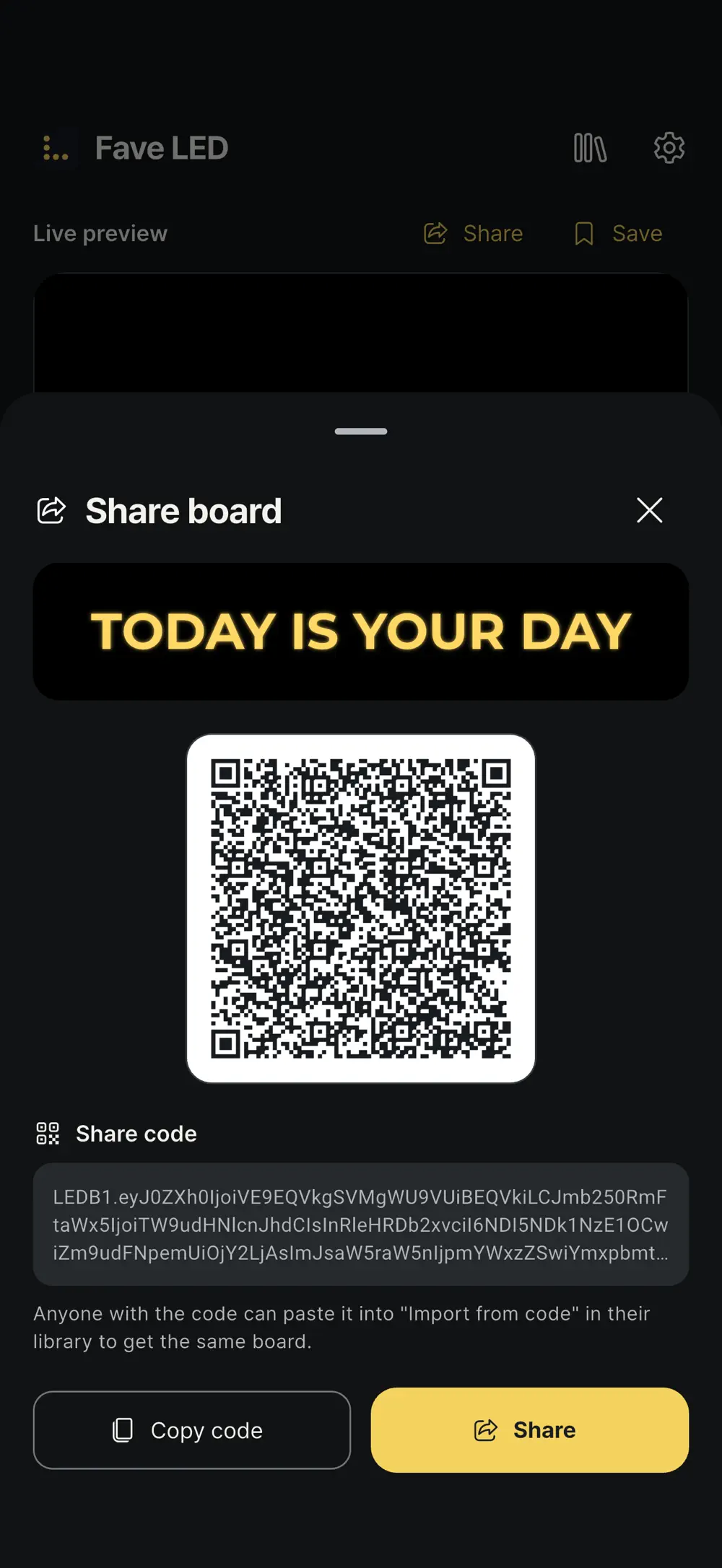
Pick several saved boards and play them in turn at a set interval. Share codes and QR codes include the message and its styling, so the recipient gets the same board.
Full screen
Tap Light it up to play in full-screen landscape. Controls hide after a moment, and the screen stays on while the board plays.

Made for
Fans cheering for an artist or team
People greeting someone at a party or an arrivals hall
Hosts putting short notices on a phone or tablet
Privacy & note
Boards and the library are managed on-device without requiring an account.
FAQ
Blinking speed, brightness and screen lock are all adjustable for dark halls and bright outdoor spaces alike.
Pick several saved boards and rotate them every 5 to 30 seconds. Recently used messages can be recalled as well.
Share a code or QR code that carries the message and its styling. Paste the code into the library to recreate the board. No account is needed.
Get the app
v1.0.15 · 112 MB · iOS 15.6+ · Android
Keep exploring