01
Trip history
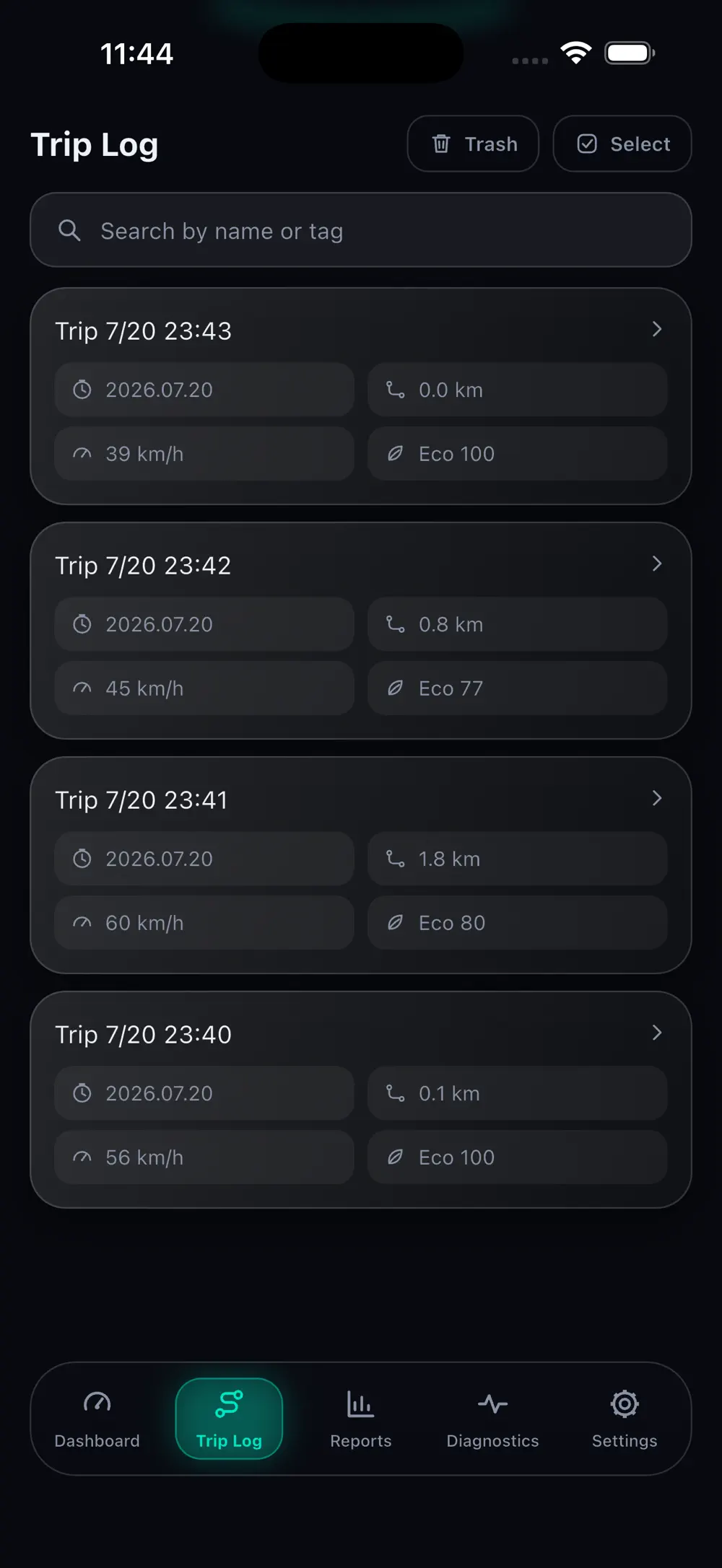
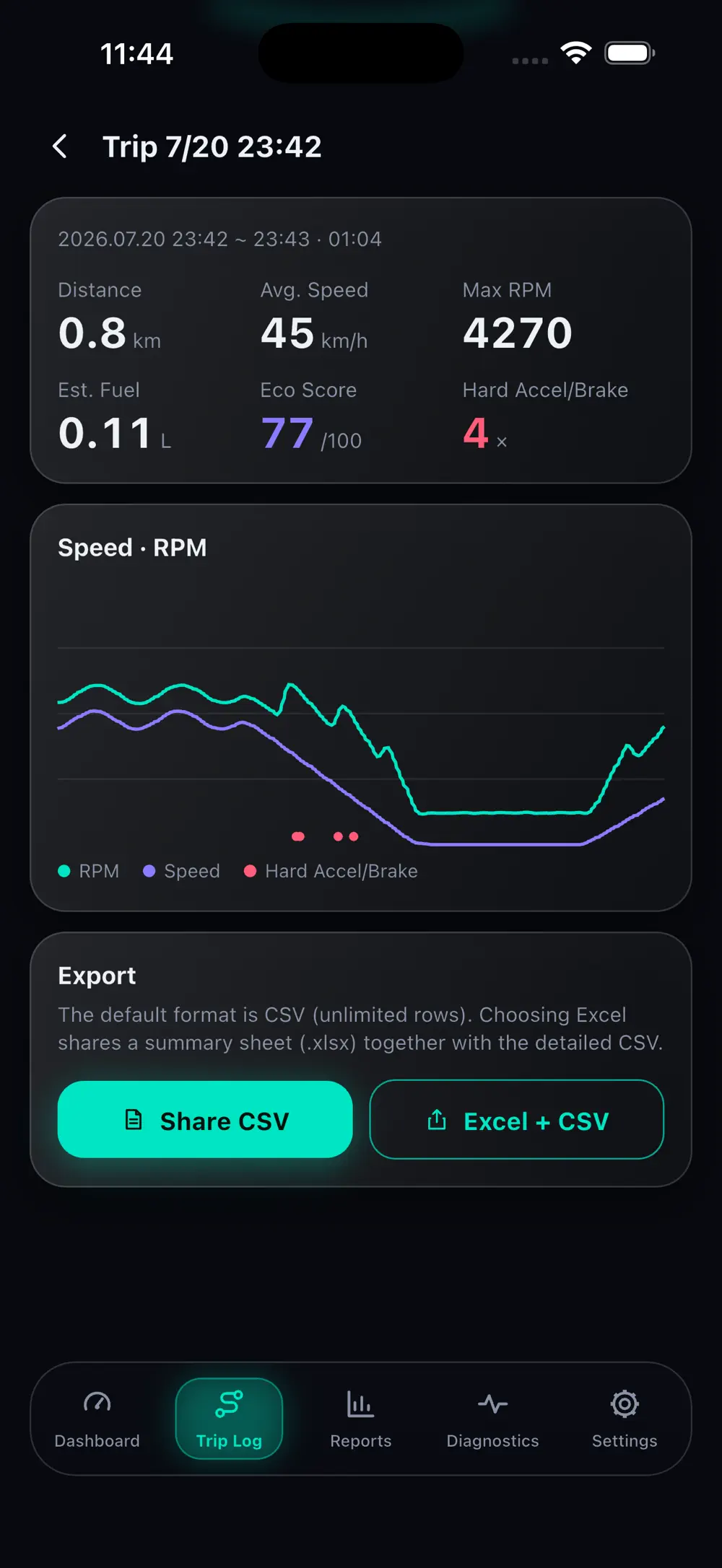
Each drive is logged with distance, time and speed.
Distance, time, average speed and RPM are logged automatically for each drive, with speed and engine changes on one chart. Export records to CSV or Excel.
Utilities
iOS · Android
Vehicle signals, translated into useful insight
Connect a Bluetooth OBD2 adapter to read live ECU data, diagnose faults and turn trip history into fuel and vehicle-health insights.
Free download code for students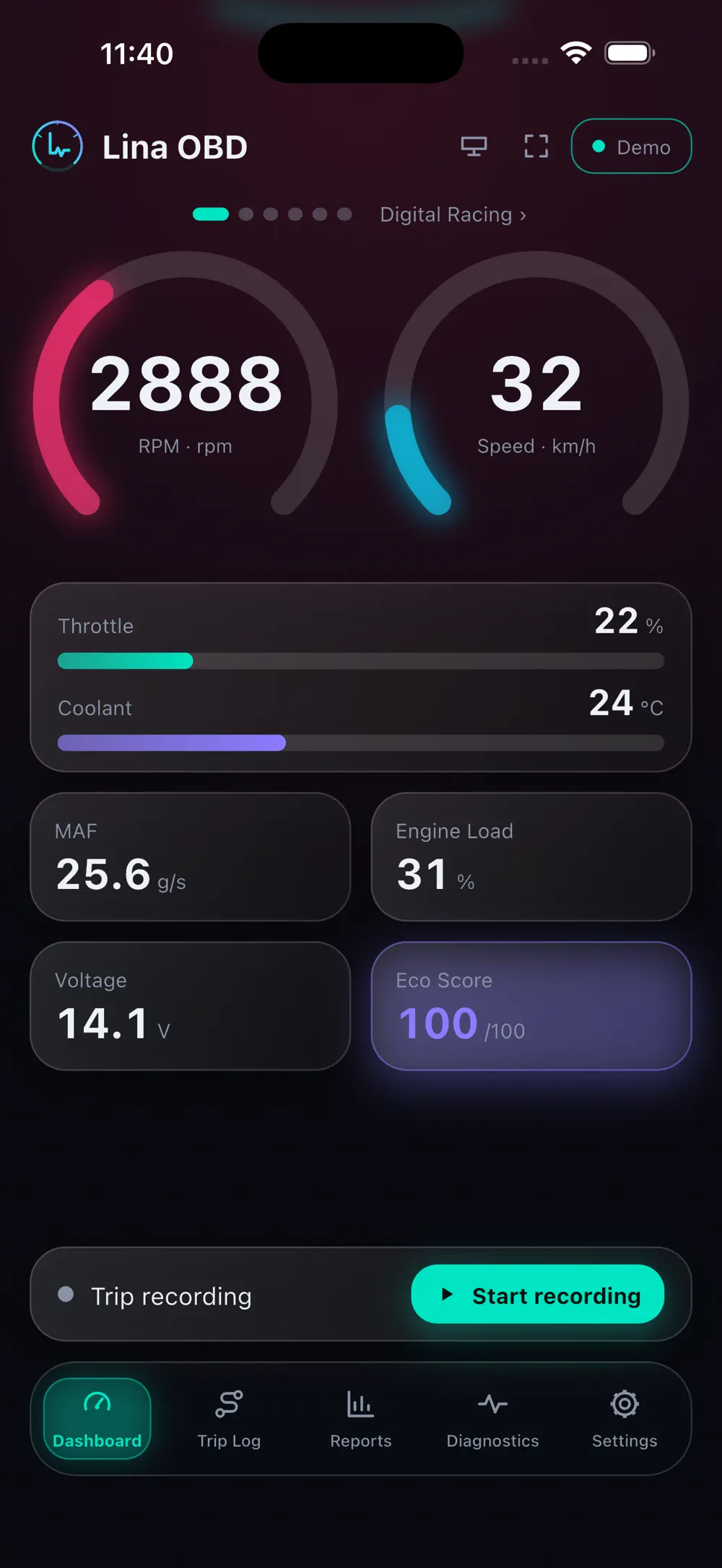
OBD2
Standard
4
Dashboards
100%
Local data
Screenshots
10 screenshots
Trip history
Distance, time, average speed and RPM are logged automatically for each drive, with speed and engine changes on one chart. Export records to CSV or Excel.
Vehicle reports
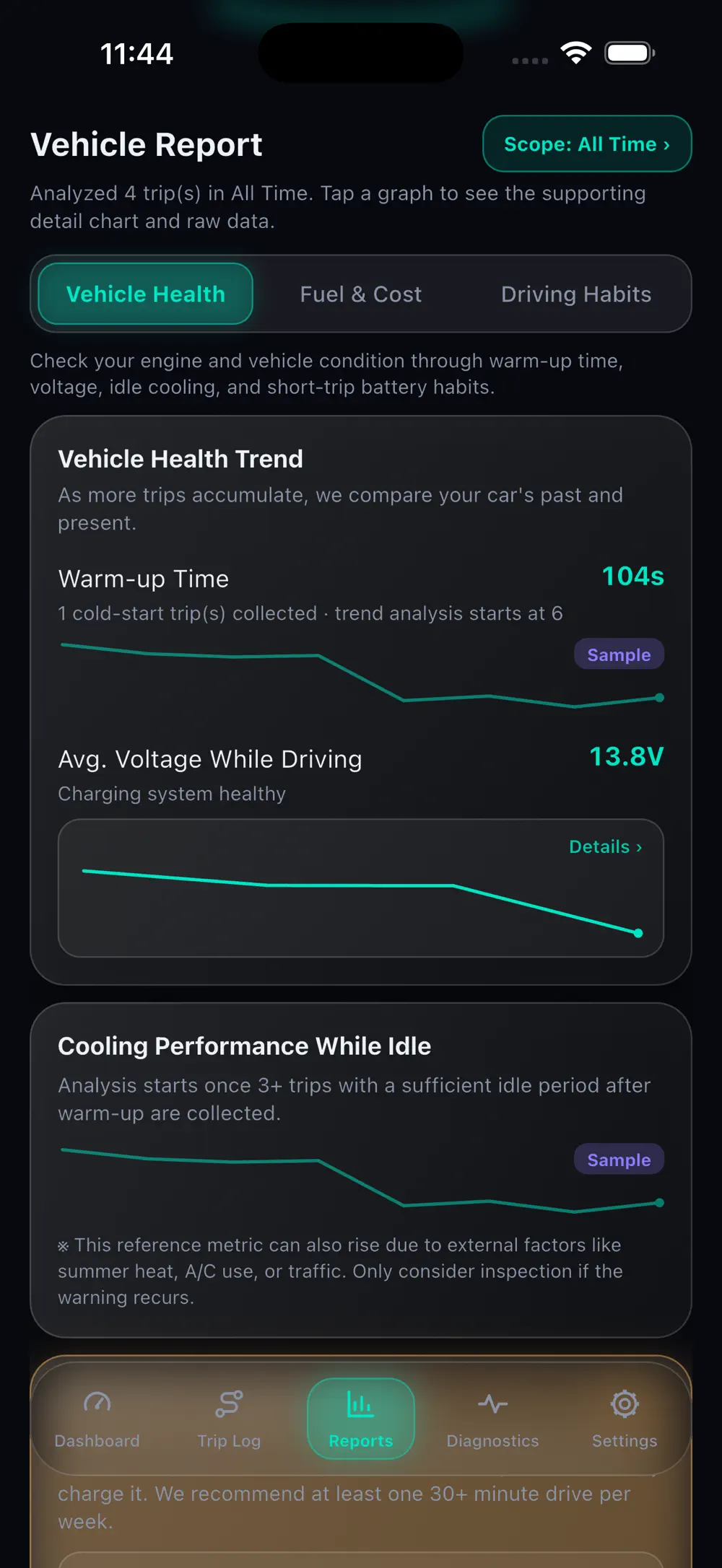
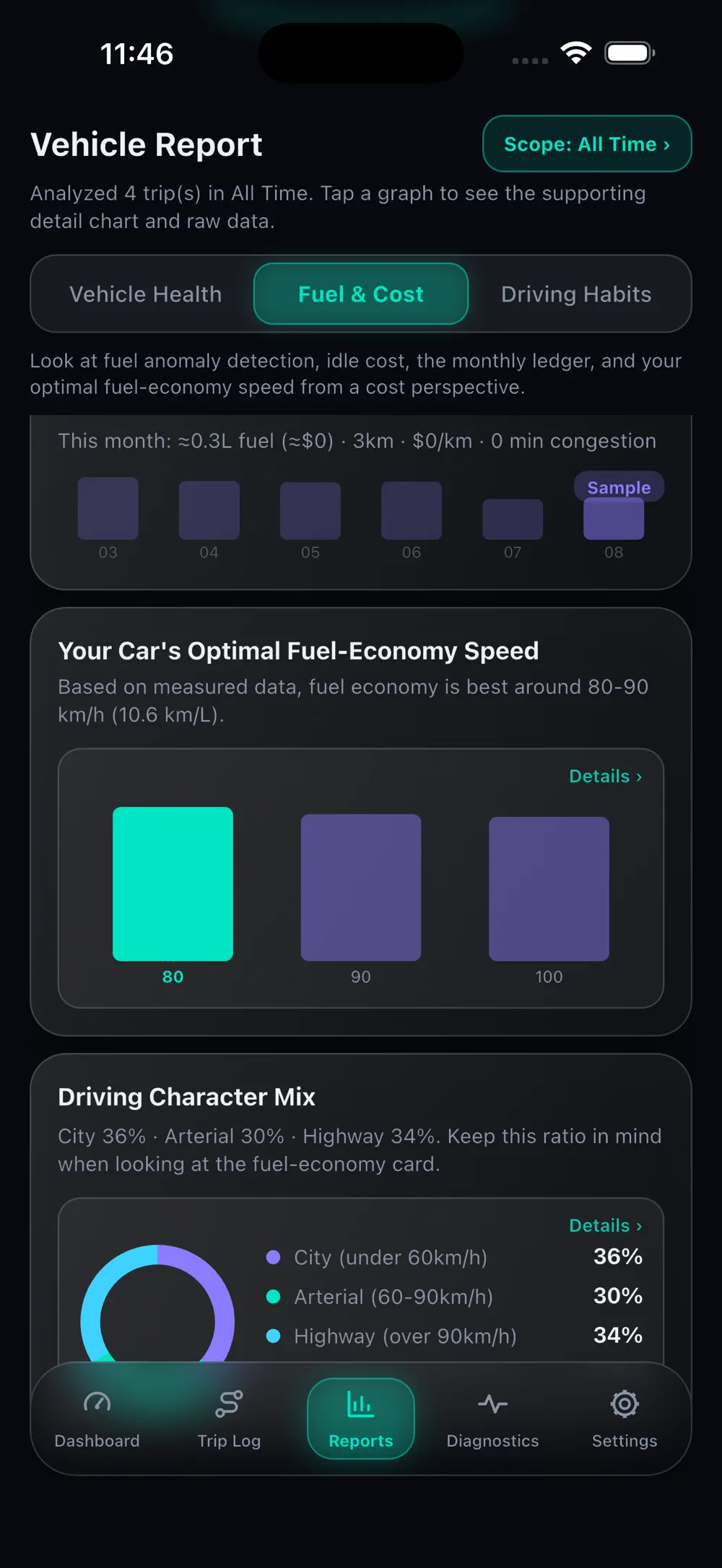
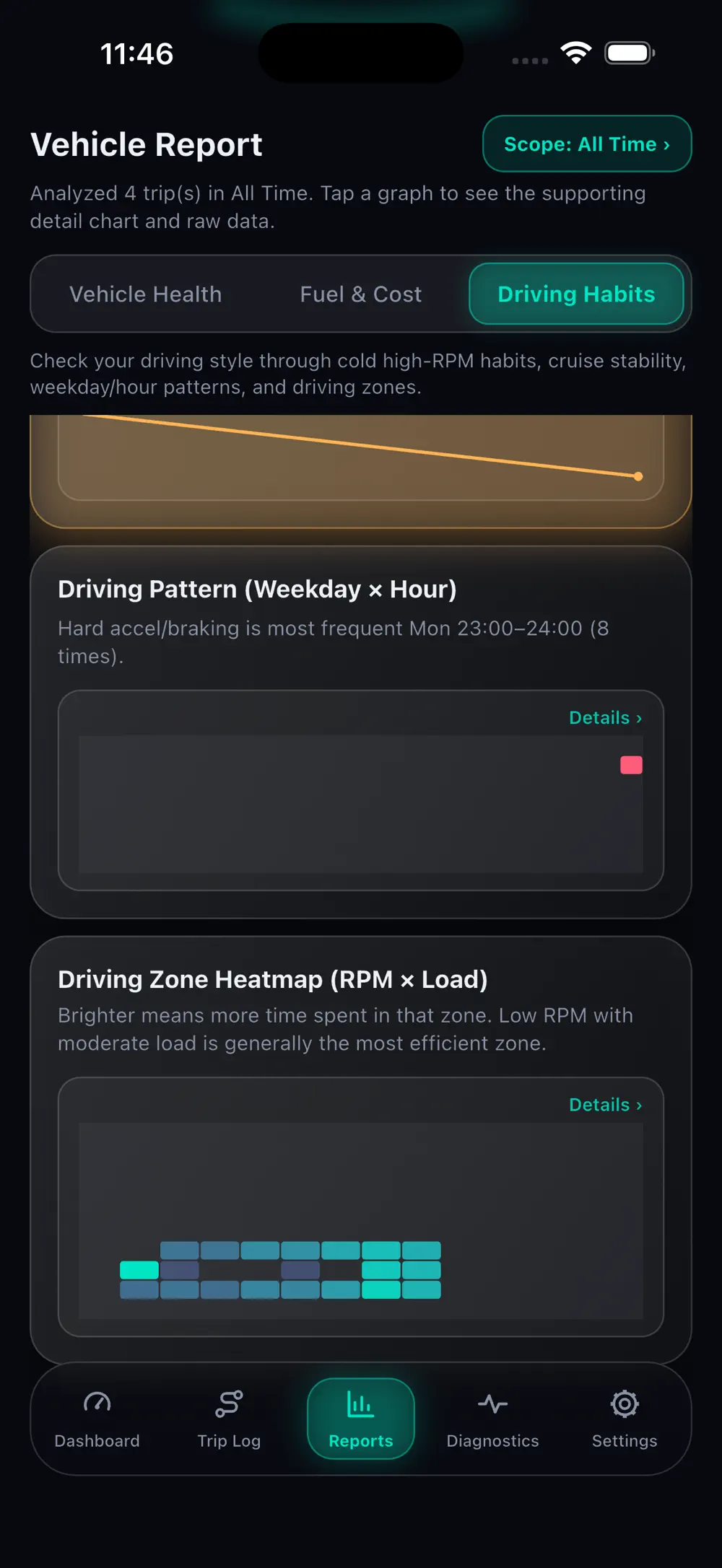
The health report covers battery, cooling and short trips, the cost report shows monthly fuel spend and efficient speed, and the habits report shows hard acceleration, braking and driving zones.
Diagnostics
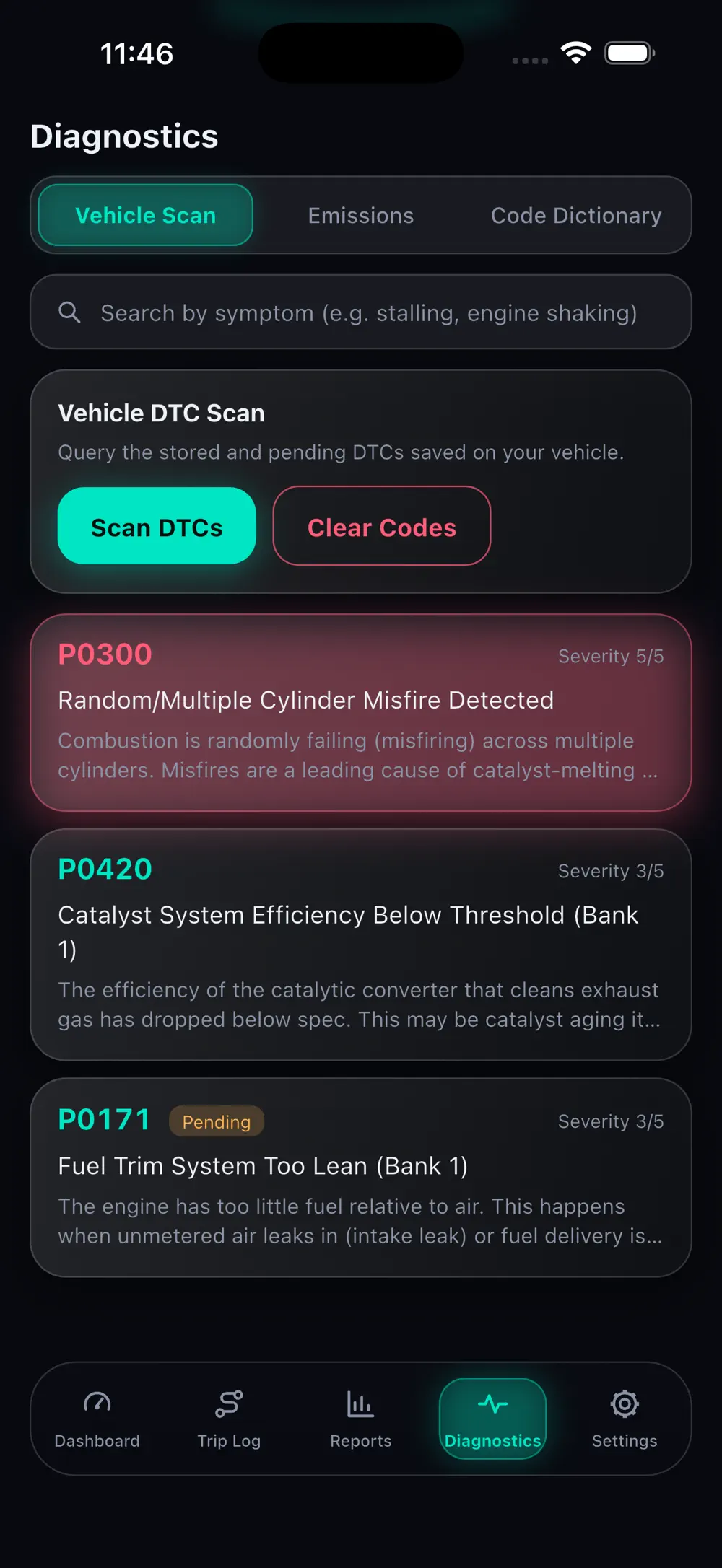
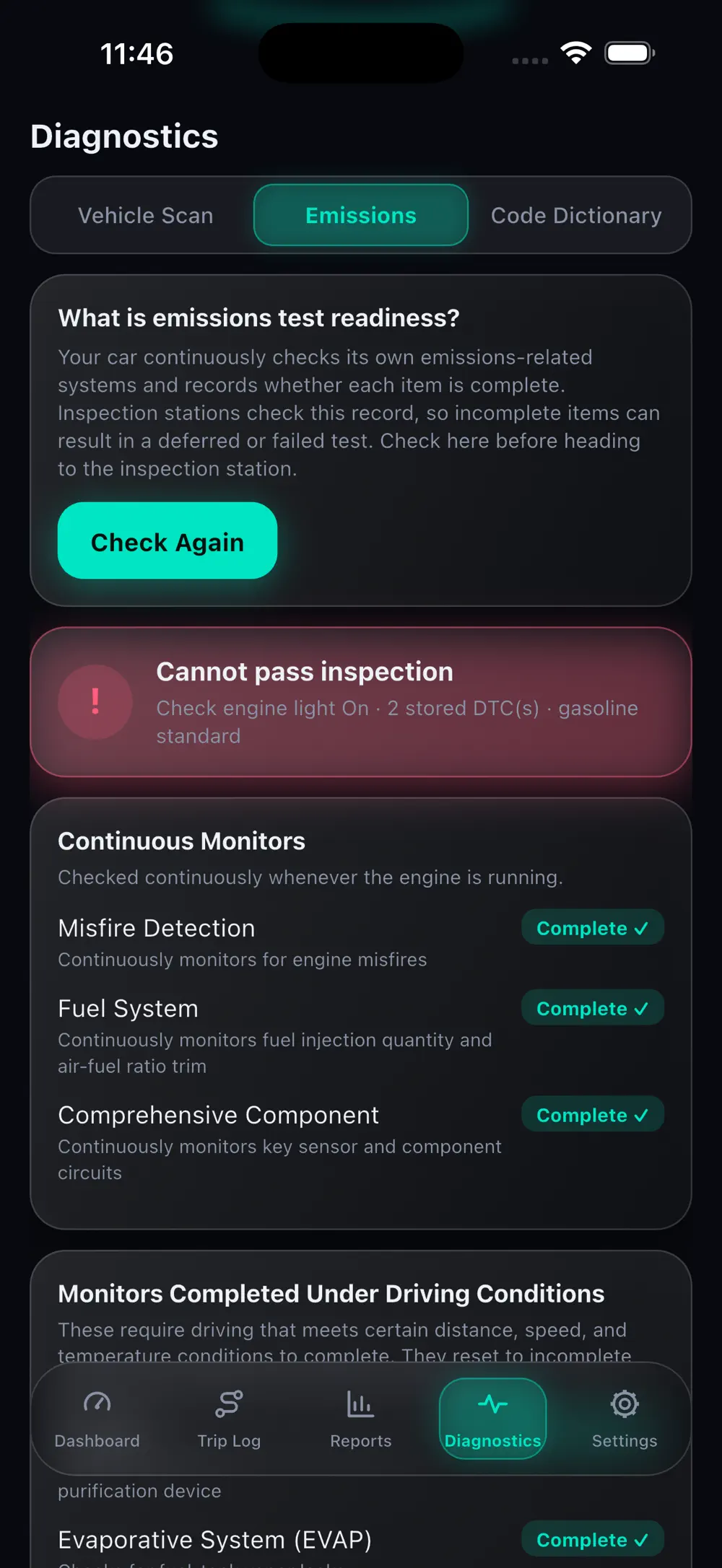
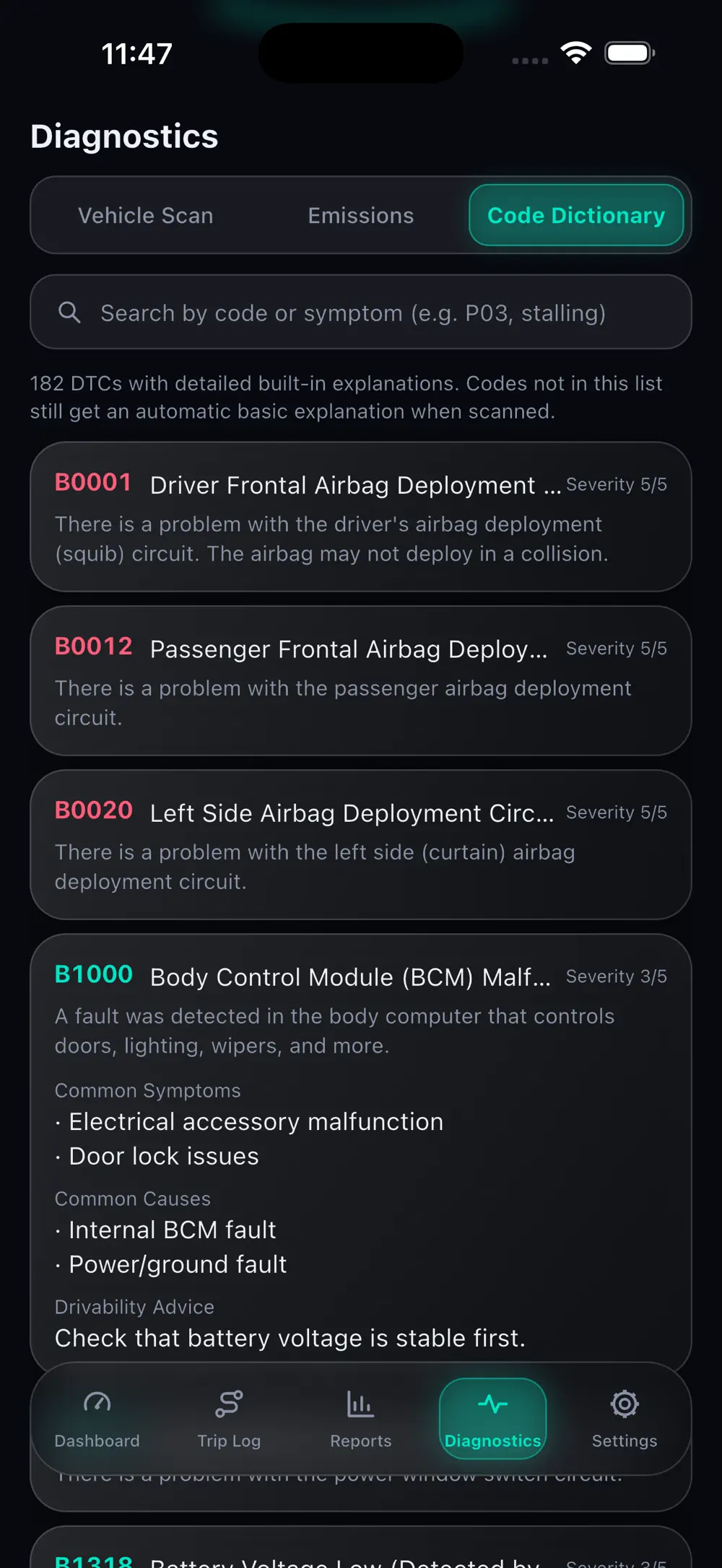
Read confirmed and pending fault codes with symptoms, likely causes, severity and whether it is safe to drive. Emissions readiness and a 182-code dictionary are in the same section.
Local first
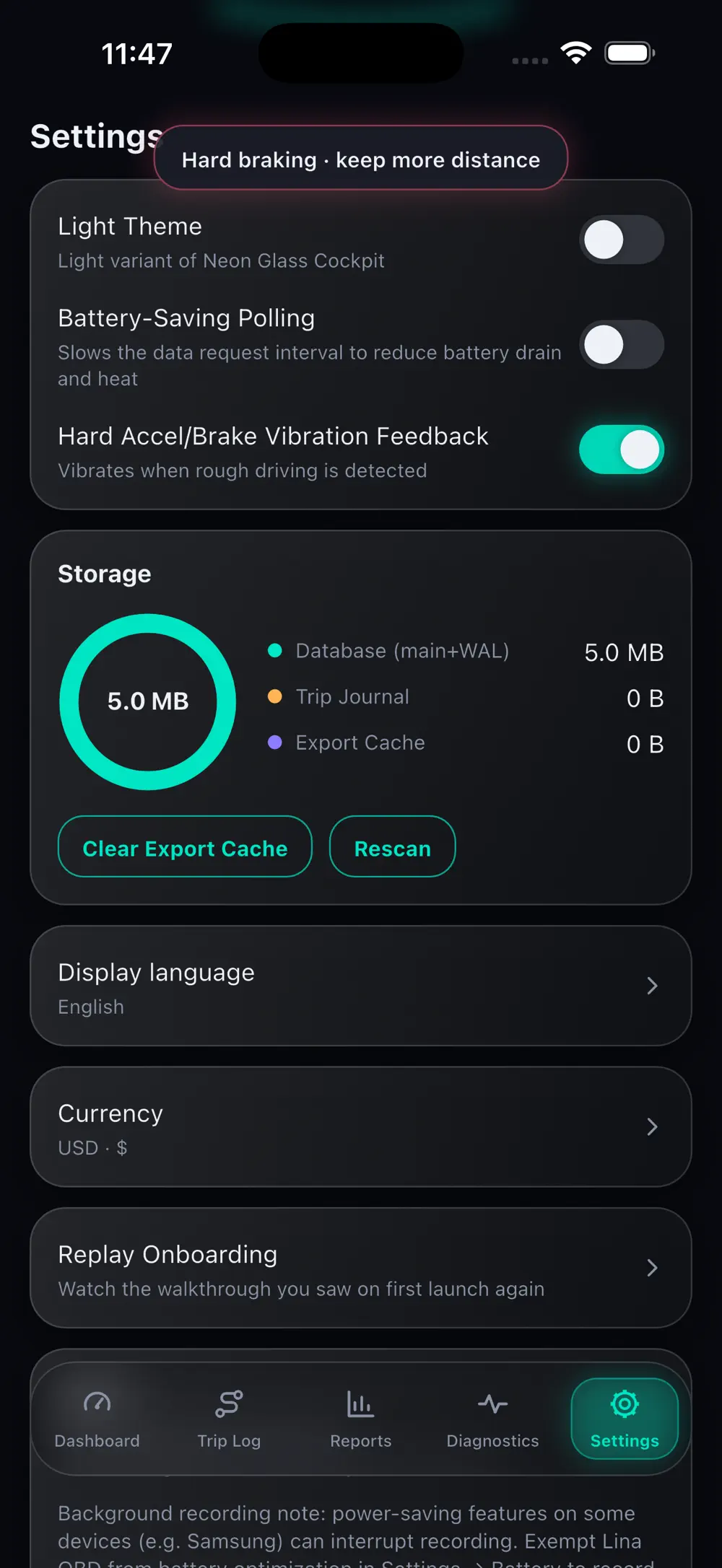
Manage storage, data deletion, theme and units yourself. Drive and diagnostic data is stored only on the device, and demo mode lets you try the app before connecting an OBD2 adapter.
Made for
Drivers who want direct visibility into vehicle health
Efficiency-minded drivers improving fuel habits
Technicians and DIY owners working with codes and trends
Privacy & note
Trip and diagnostic data stays on the device without an account, and every analysis runs locally.
FAQ
A Bluetooth or WiFi OBD2 adapter. Once connected, the app reads live ECU data immediately.
Each code arrives with symptoms, likely causes, severity and practical driveability guidance.
No. Trip and diagnostic data stays on the device without an account, and every analysis runs locally.
Get the app
v1.0.11 · 27 MB · iOS 15.6+ · Android
Keep exploring