01
Search and export
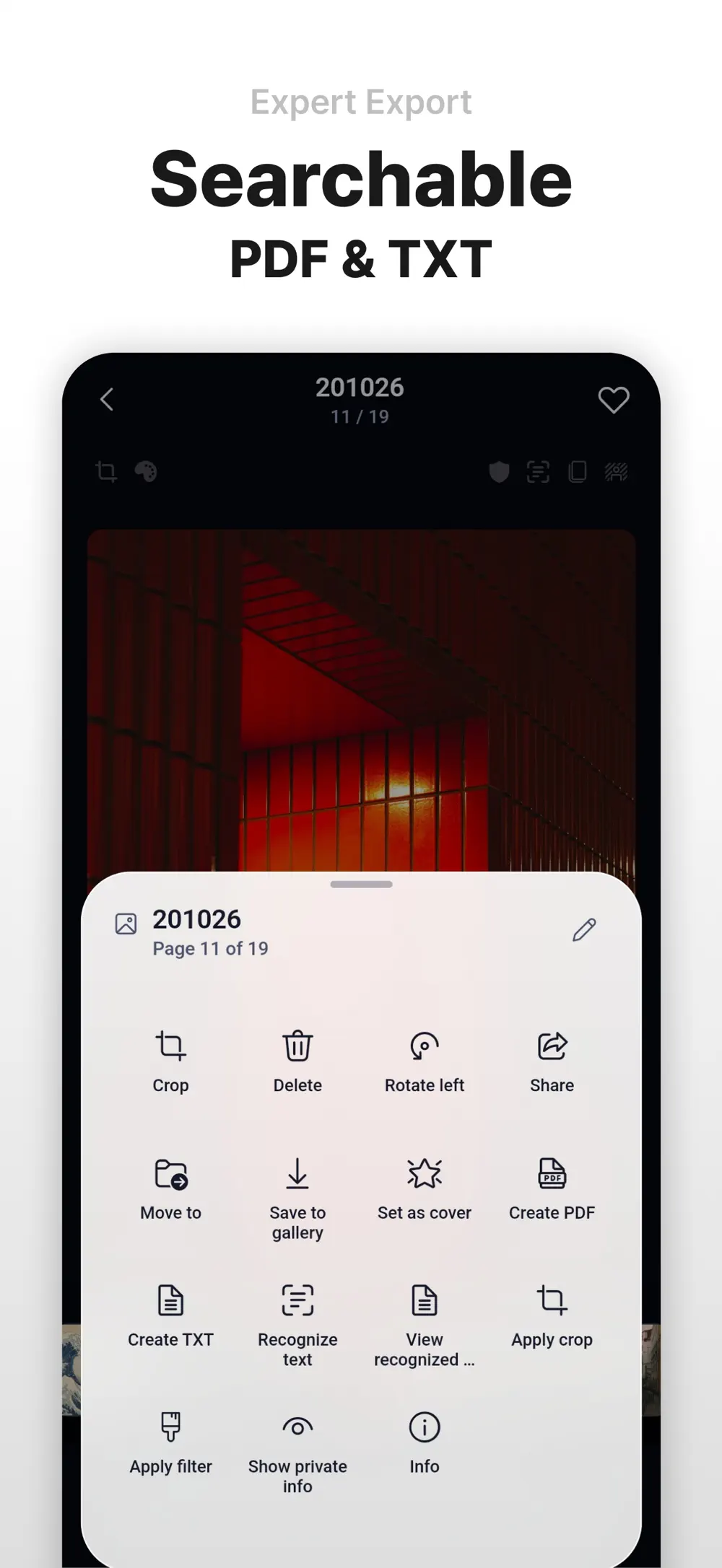
Search the text in scans and export them.
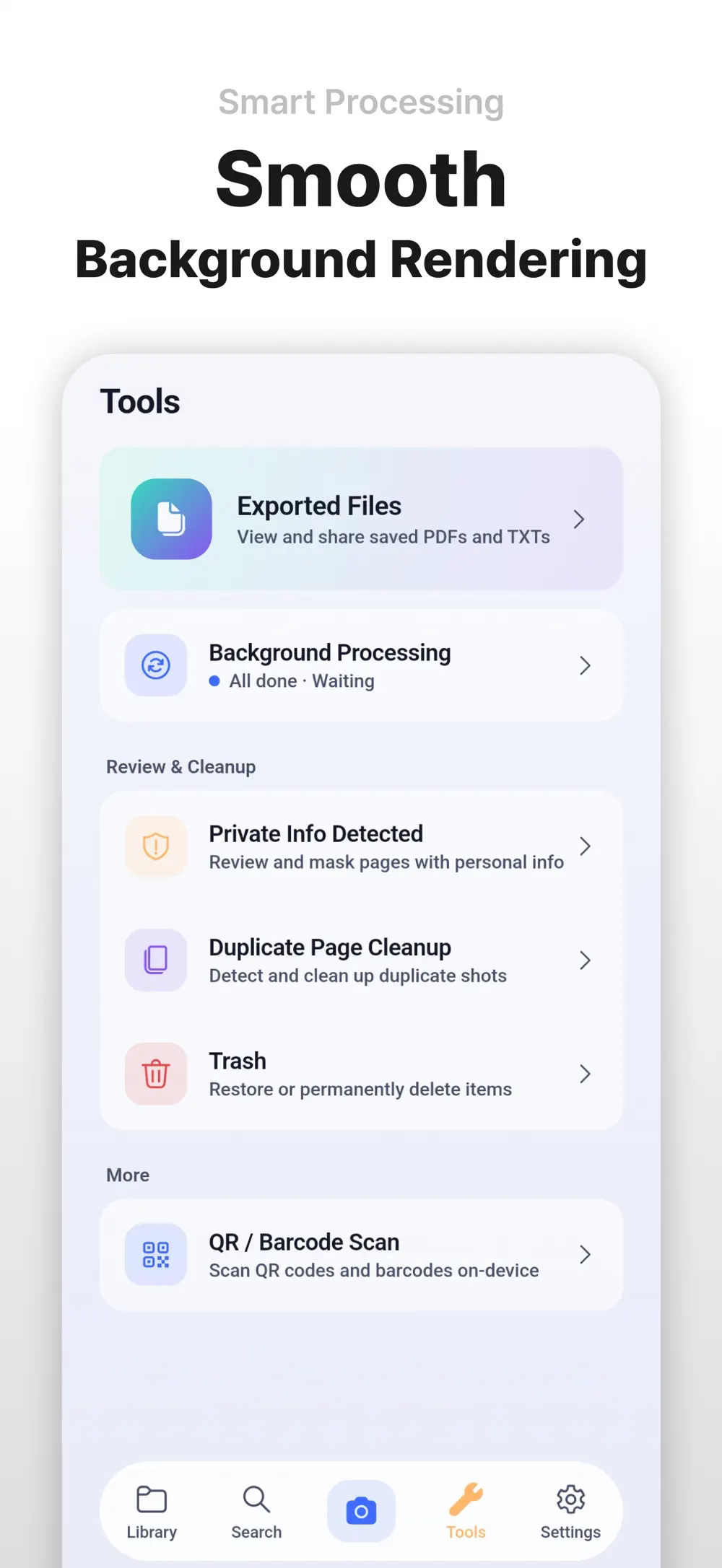
On-device OCR turns scans into searchable PDF or TXT, then exports them in the format you need. Correction, search and conversion are in the same action menu.

Productivity
iOS · Android
Sharp documents. Private by design.
A premium on-device document scanner combining automatic perspective correction, offline OCR, full-text search and privacy masking in one capture flow.
Free download code for students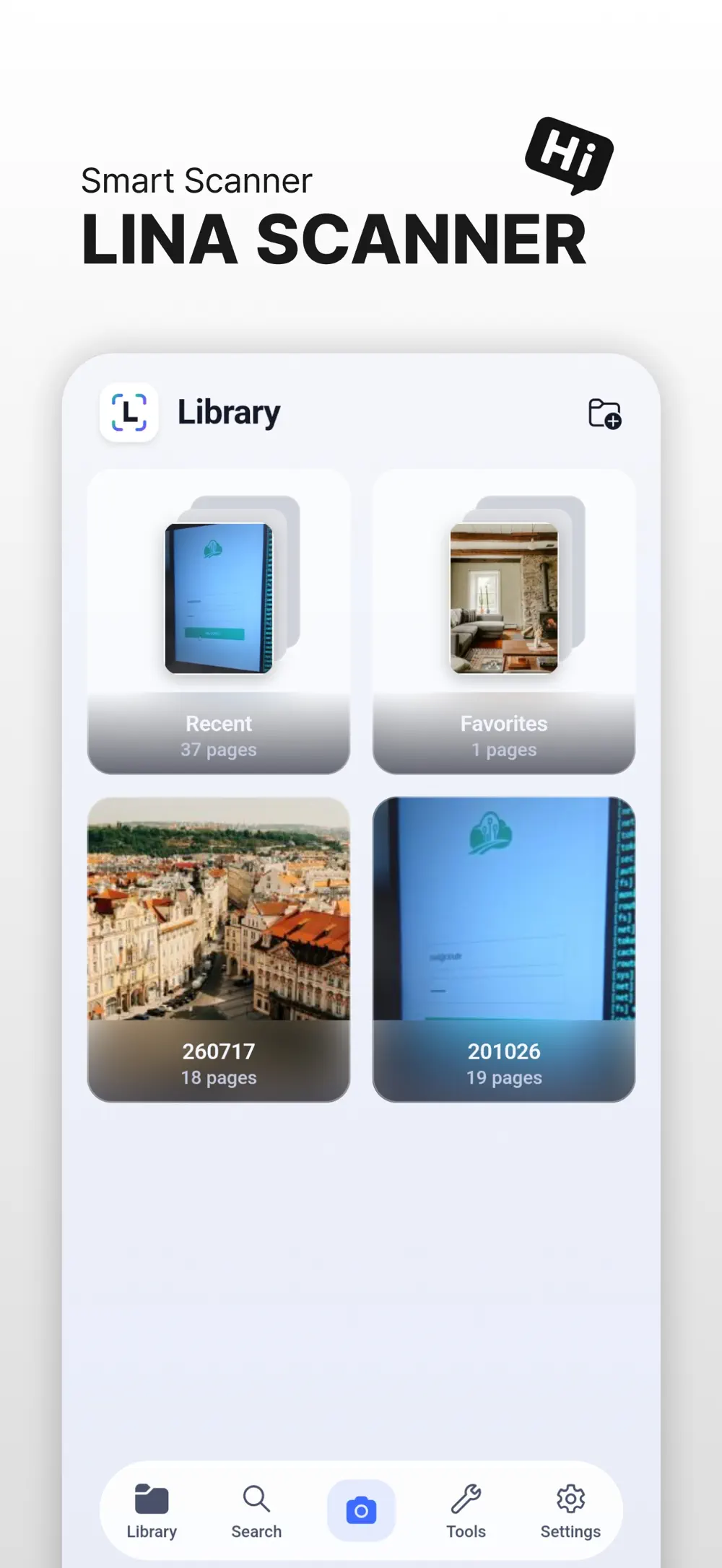
9
Document filters
4
OCR languages
0
Server uploads
Screenshots
8 screenshots
Search and export
On-device OCR turns scans into searchable PDF or TXT, then exports them in the format you need. Correction, search and conversion are in the same action menu.
Capture and correction
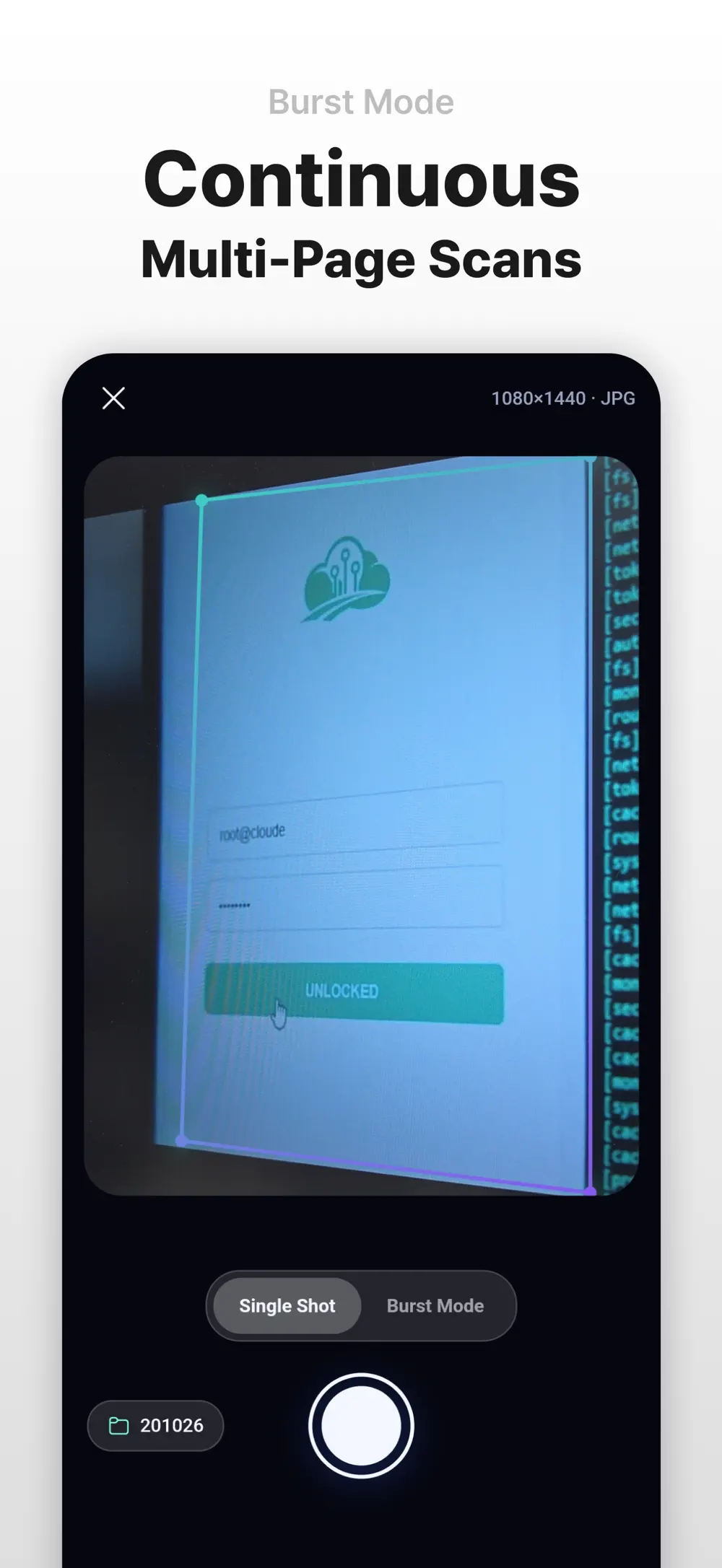
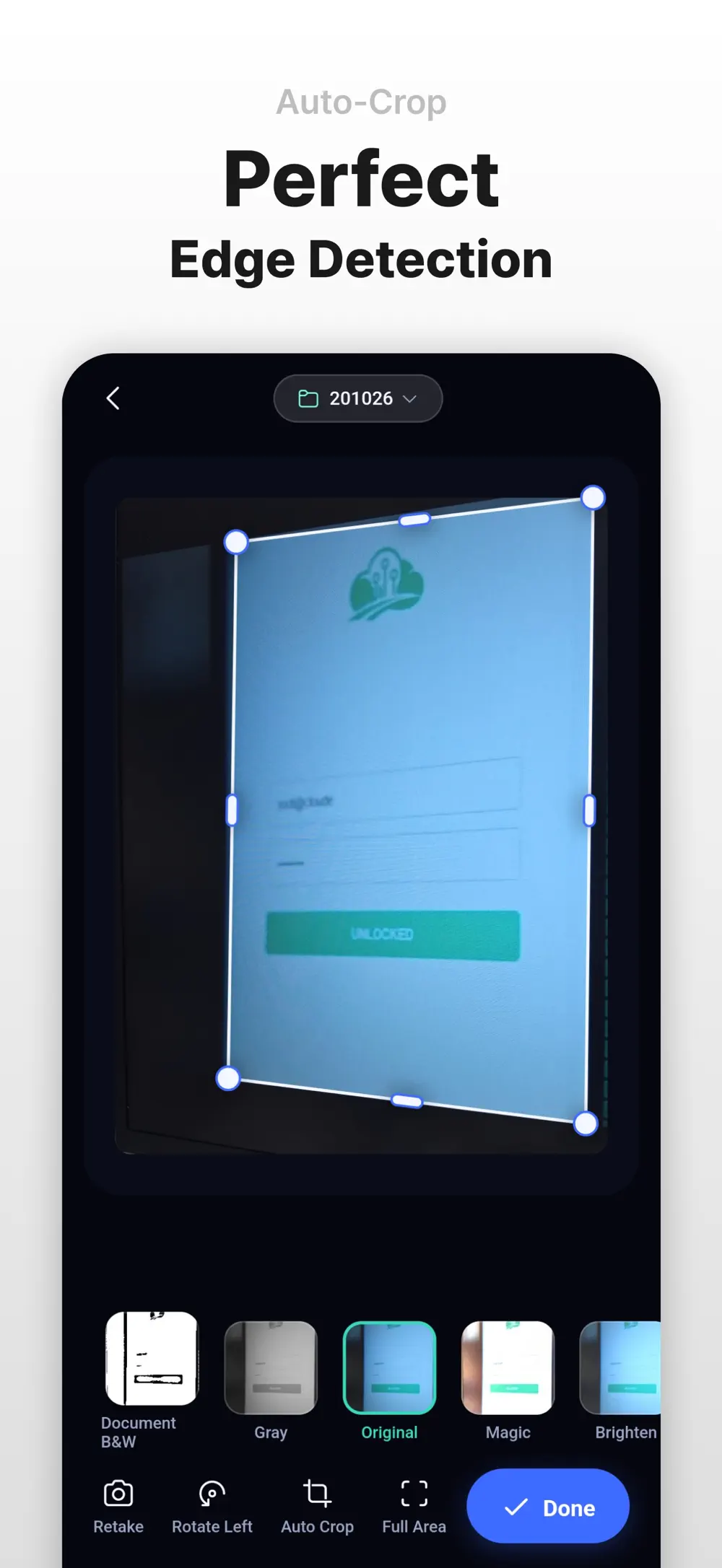
Continuous capture takes several pages in one go, and automatic edge detection straightens tilted documents. Nine filters handle quick cleanup.
Order and privacy
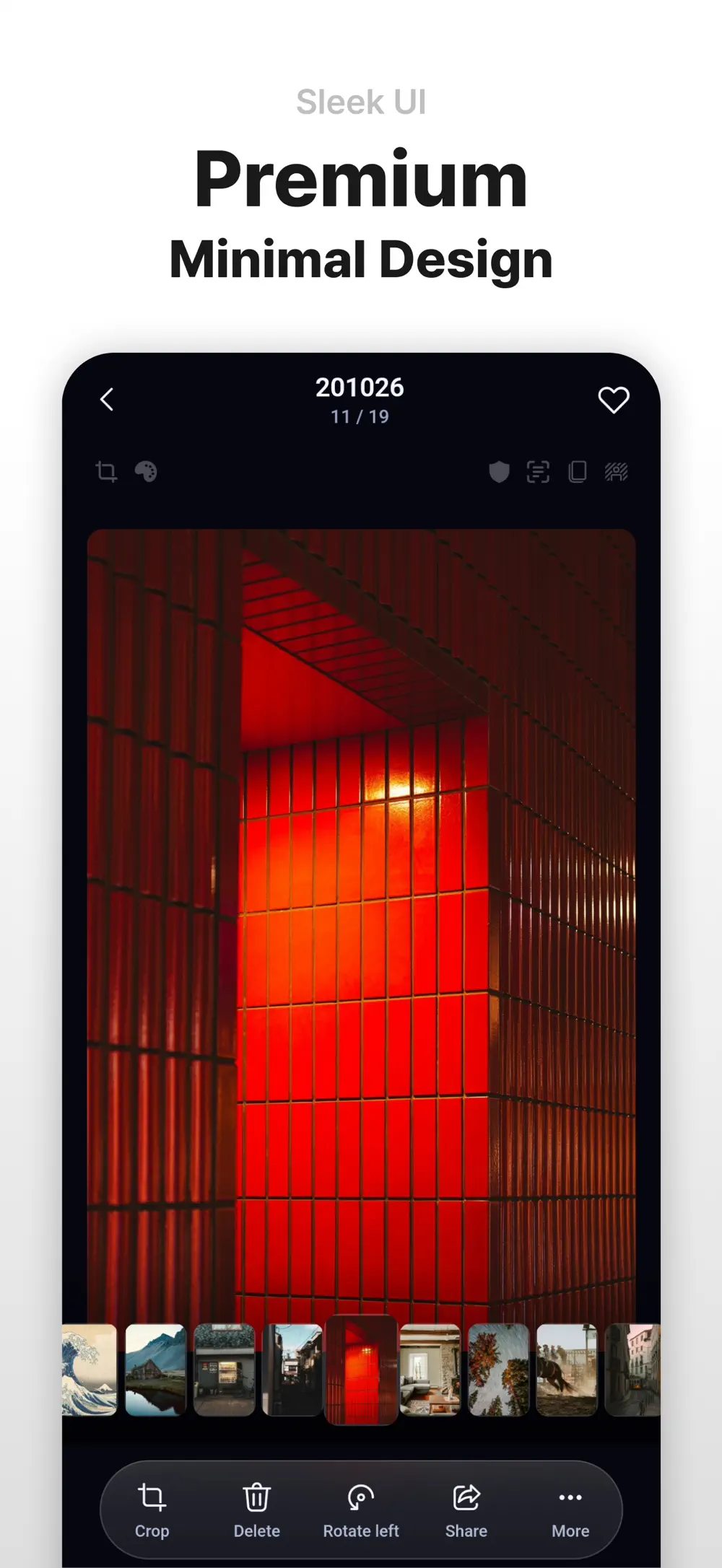
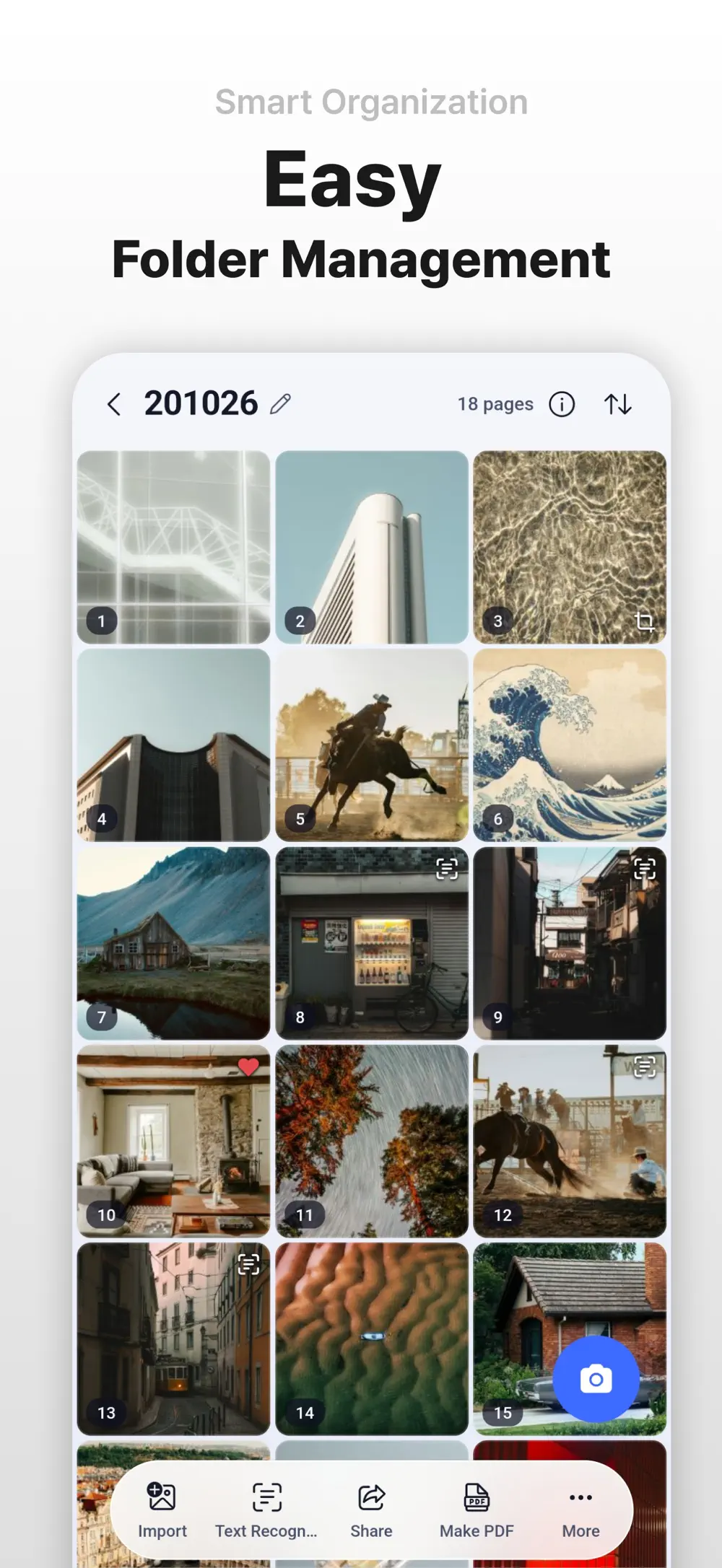
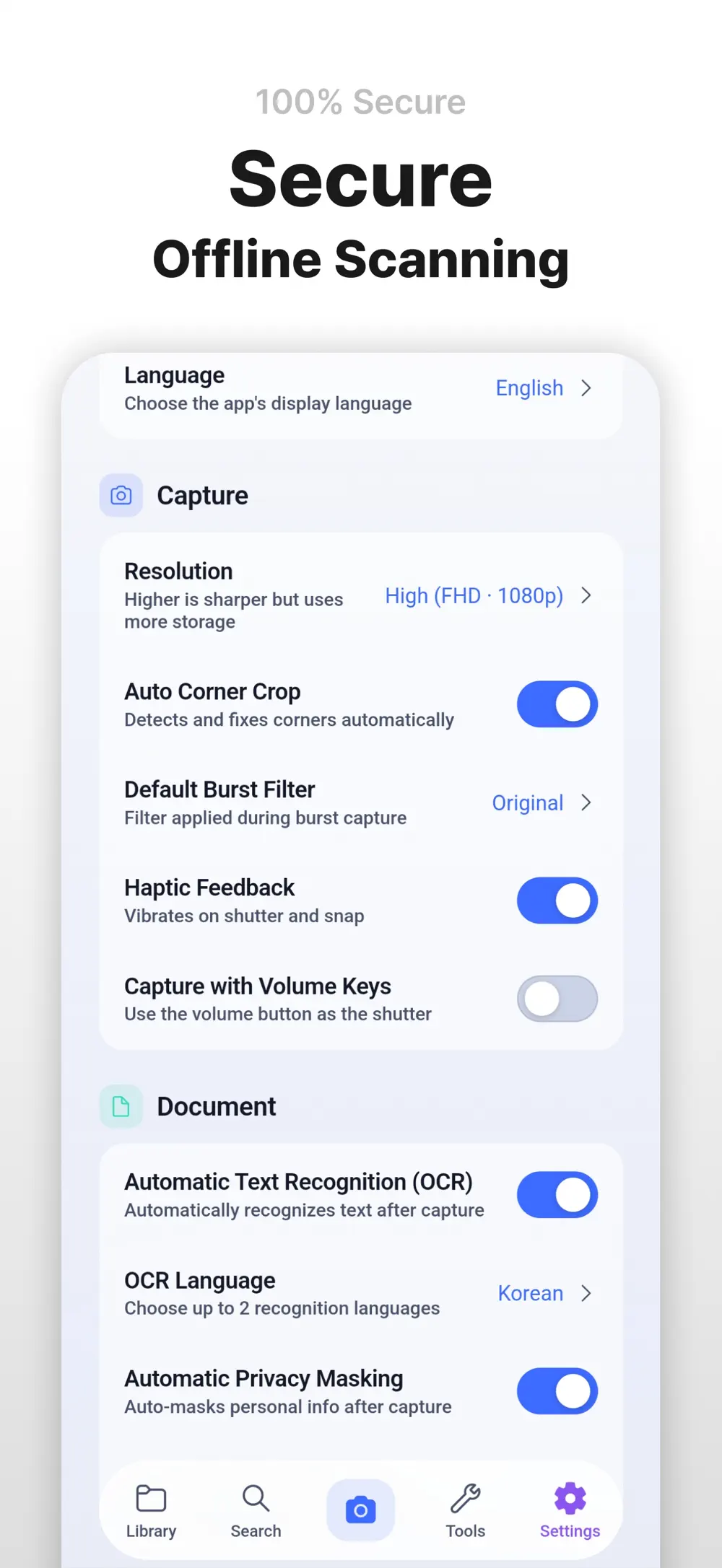
Reorder pages in folders and run sensitive-data masking or duplicate cleanup when needed. OCR and enhancement run on the device without uploads, and you manage storage yourself.
Made for
Professionals working with contracts and receipts
Students digitizing notes and handouts
Anyone who wants document storage without a cloud account
Privacy & note
Capture, enhancement, OCR and search all happen on-device, without accounts, ads or forced cloud uploads.
FAQ
Capture, enhancement, OCR and search all run on-device, so everything works offline.
They are not. There is no account, no advertising and no forced cloud upload.
Korean, English, Spanish and Japanese are recognized locally and exported as searchable PDF or plain text.
Get the app
v1.0.15 · 100 MB · iOS 15.6+ · Android
Keep exploring