
Remove
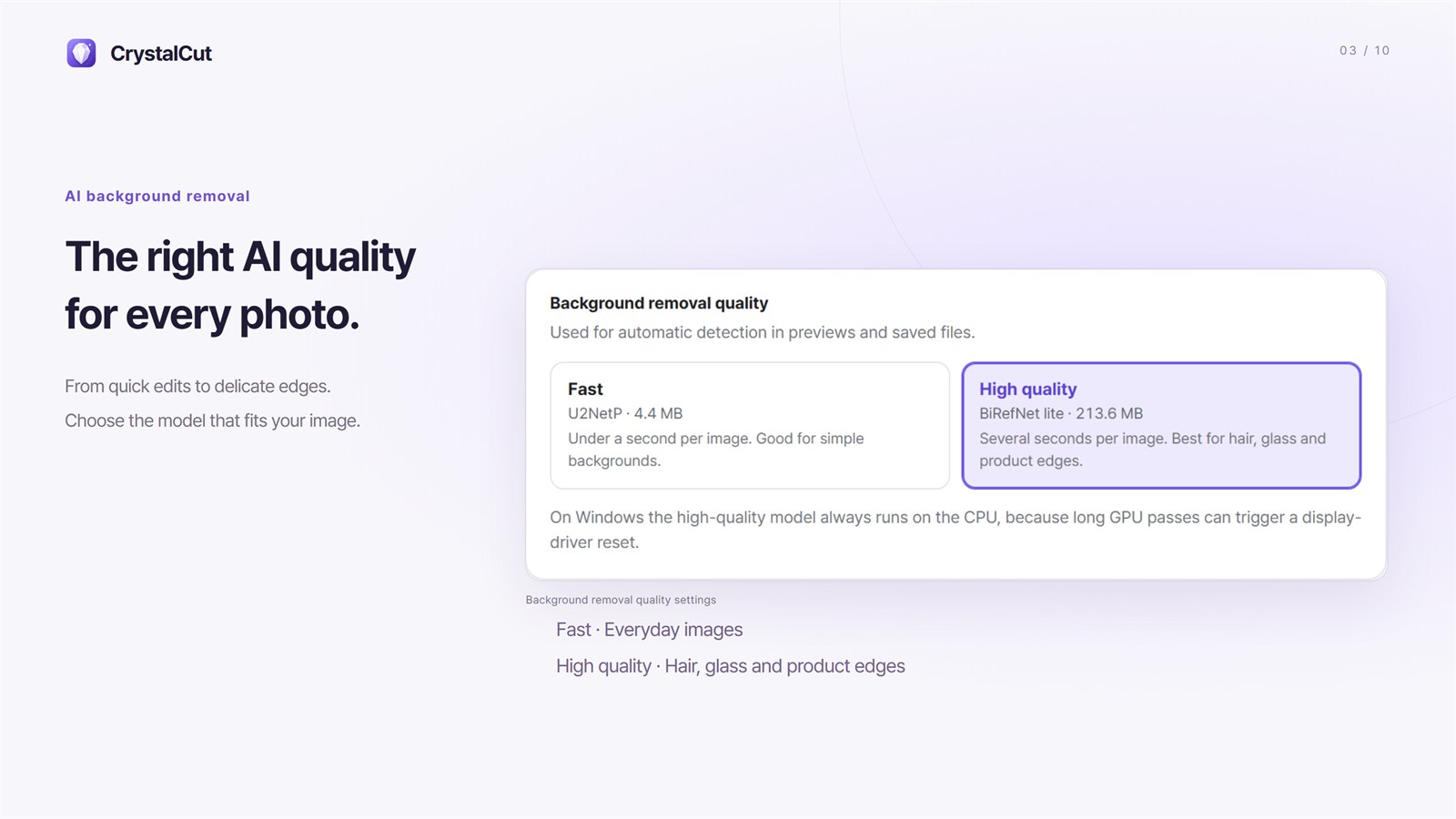
Remove the background with the Fast or High quality model.
Image utility
Windows · macOS 10.13+
Fast images. Private processing.
AI background removal, object selection, brush refinement and batch conversion in one workspace.
01 · The need behind it
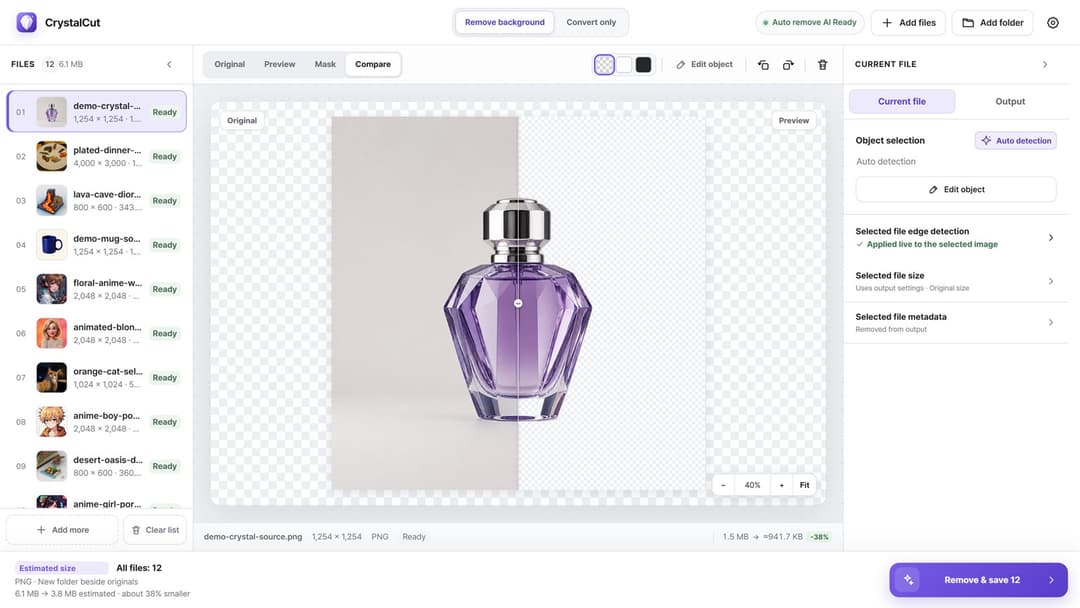
AI removes the background first, then you compare the result and fix only what needs attention. Save one image or a whole folder with the same rules, or start right from the File Explorer context menu or a Finder Quick Action.
Remove the background with the Fast or High quality model.
Check in Compare view, then fix with marks or brushes.
Set background, canvas, size and format, then save in a batch.
02 · Key features
10 screenshots
Removal
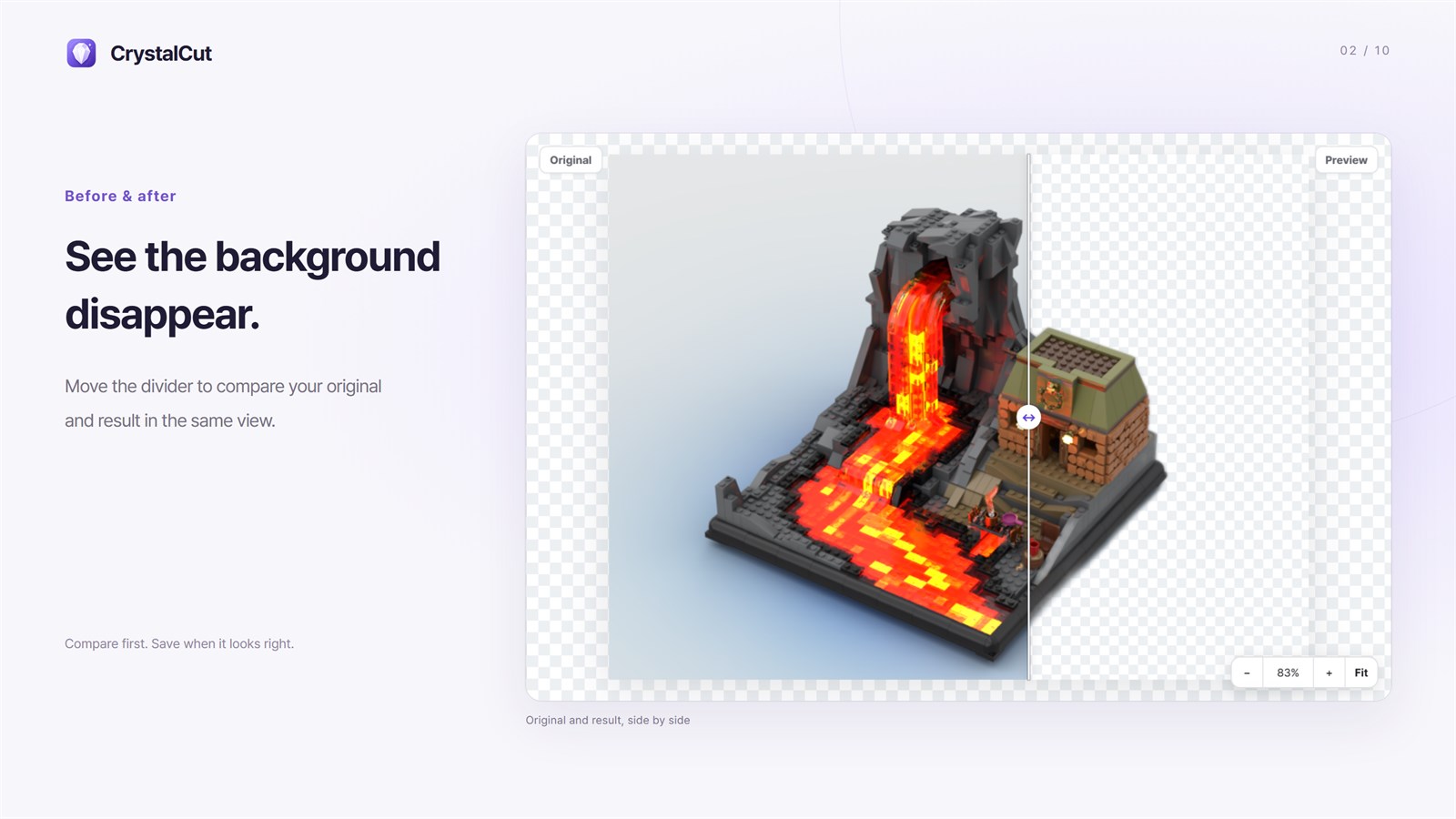
The Fast model takes under a second per image, while the optional High quality model separates hair, glass and complex outlines more cleanly. Drag the divider to check the result against the original.
Refinement
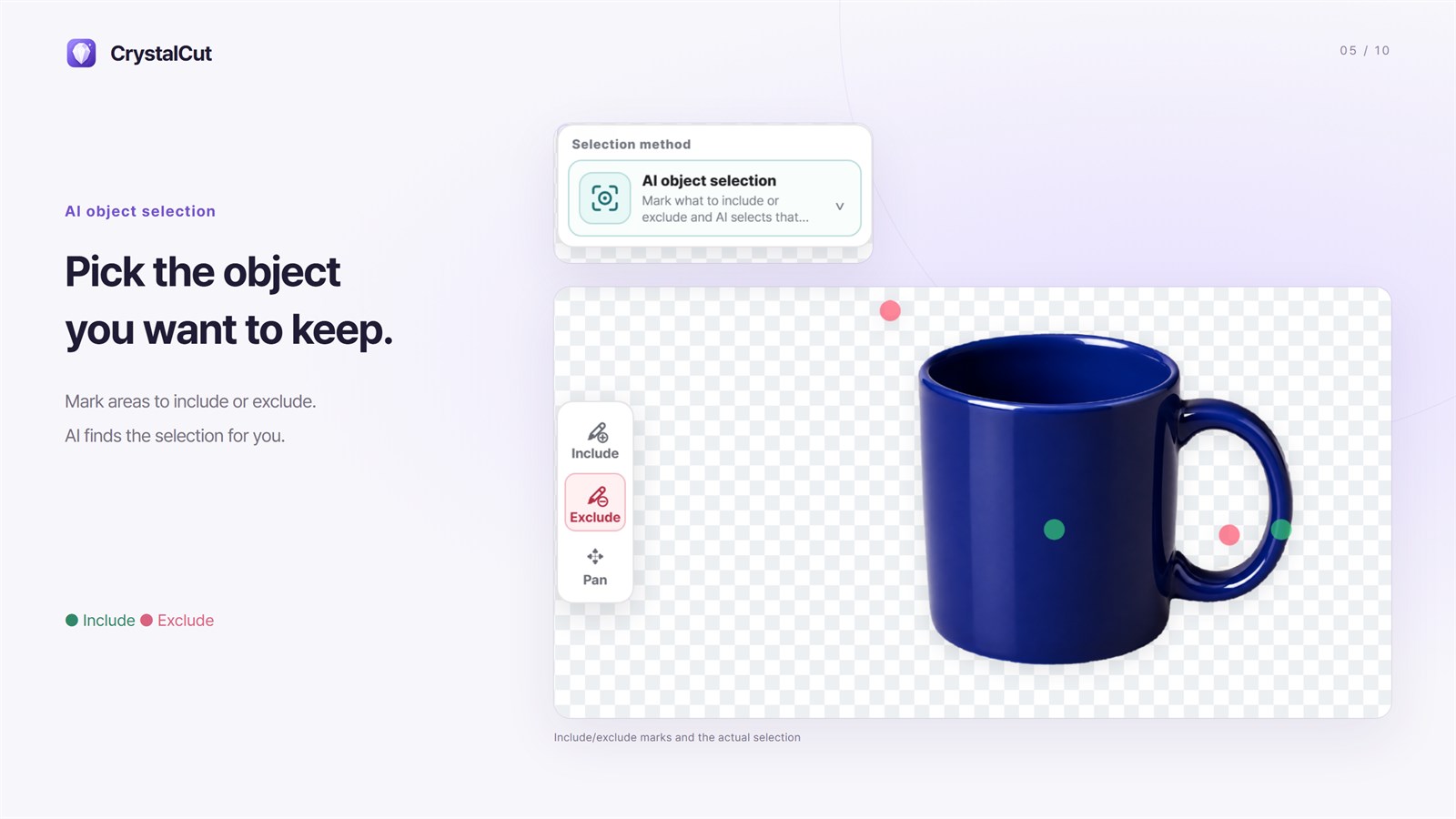
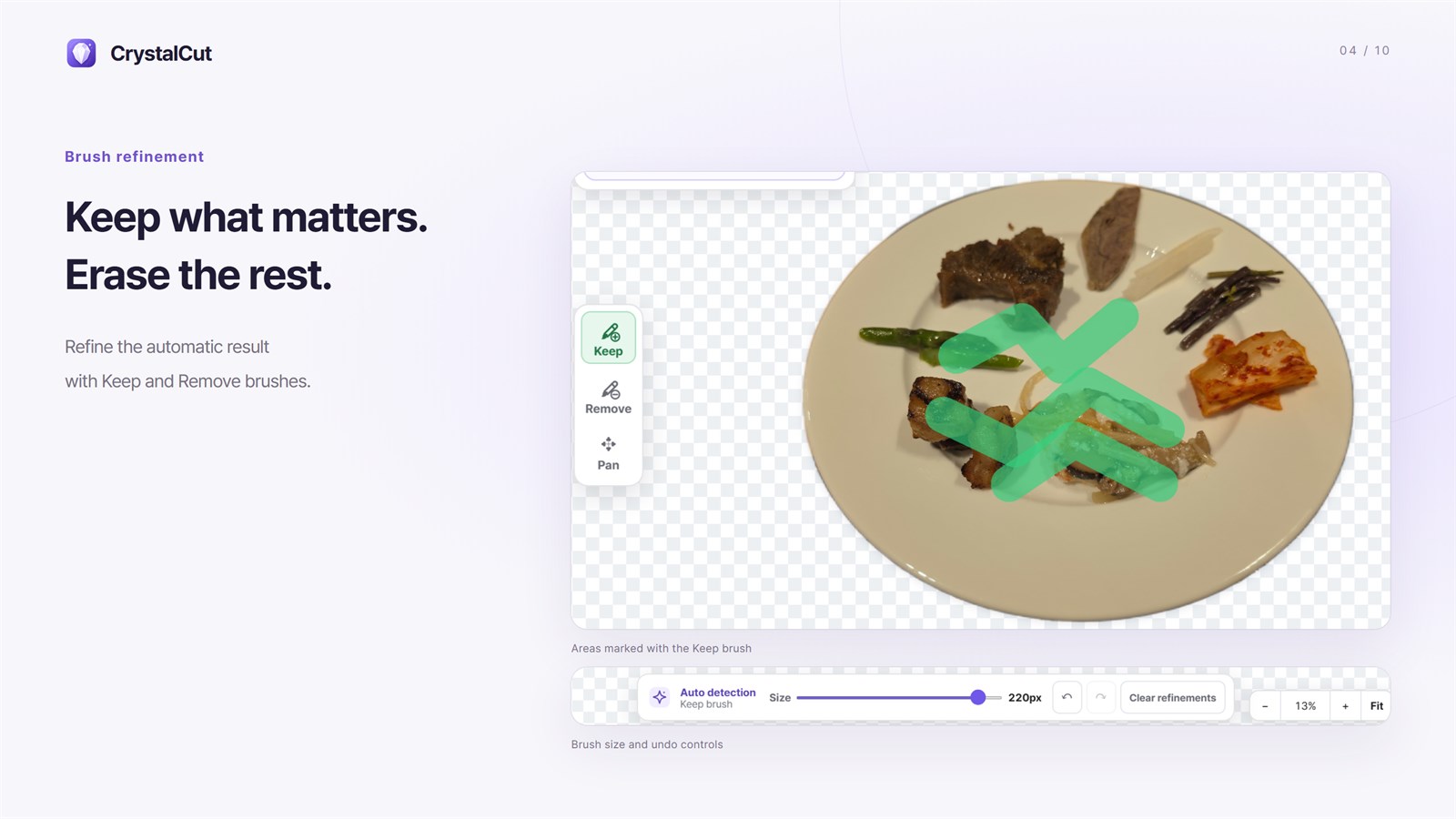
Place include and exclude marks and AI reselects the object, or paint the mask yourself with Keep and Remove brushes. Edge smoothing, feathering and expand/contract are set per file.
Product-ready
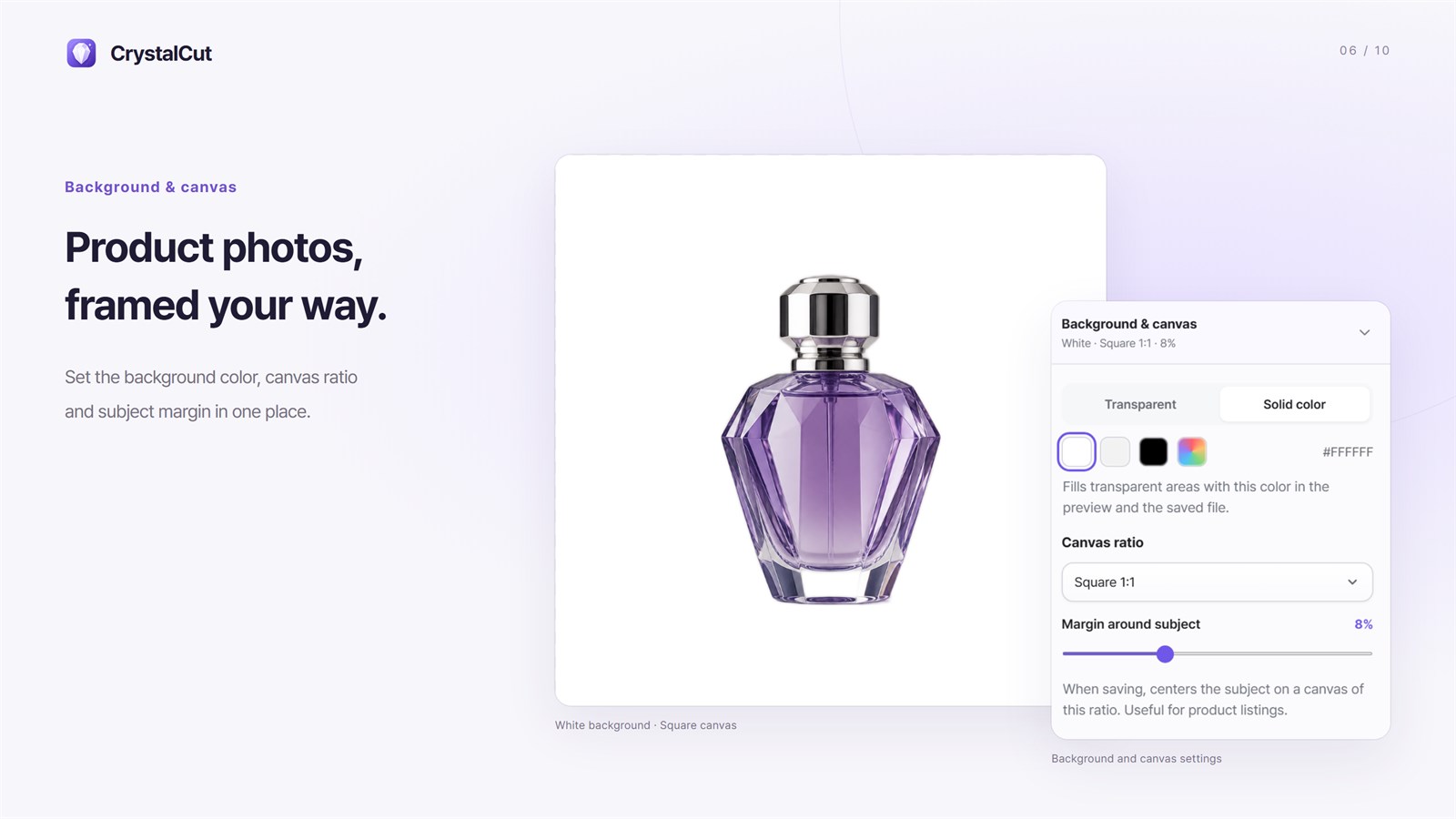
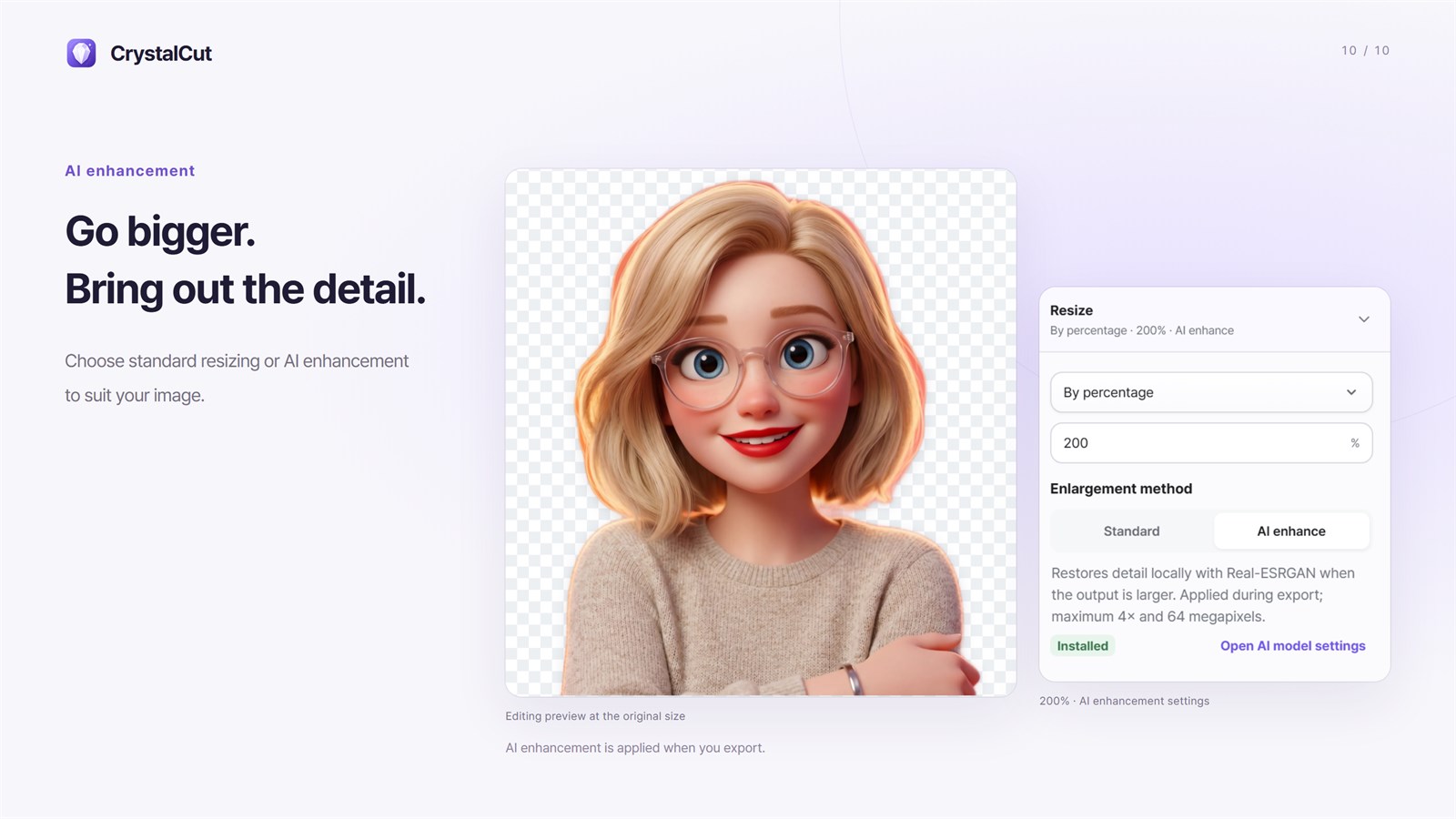
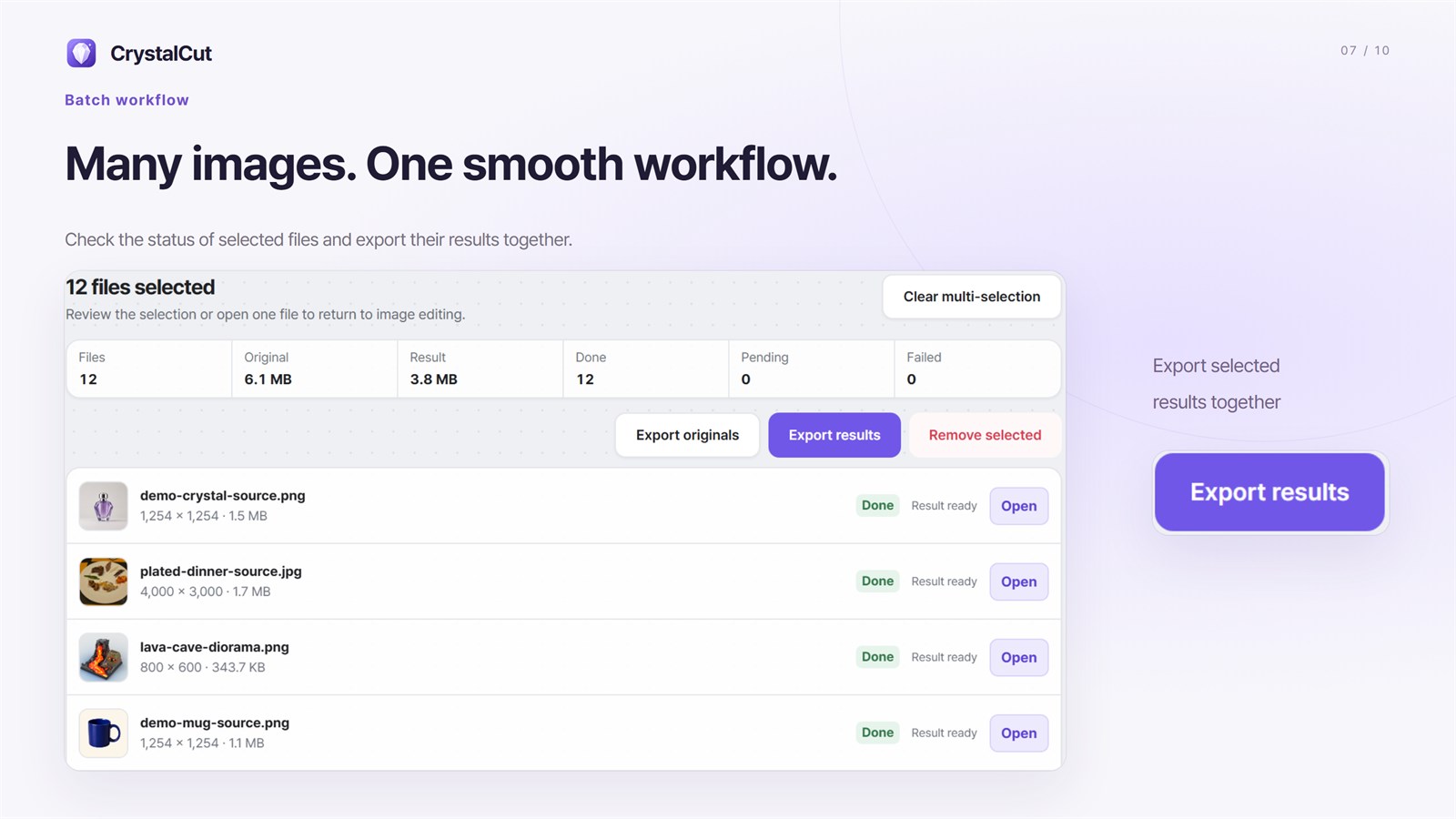
Pick a transparent or solid background, a 1:1, 4:5, 3:4 or 16:9 canvas and a subject margin, and enhance up to 4× with local AI when needed. Then export results for every selected file at once.
Your setup
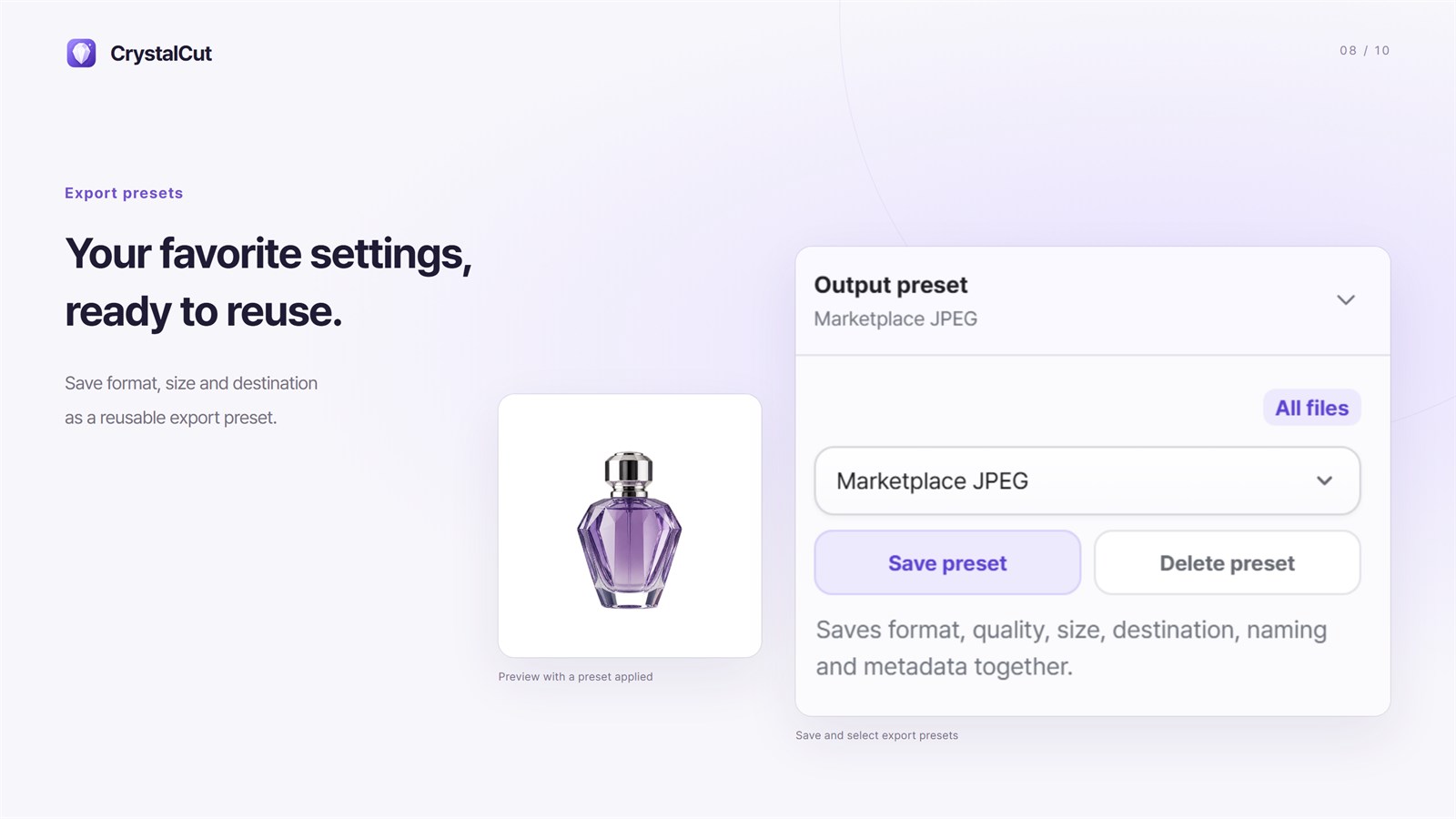
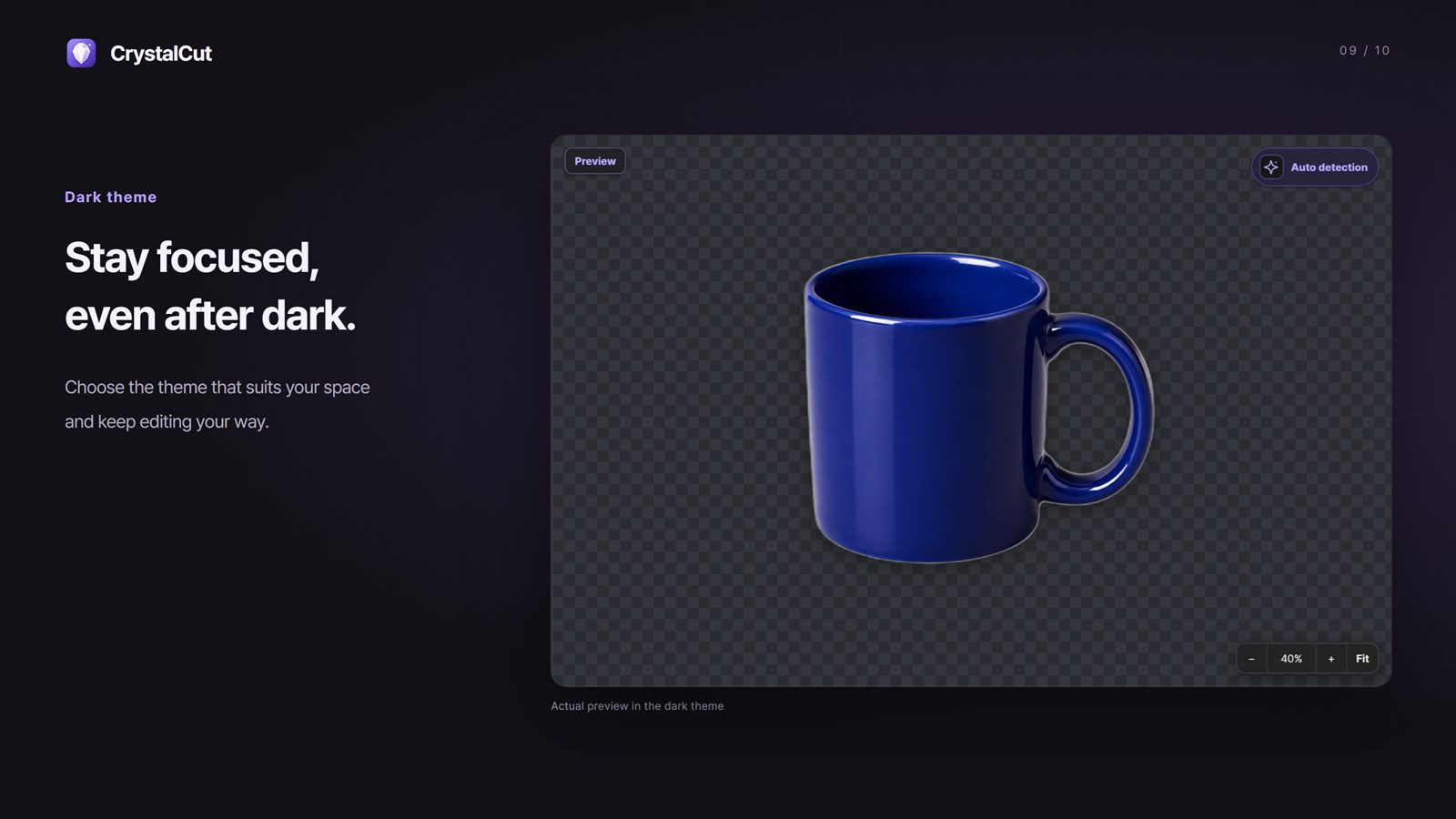
Bundle format, quality, size, destination, naming and metadata into one preset and apply it to all files. Switch between light and dark themes to suit your space.
03 · Made for
For people who want less repetition without giving up control of the result.
Frequent product or profile image work
Hands-on control over automatic results
No source-image uploads
04 · Privacy by design
Images, previews, masks and results stay on your device. There are no ads, analytics or accounts, and you choose whether camera details, GPS location and AI prompts are kept in saved files.
Processed on your computer
Images, previews, masks and results are processed and kept on your device. The internet is used only to download AI models, and each model is verified before use.
05 · FAQ
CrystalCut works with JPEG, PNG and WebP images and saves PNG, WebP or JPEG with adjustable quality. Convert only mode changes format and size while leaving the background as is.
Fast (U2NetP) takes under a second per image and suits simple backgrounds. The optional High quality model (BiRefNet lite) takes several seconds per image but separates hair, glass and product edges more cleanly. On Windows it always runs on the CPU.
No. Removal, previews, resizing, AI enhancement and saving all run on your device. The internet is used only to download AI models, and on Mac the standard models are included, so only the optional High quality model is downloaded.
Yes. Undo and redo work across the workspace, and a removed item can be restored right from the notice. Batches cancel instantly, existing files are never overwritten, and your list and edits are restored the next time you open the app.
Get CrystalCut from Microsoft Store or Mac App Store.
Desktop products
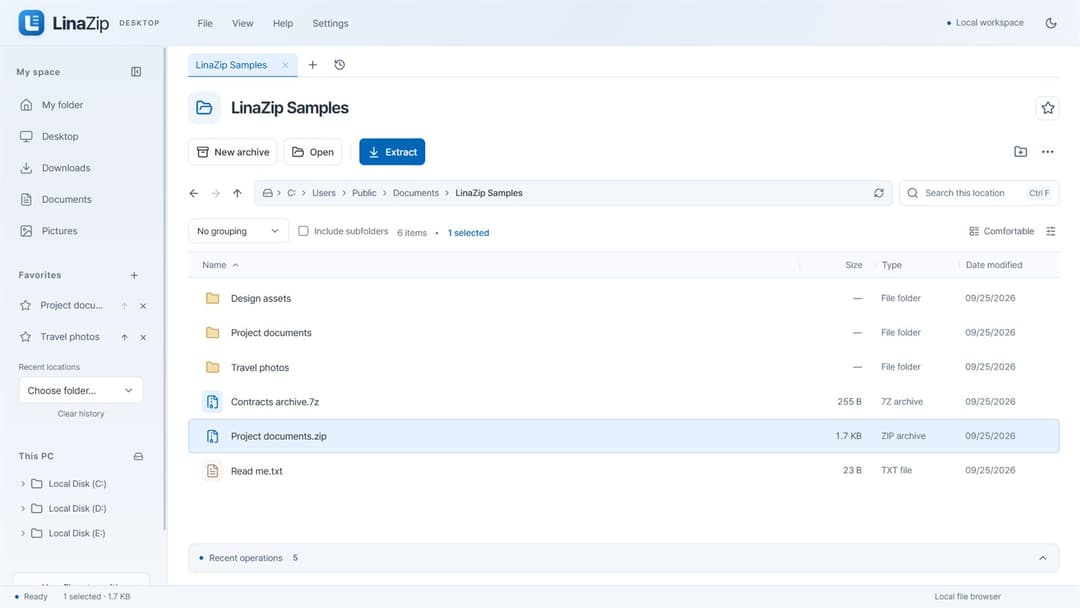
Archive & file utility
Pack together. Split apart. Extract exactly what you need.
View productWindows · macOS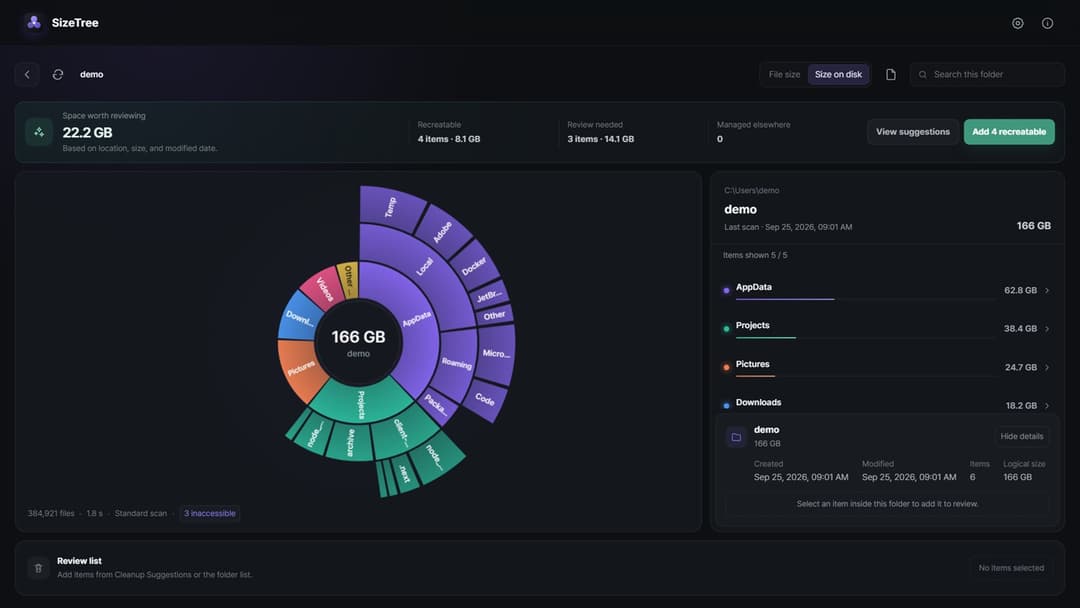
Storage utility
See your storage. Review cleanup with evidence.
View productWindows · macOS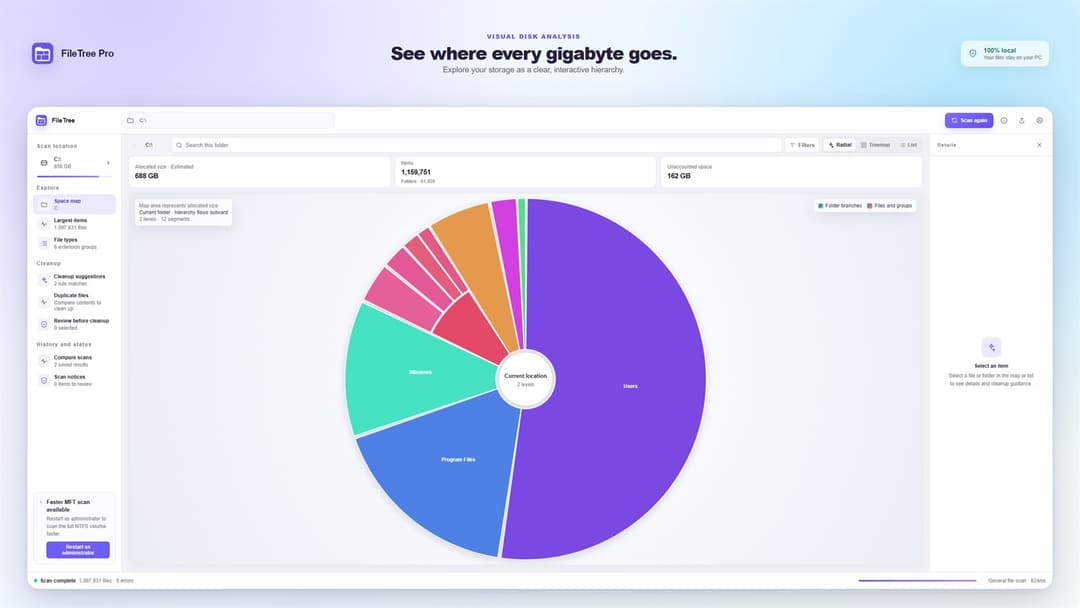
Disk space analyzer
Navigate the file system like a map.
View productWindows · macOS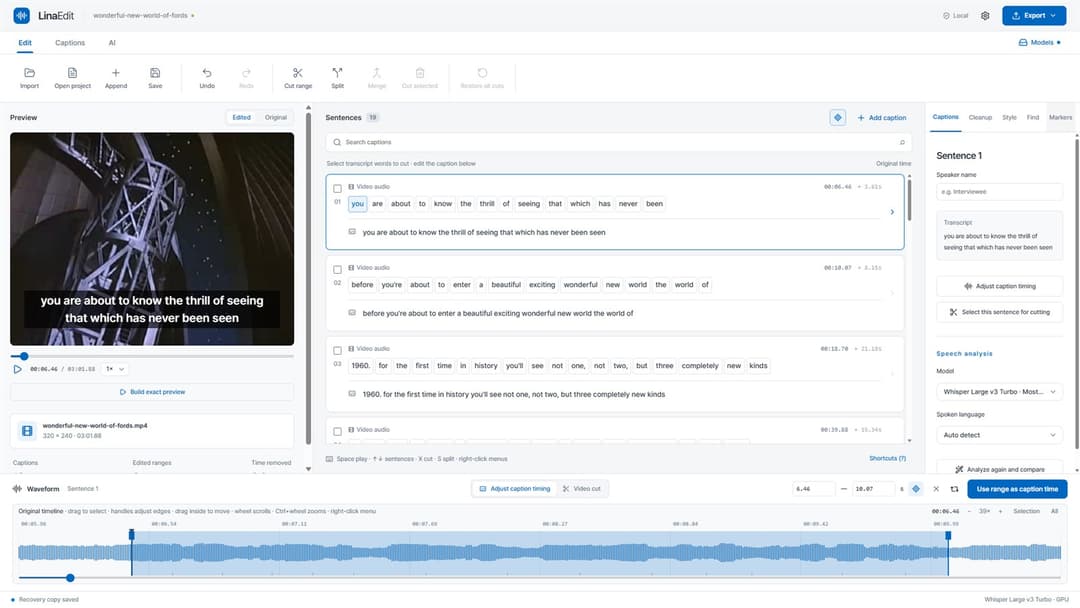
Video & caption editor
Edit video by its transcript.
View productWindows · macOS