
Transcribe
A Whisper model splits speech into sentences and words on your computer.
Video & caption editor
Windows · macOS 12.0+
Edit video by its transcript.
Lina Edit turns speech into sentence and word captions on your computer. Select what to remove to cut the matching video and audio, then refine timing, trim pauses and export MP4, SRT or VTT.
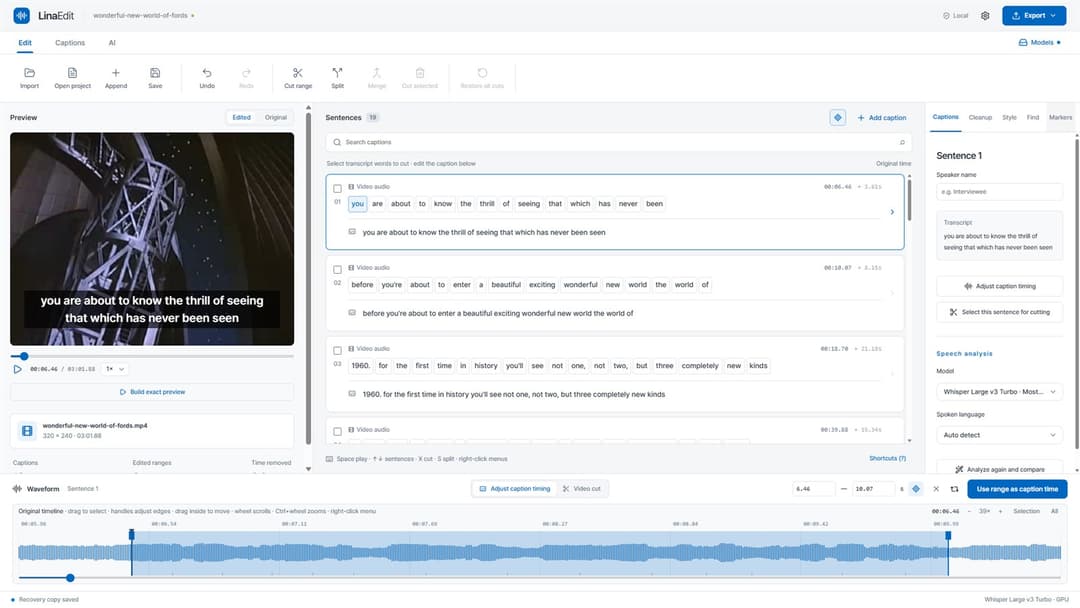
01 · Spoken video
Run speech recognition and every sentence and word stays linked to the video and waveform. Video cuts and caption timing have their own modes, so you can keep a shot and change only when its caption appears.
A Whisper model splits speech into sentences and words on your computer.
Select unwanted words to remove the matching video and audio.
Tidy captions and pauses, then export MP4, SRT or VTT.
02 · Key features
10 scenes · Microsoft Store
Cutting
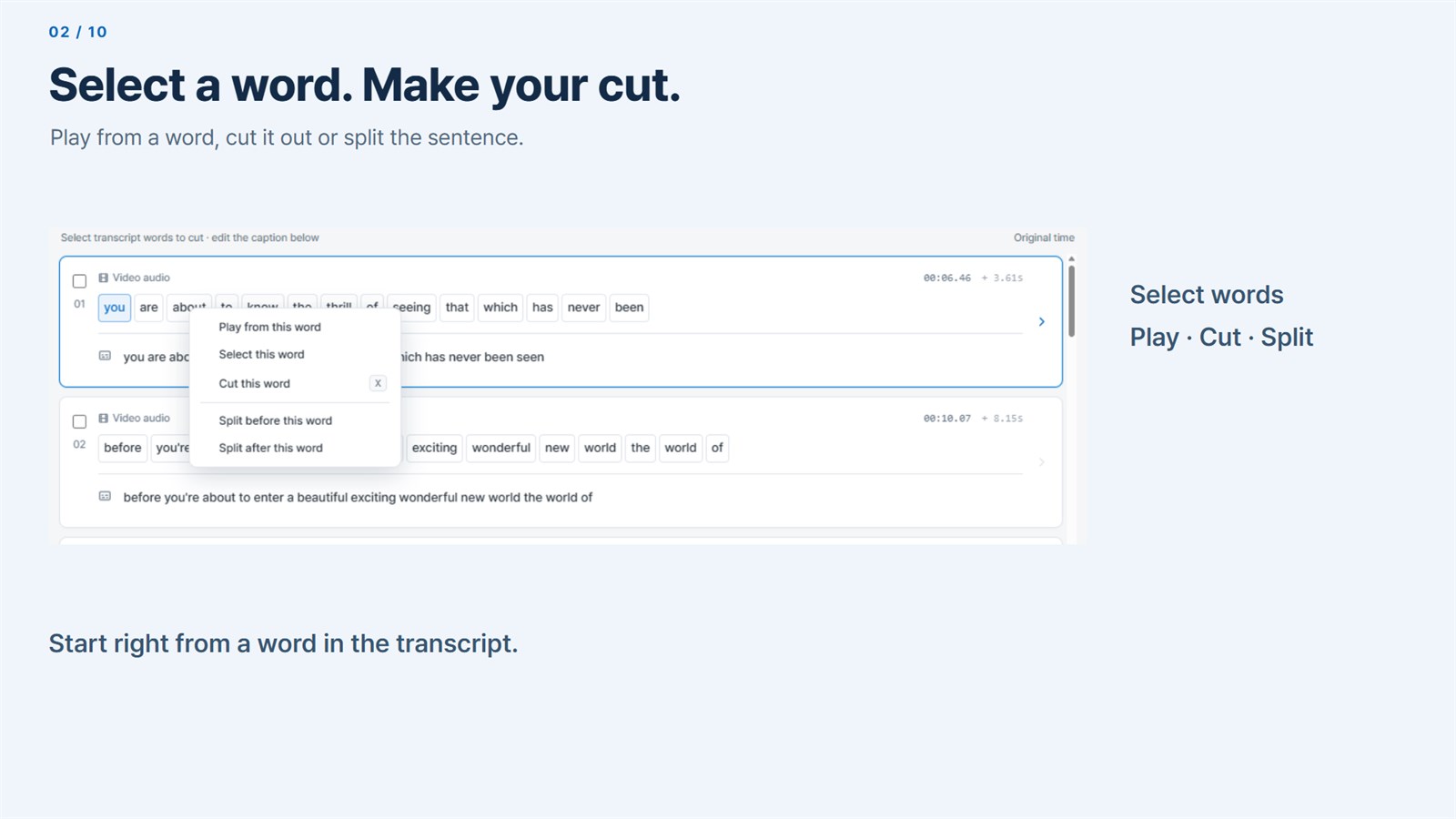
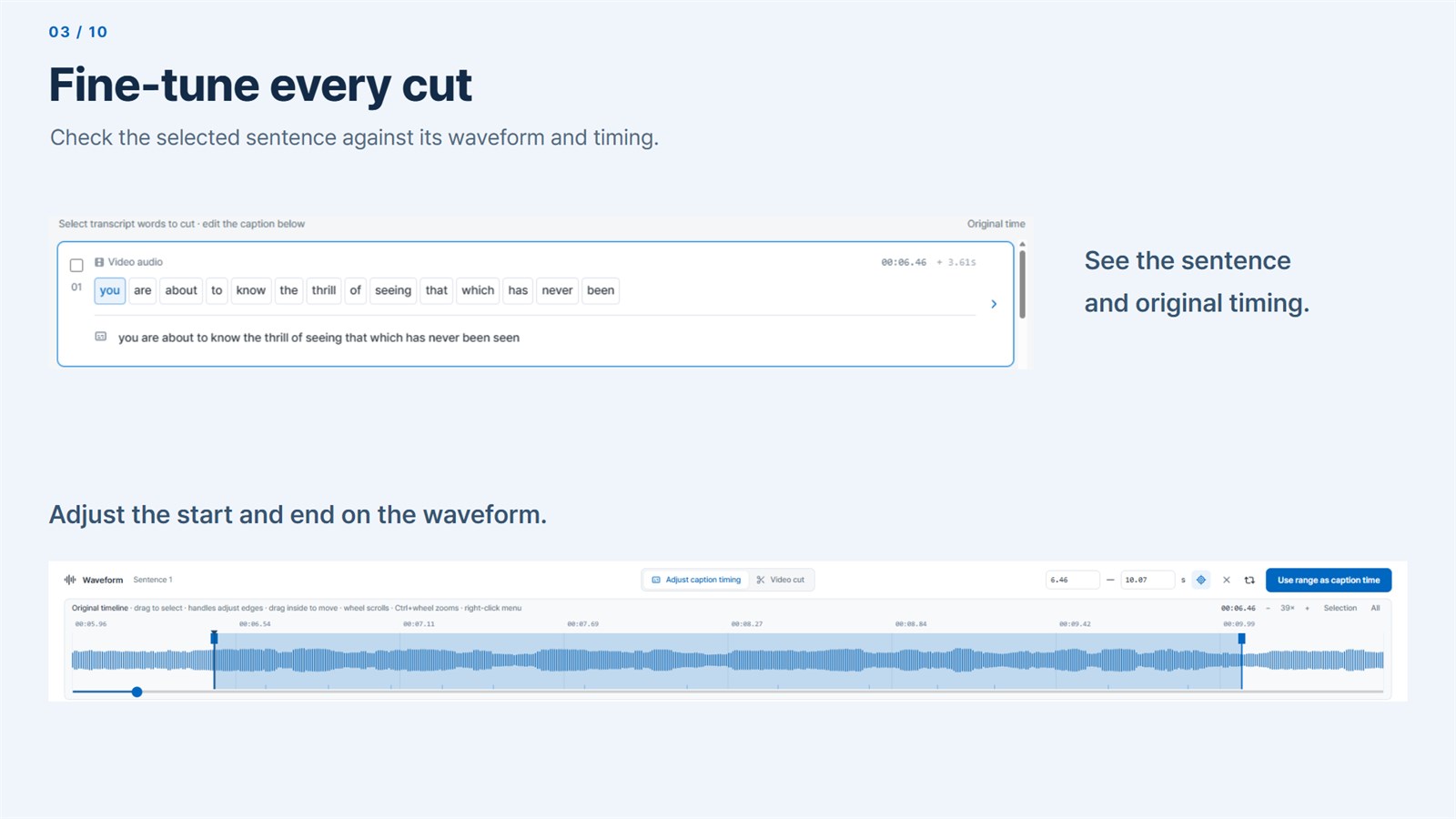
Every transcribed word has a menu to play, select, cut or split. When a boundary is unclear, zoom into the waveform and drag the handles to a frame-accurate range.
Refinement
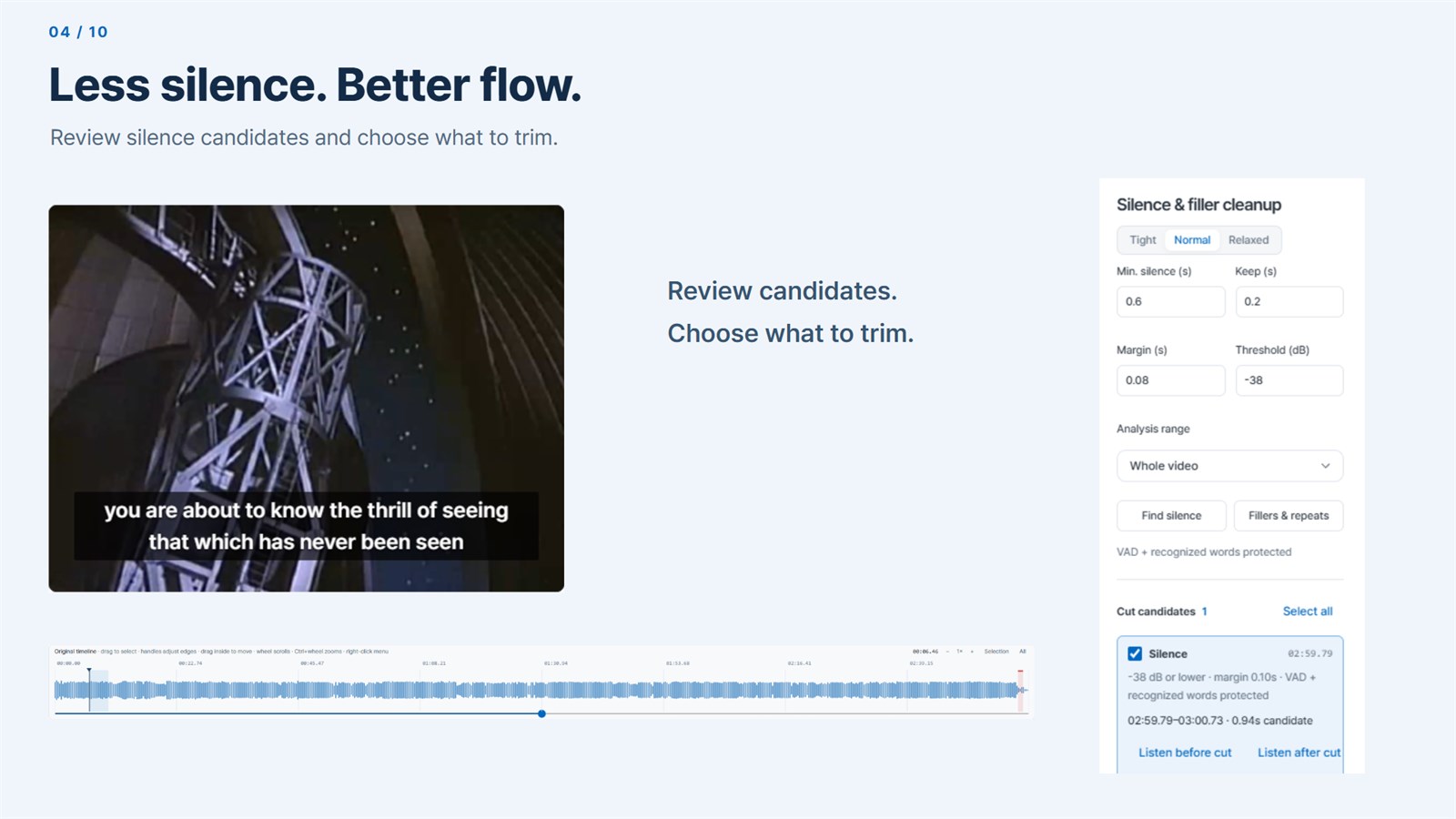
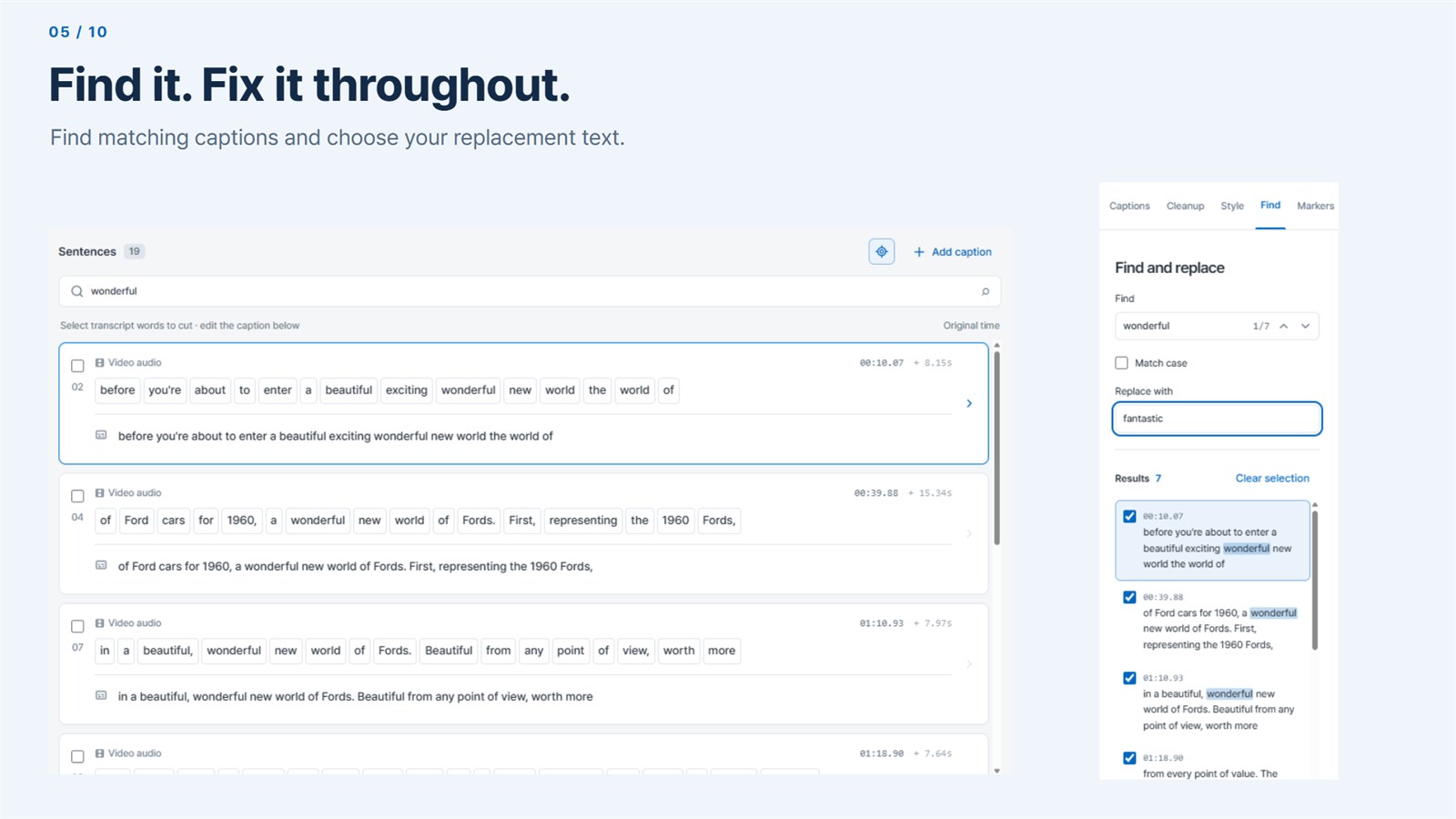
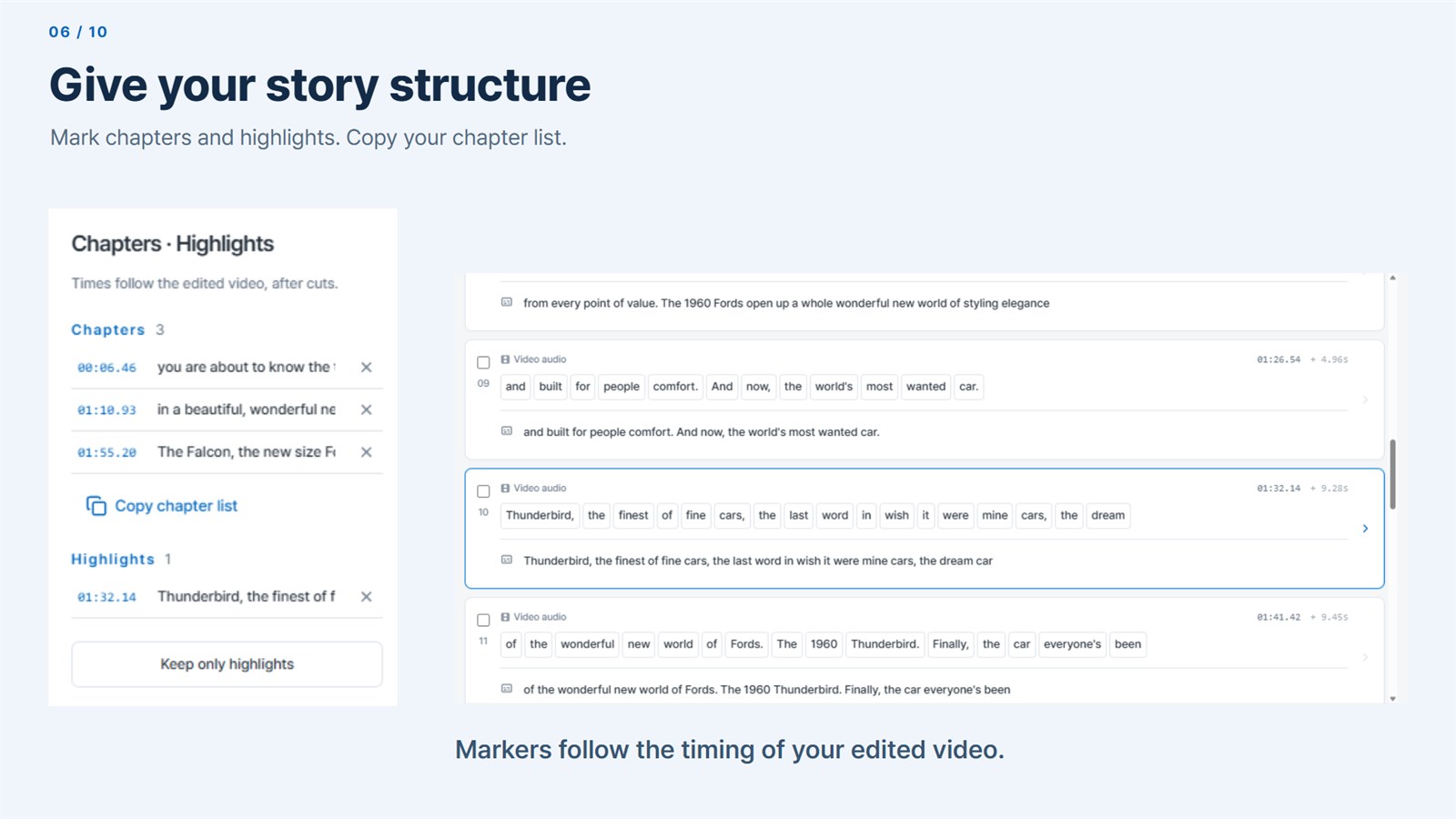
Pauses and fillers like “um” and “uh” appear as candidates; listen before and after each cut and apply only the ones you choose. Replace wording in the captions you pick, and mark chapters where the topic changes.
Captions & export
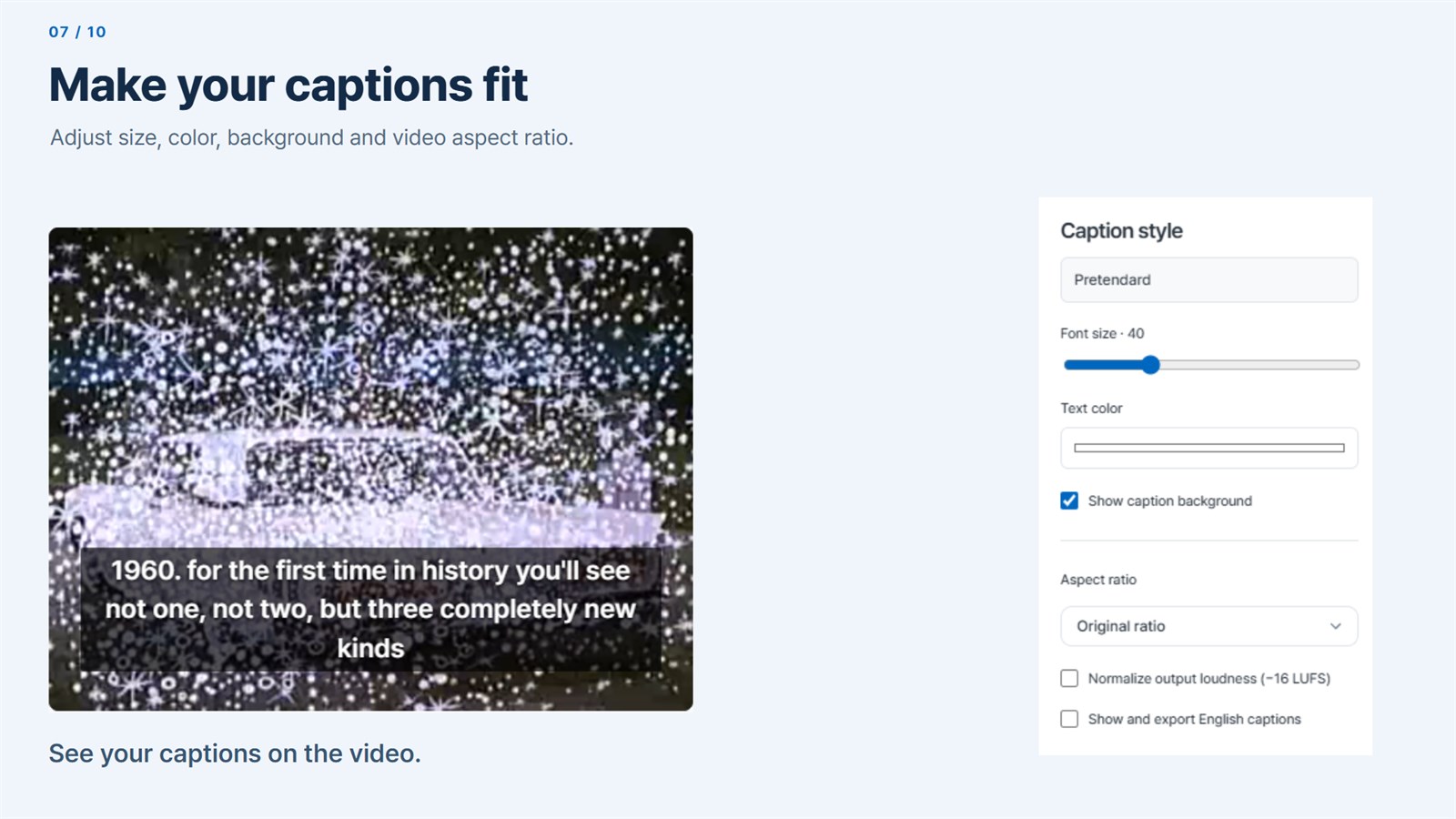
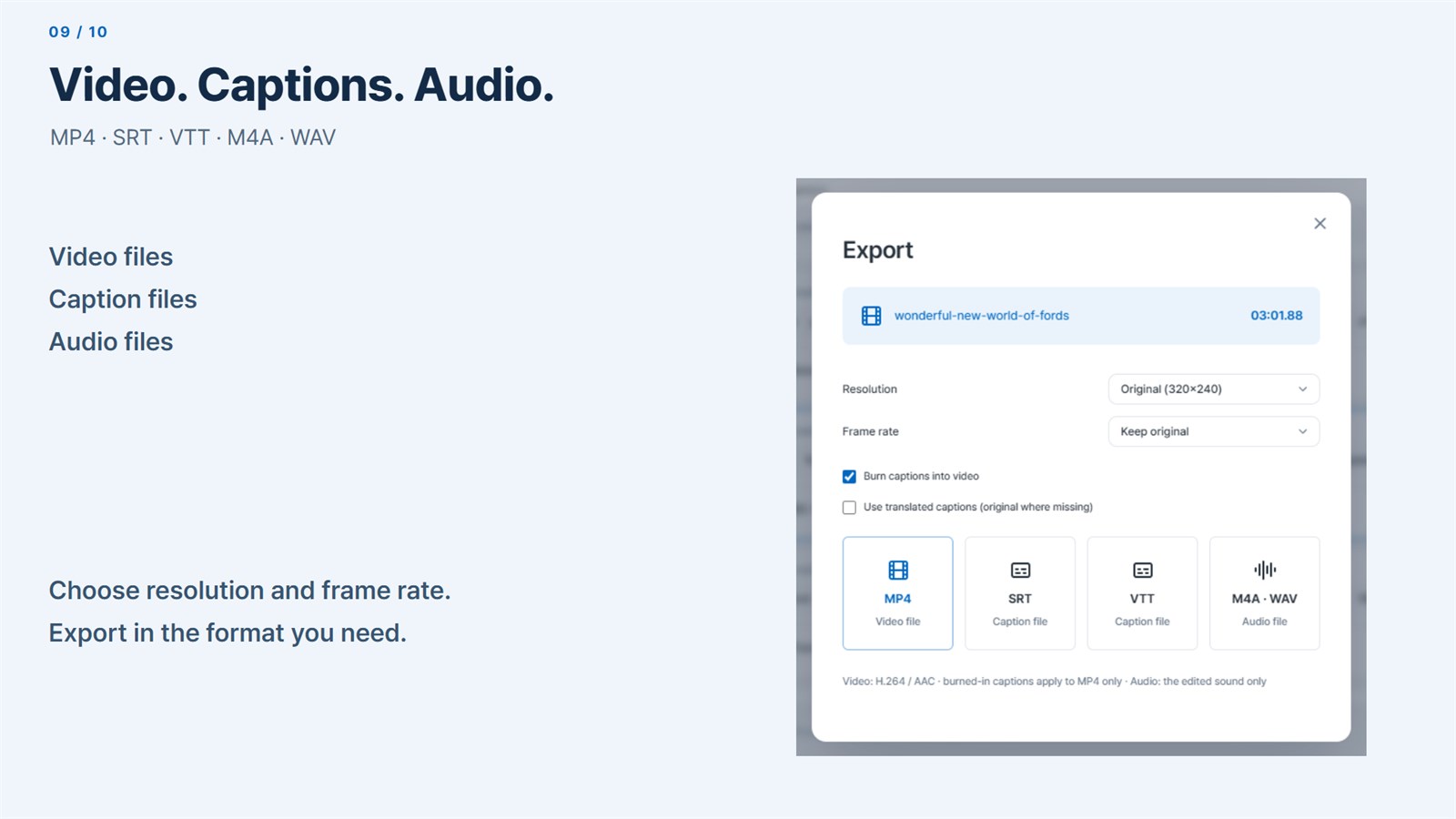
Choose 16:9, 9:16 or 1:1 and normalize output loudness. Export a captioned MP4, SRT or VTT subtitles, or only the edited audio as M4A or WAV.
On-device AI
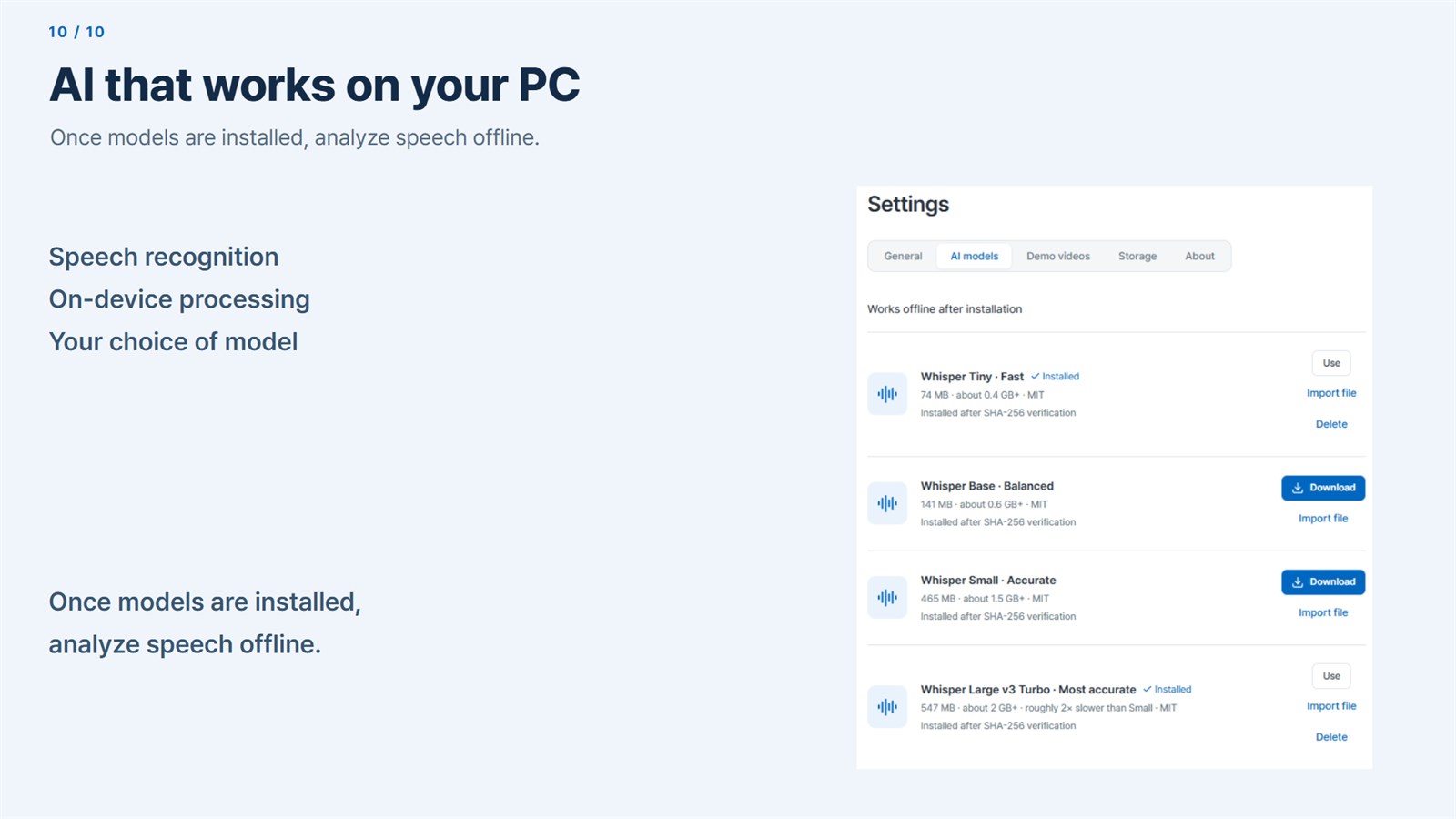
Pick a Whisper model by size and accuracy, then download it or import a file. Proofreading and chapter suggestions from a separately installed Qwen model also run locally, and you apply only what you accept.
03 · Made for
Built for interviews, lectures, tutorials and talking-head recordings, where the flow of speech shapes the edit.
Trimming a long interview down to the lines that matter
Clearing pauses and filler words out of a lecture
Making captioned 9:16 clips for Shorts or Reels
04 · Privacy by design
Speech recognition, editing and export run on your computer with the models you install. No account or media upload is needed, and the app goes online only when you start a model or demo video download.
Processed on your computer
No cloud processing, sign-in, ads or analytics. The internet is used only for model and demo downloads you start, and your videos, captions and projects stay on your computer.
05 · FAQ
Only to download a speech model or demo video. After you download or import a model in Settings, analysis and editing run offline, with no account or media upload.
Korean, English, Japanese, Chinese, Spanish, French, German, Vietnamese and Indonesian, or the language can be detected automatically. Whisper can also create English translation captions.
Clean recordings transcribe well with the smaller models; choose Small for noisy audio. At least 8 GB of RAM is recommended for Small and larger models, and accuracy varies with recording quality and background sound, so review captions and cuts before export.
No. The original media is never modified. Edits are saved automatically, with recovery history, backups of previous saves and relinking if you move the source file.
Get Lina Edit from Microsoft Store or Mac App Store.
Desktop products
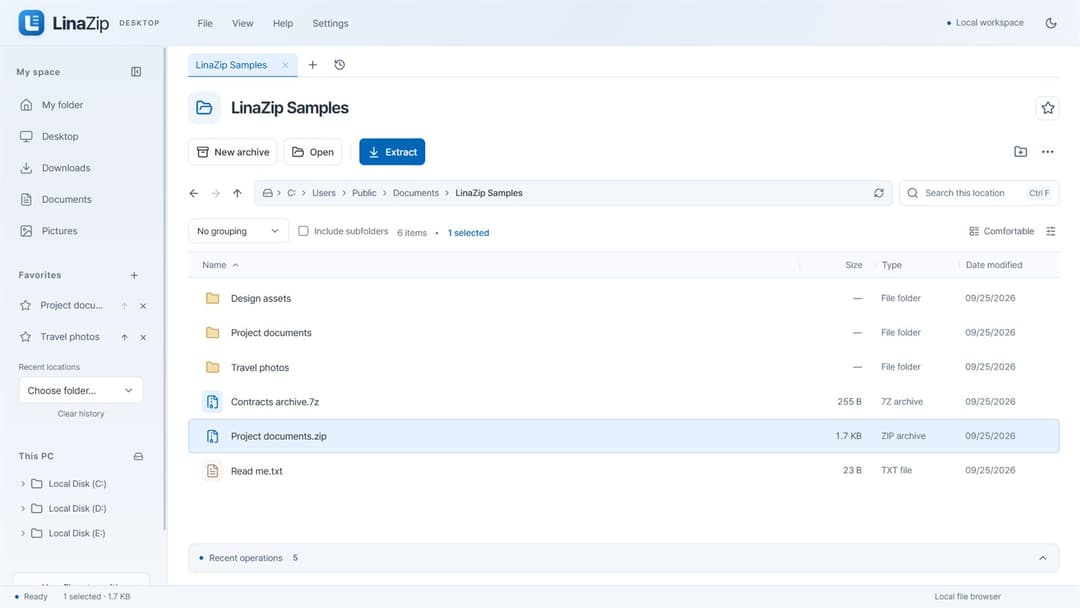
Archive & file utility
Pack together. Split apart. Extract exactly what you need.
View productWindows · macOS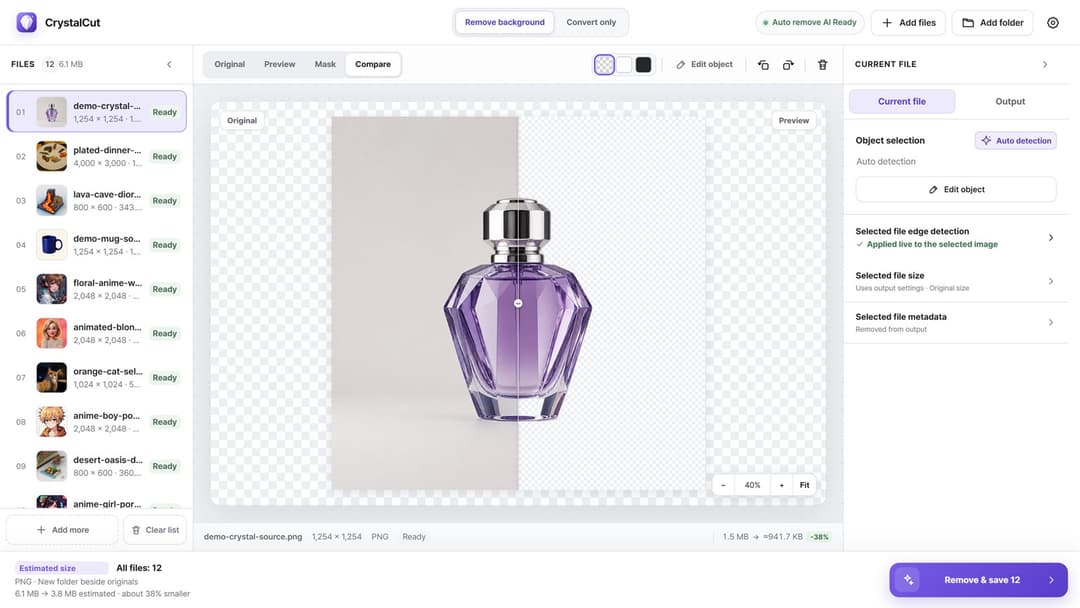
Image utility
Fast images. Private processing.
View productWindows · macOS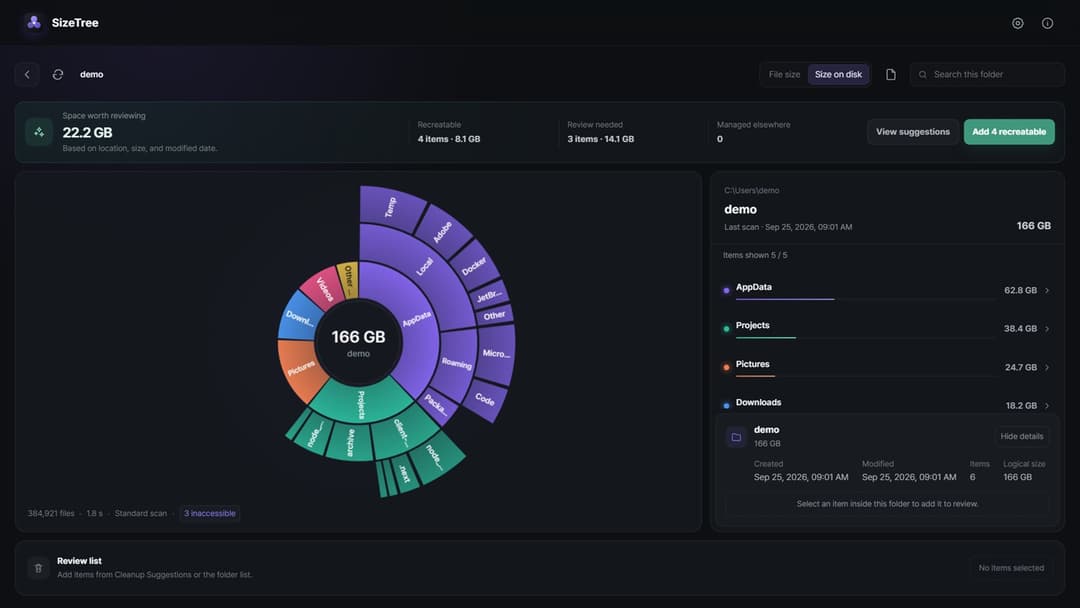
Storage utility
See your storage. Review cleanup with evidence.
View productWindows · macOS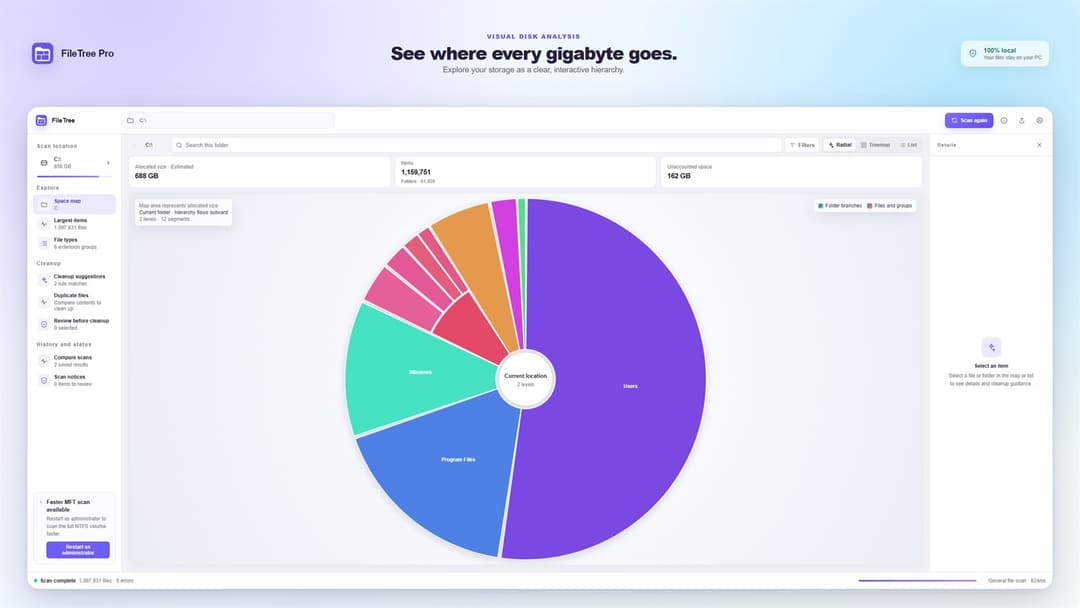
Disk space analyzer
Navigate the file system like a map.
View productWindows · macOS