
Scan
Choose a folder or drive to analyze.
Disk space analyzer
Windows · macOS 12.0+
Navigate the file system like a map.
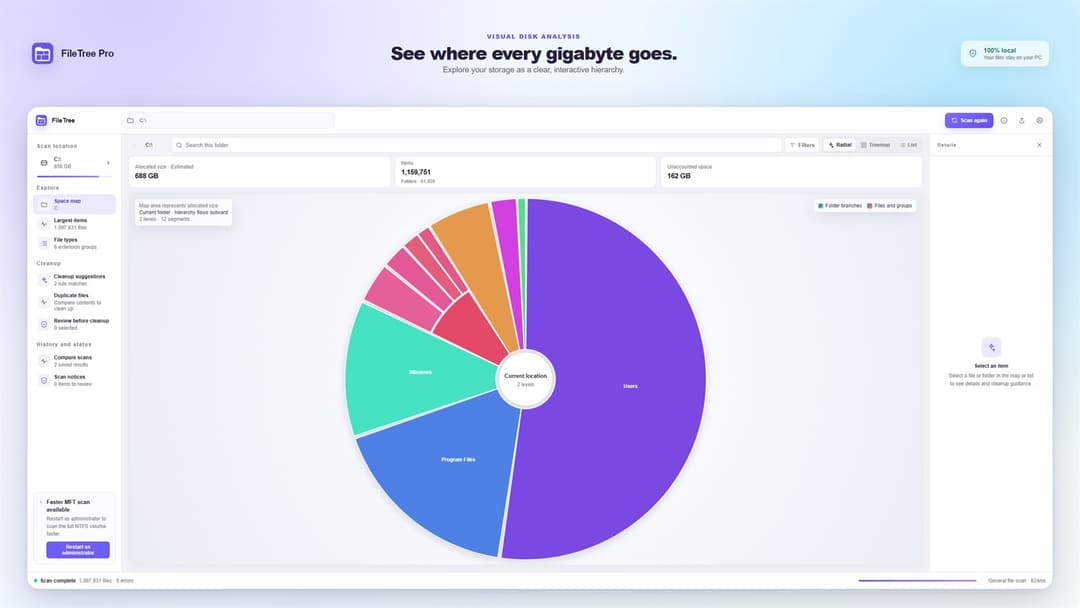
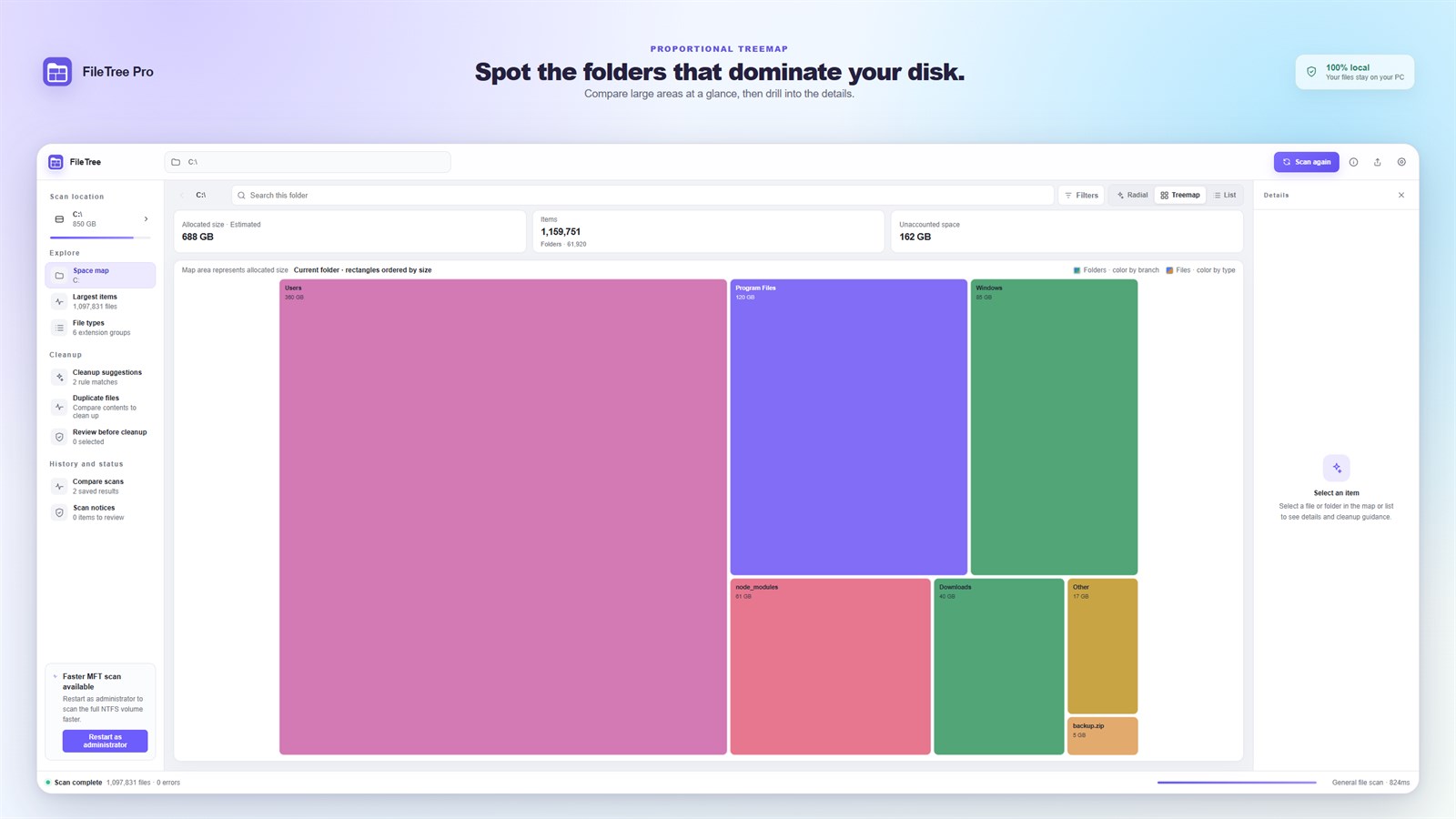
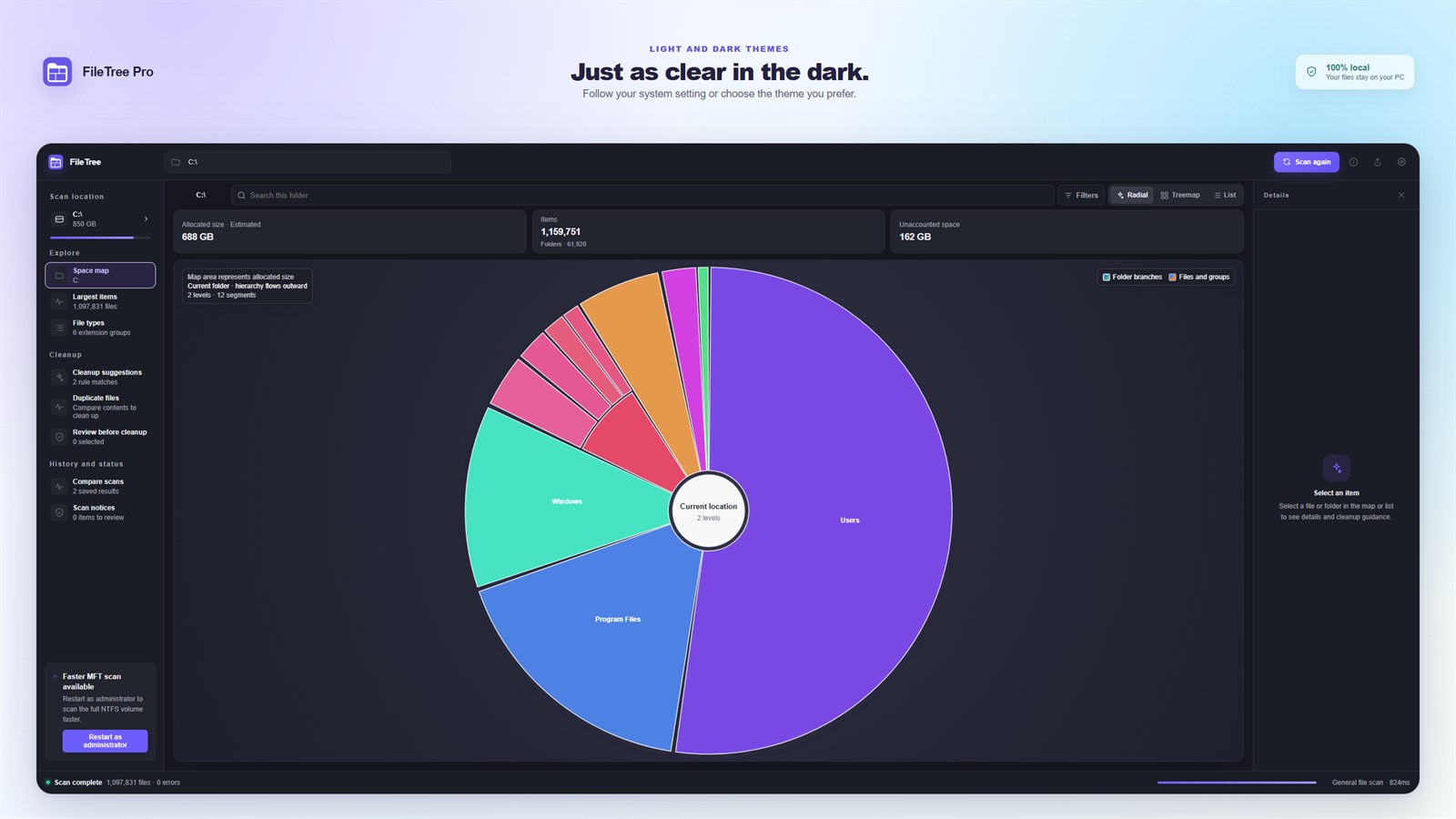
Scan a disk, read its sizes on a radial map and a treemap, and find duplicates and cleanup candidates in one place.
01 · Visual, local-first
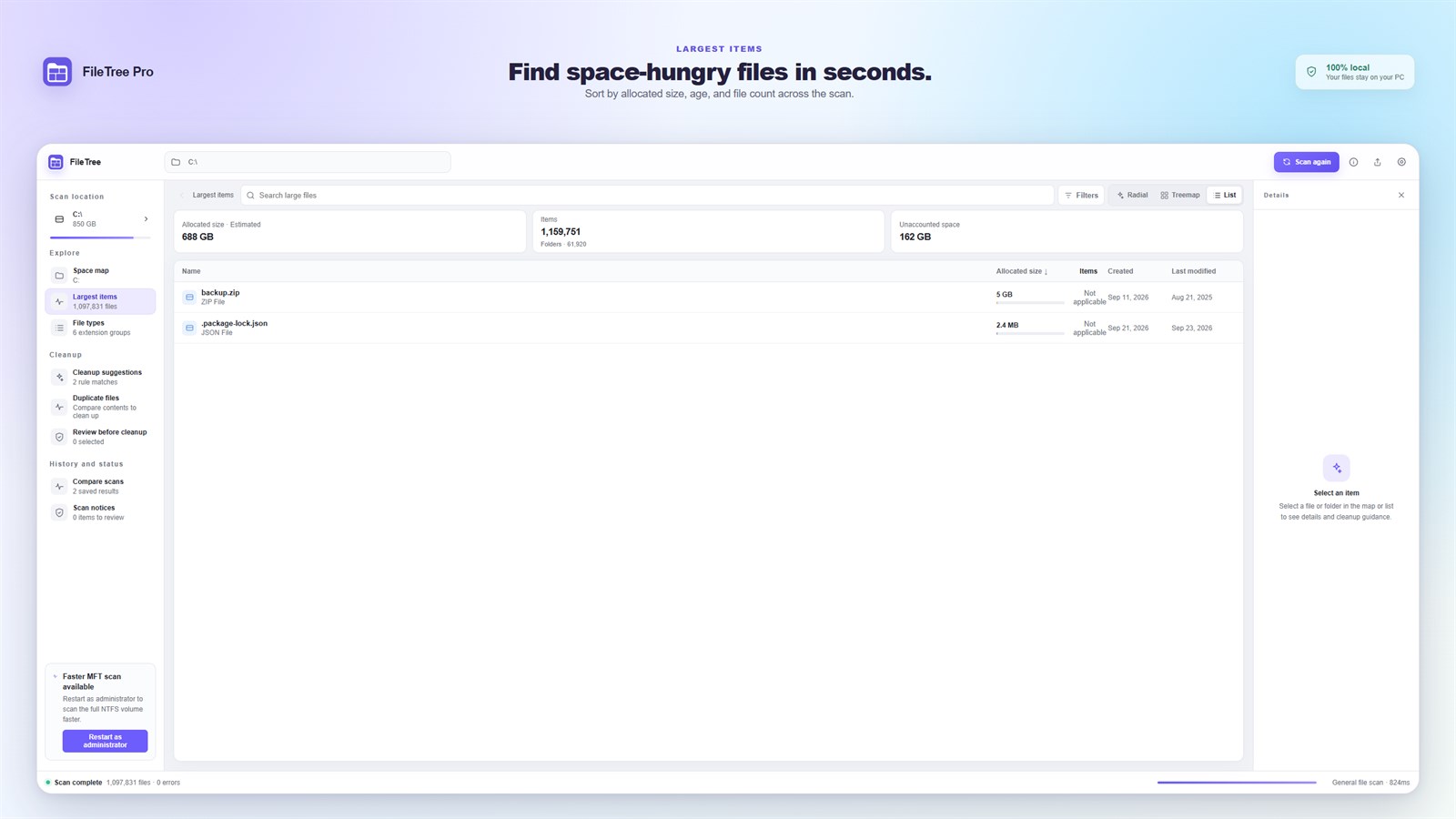
FileTree Pro scans a folder or drive and lays it out as a space map, a treemap and a sortable list. It surfaces large files, duplicates and cleanup candidates, but you always decide what moves.
Choose a folder or drive to analyze.
Read the map, the list and the hash checks.
Move only approved items to the trash.
02 · Key features
10 screenshots
Explore
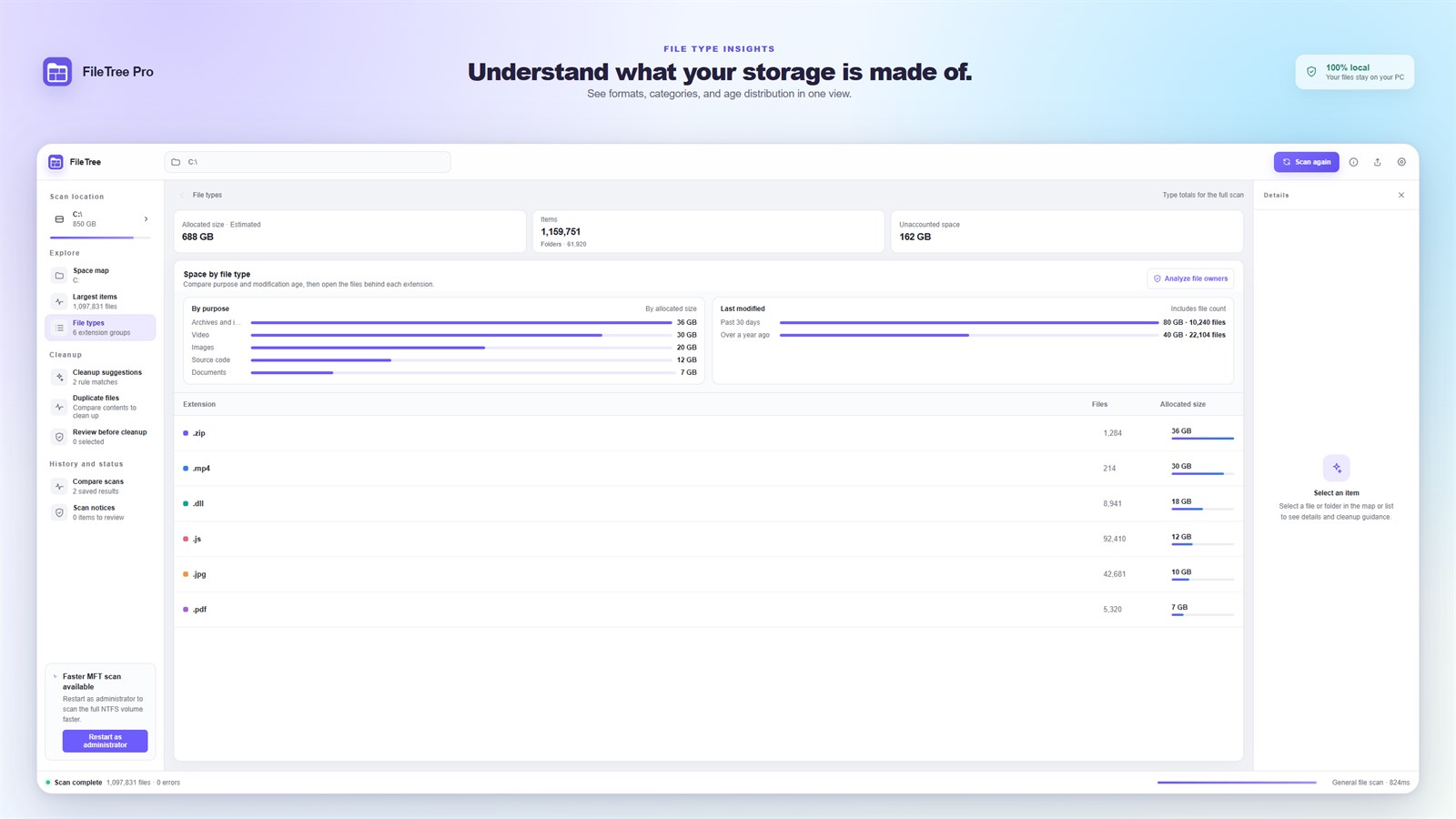
The radial map, treemap and list all read from the same scan. Go from the whole drive down to a single folder or file.
Cleanup
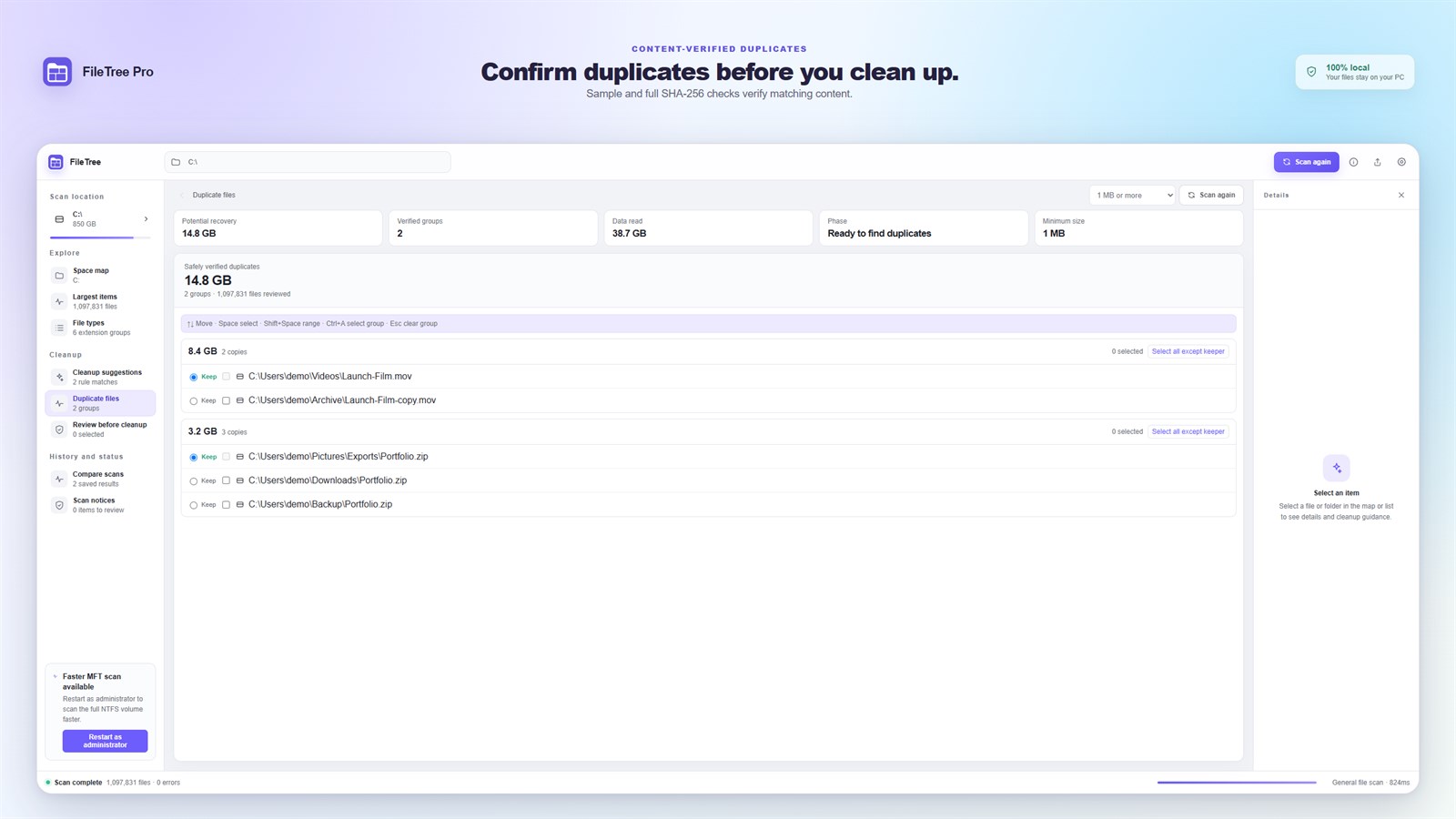
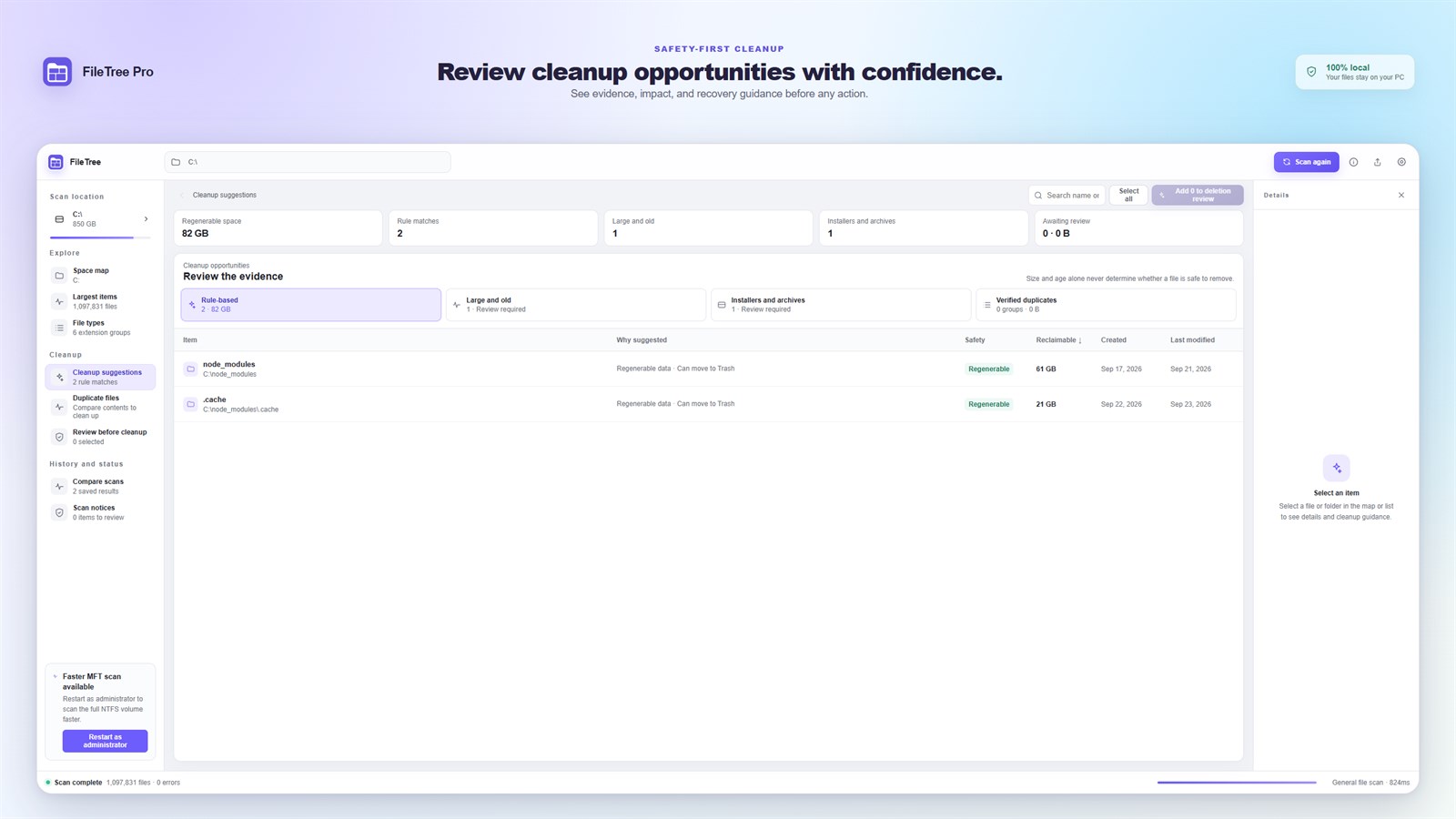
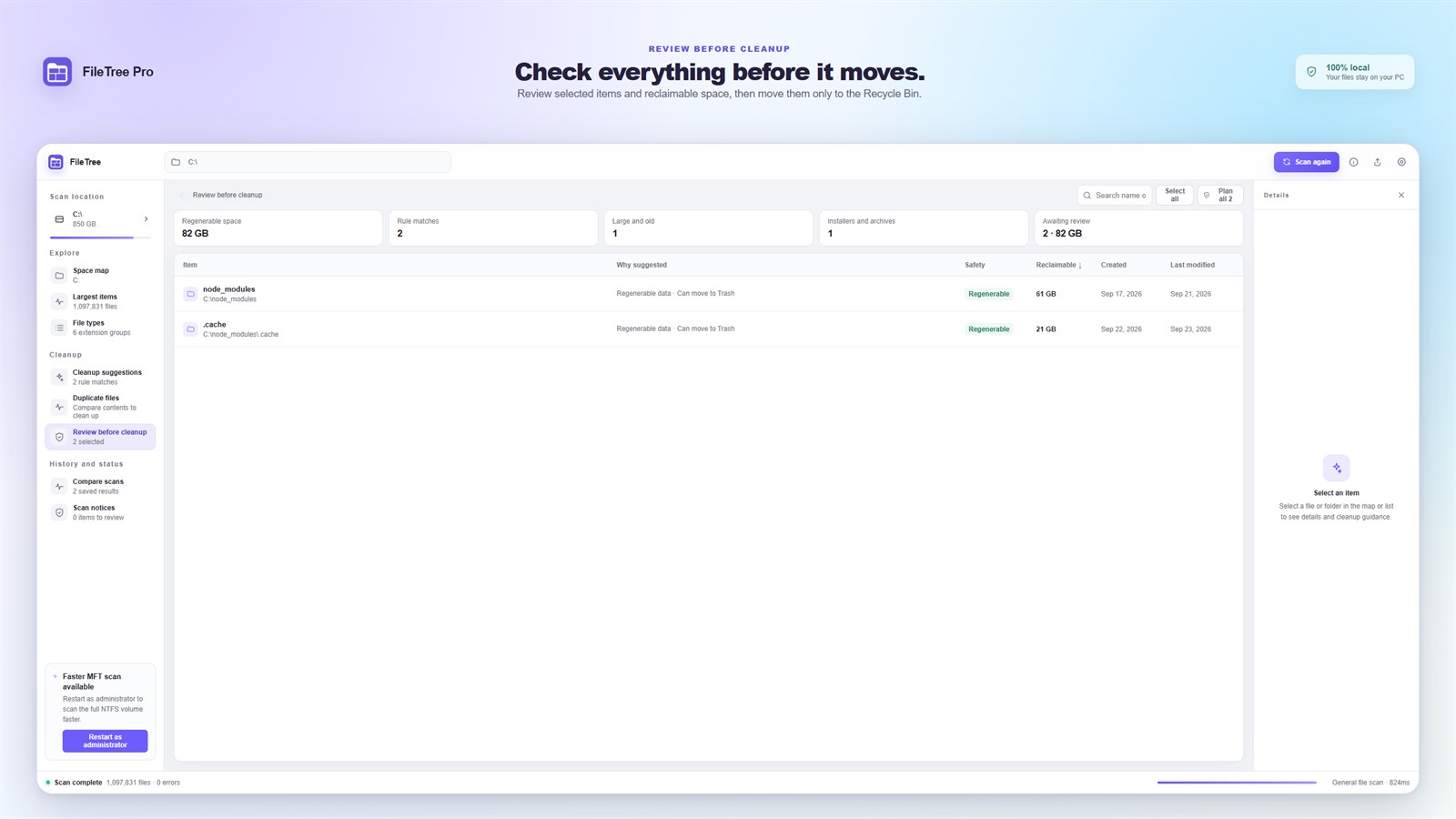
Duplicates are confirmed by SHA-256 content hashes, and every suggestion shows its evidence and confidence level. There is no permanent delete, and each item is rechecked right before it moves.
History
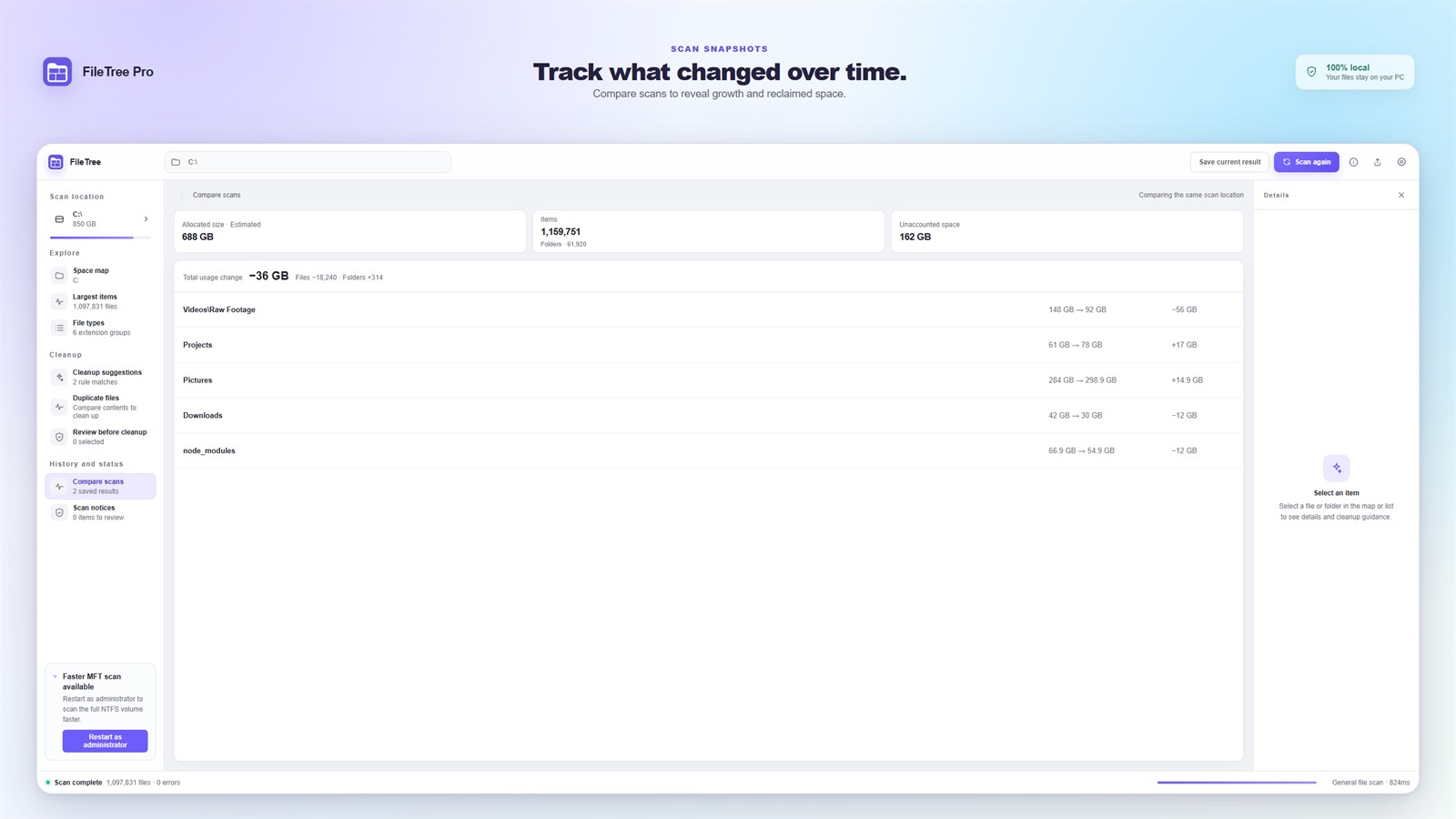
Save a scan result, then scan the same location again to see which folders grew or shrank.
Preferences
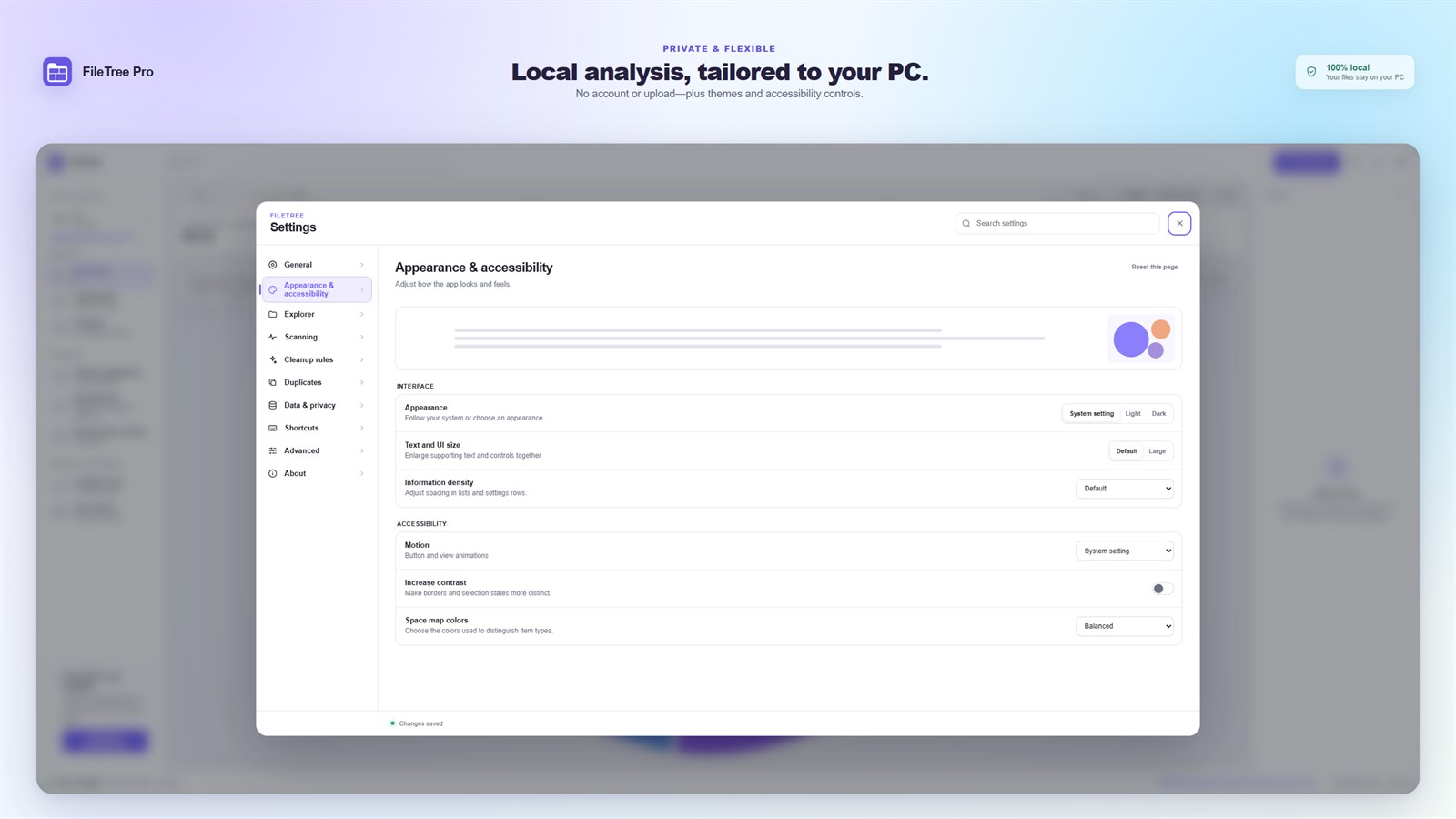
You can adjust the theme, text size, information density, contrast and space map colors.
03 · Made for
For people who want to know where their space went, and still decide for themselves what to remove.
Finding out why a drive suddenly filled up
Developers with growing piles of regenerable data such as node_modules and caches
Copies of the same videos and archives spread across folders
04 · Privacy & safety
Scanned paths, file names, metadata and hashes never leave your computer. There is no account, advertising, analytics or telemetry, and reports are created only when you choose to export them.
Processed on your computer
Scanned paths, file names, metadata and hashes stay on your device. There is no account, telemetry or cloud upload, and cleanup uses the system trash instead of permanent deletion.
05 · FAQ
No. FileTree Pro has no permanent-delete command. Approved items move to the Windows Recycle Bin or the macOS Trash, and each one is rechecked right before it moves.
On Windows it runs with standard permissions and never elevates on its own. When scanning a local NTFS drive root, you can choose to restart as administrator for a faster, read-only analysis. On Mac it runs in the App Sandbox and scans only locations you authorize.
Cloud placeholders, compression, hard links and APFS clones can all cause a gap. Locations that cannot be read are reported as partial results instead of being silently skipped.
Windows 10 version 2004 or later (x64), or macOS 12 or later on Apple silicon and Intel-based Macs.
Get FileTree Pro from Microsoft Store or Mac App Store.
Desktop products

Image utility
Fast images. Private processing.
View productWindows · macOS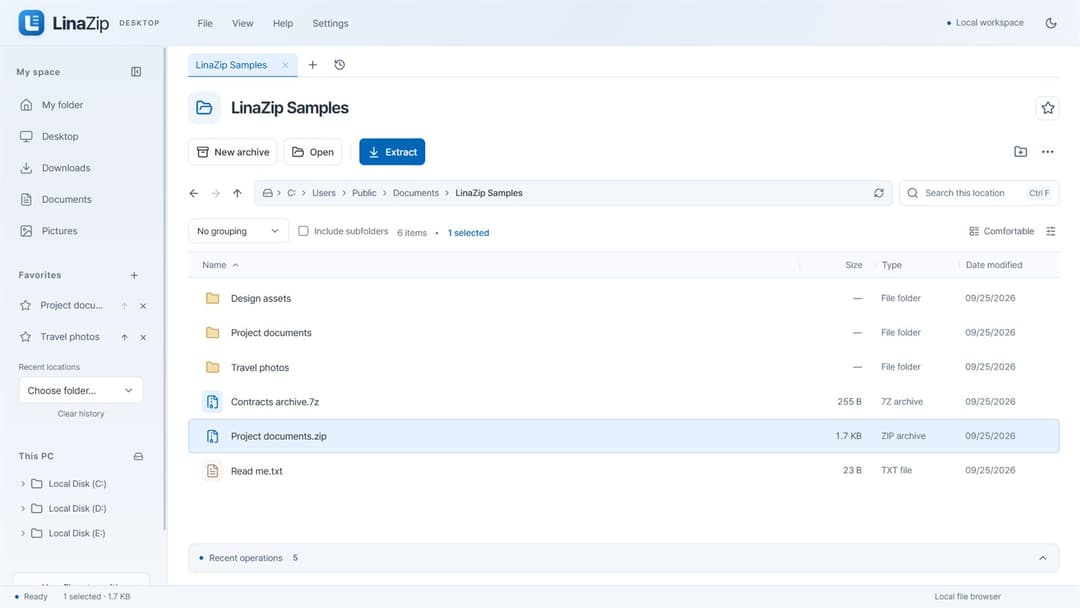
Archive & file utility
Pack together. Split apart. Extract exactly what you need.
View productWindows · macOS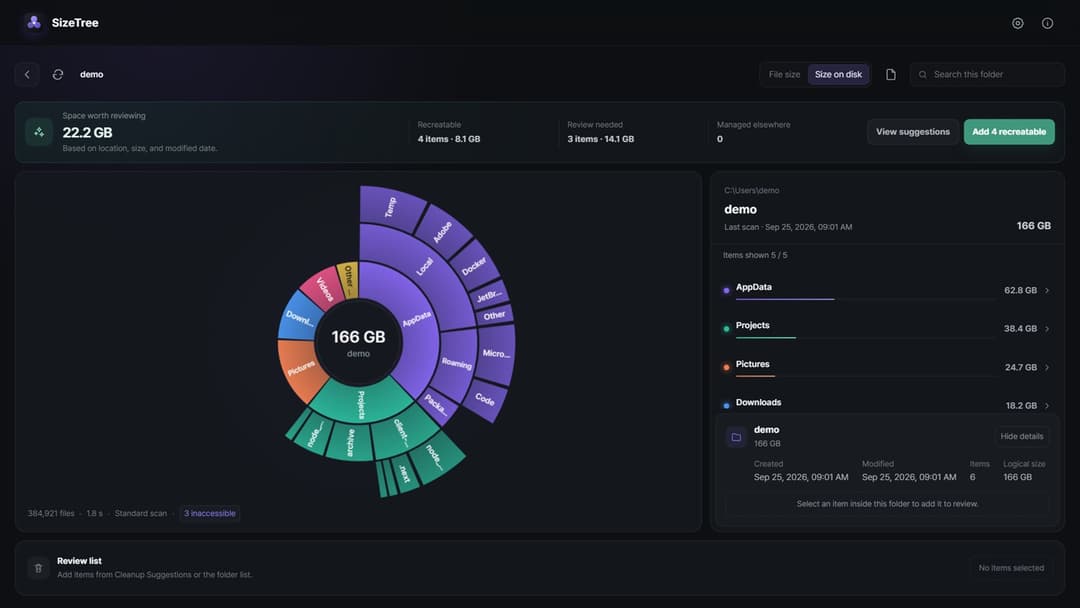
Storage utility
See your storage. Review cleanup with evidence.
View productWindows · macOS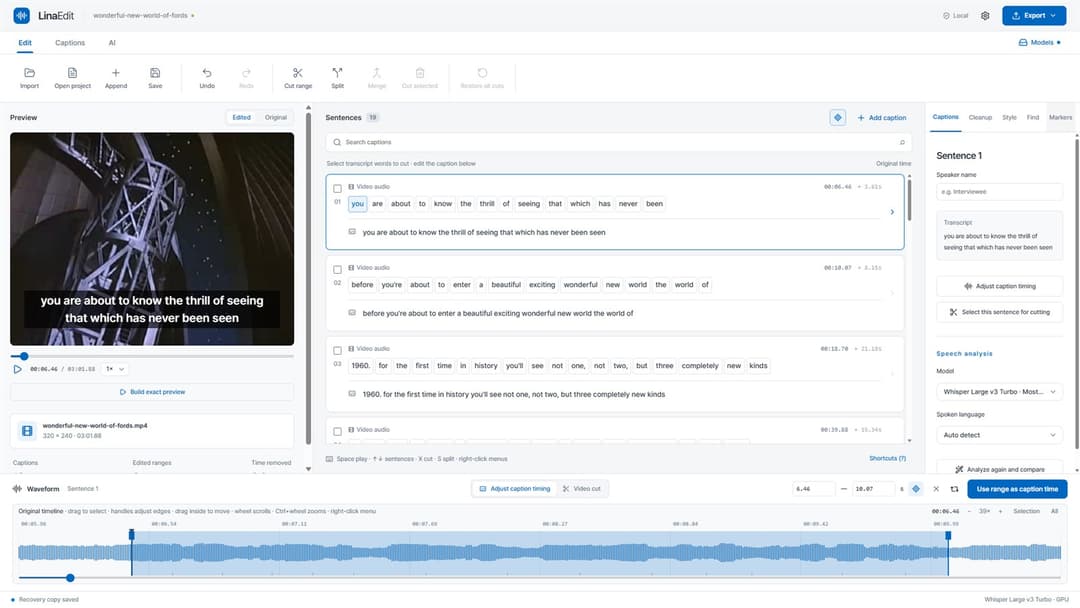
Video & caption editor
Edit video by its transcript.
View productWindows · macOS