
Gather
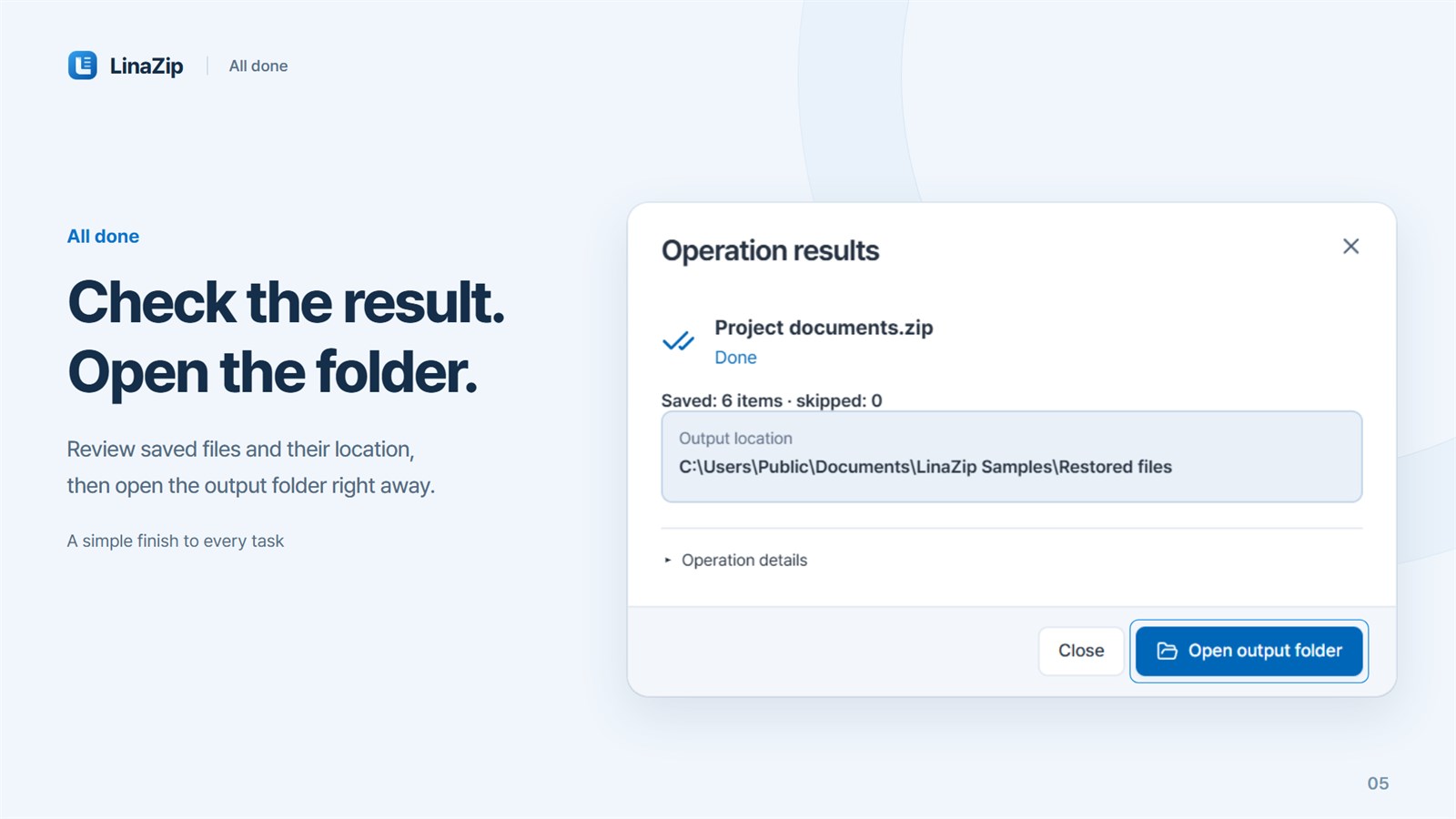
Choose files and folders, then review exclusions.
Archive & file utility
Windows · macOS 13.0+
Pack together. Split apart. Extract exactly what you need.
Create ZIP and 7z archives, open multipart RAR downloads, browse archive contents and recover intact ZIP entries, all on your device.
01 · One workspace
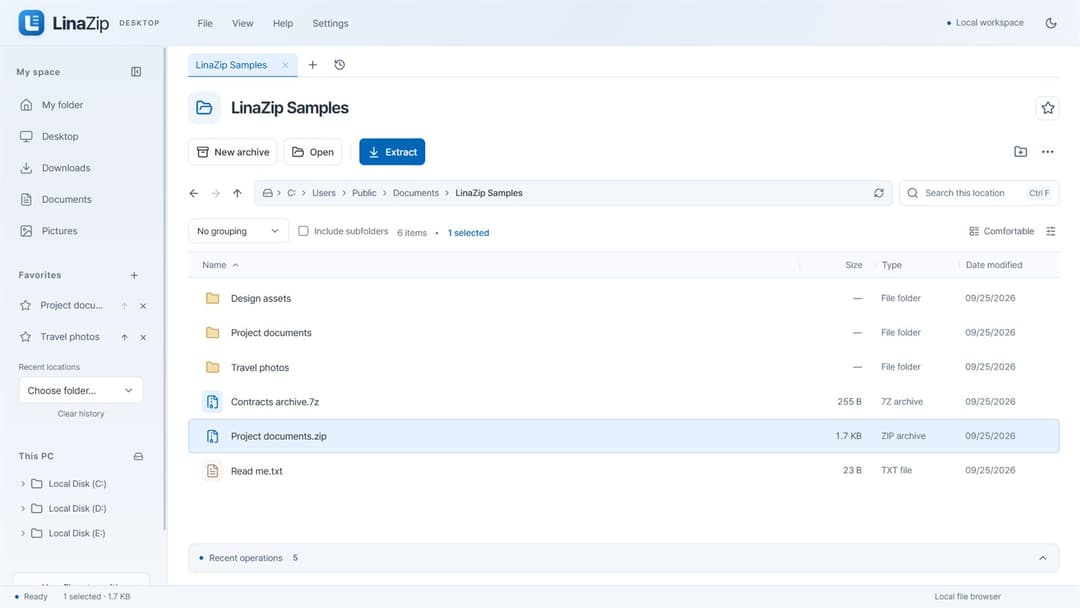
LinaZip connects file browsing, compression and extraction in one considered flow. Find the files, choose a format and volume size, inspect the archive, then extract only what you need.
Choose files and folders, then review exclusions.
Set format, compression, password and volume size.
Browse inside and extract everything or selected items.
02 · Key features
10 screenshots
Compress
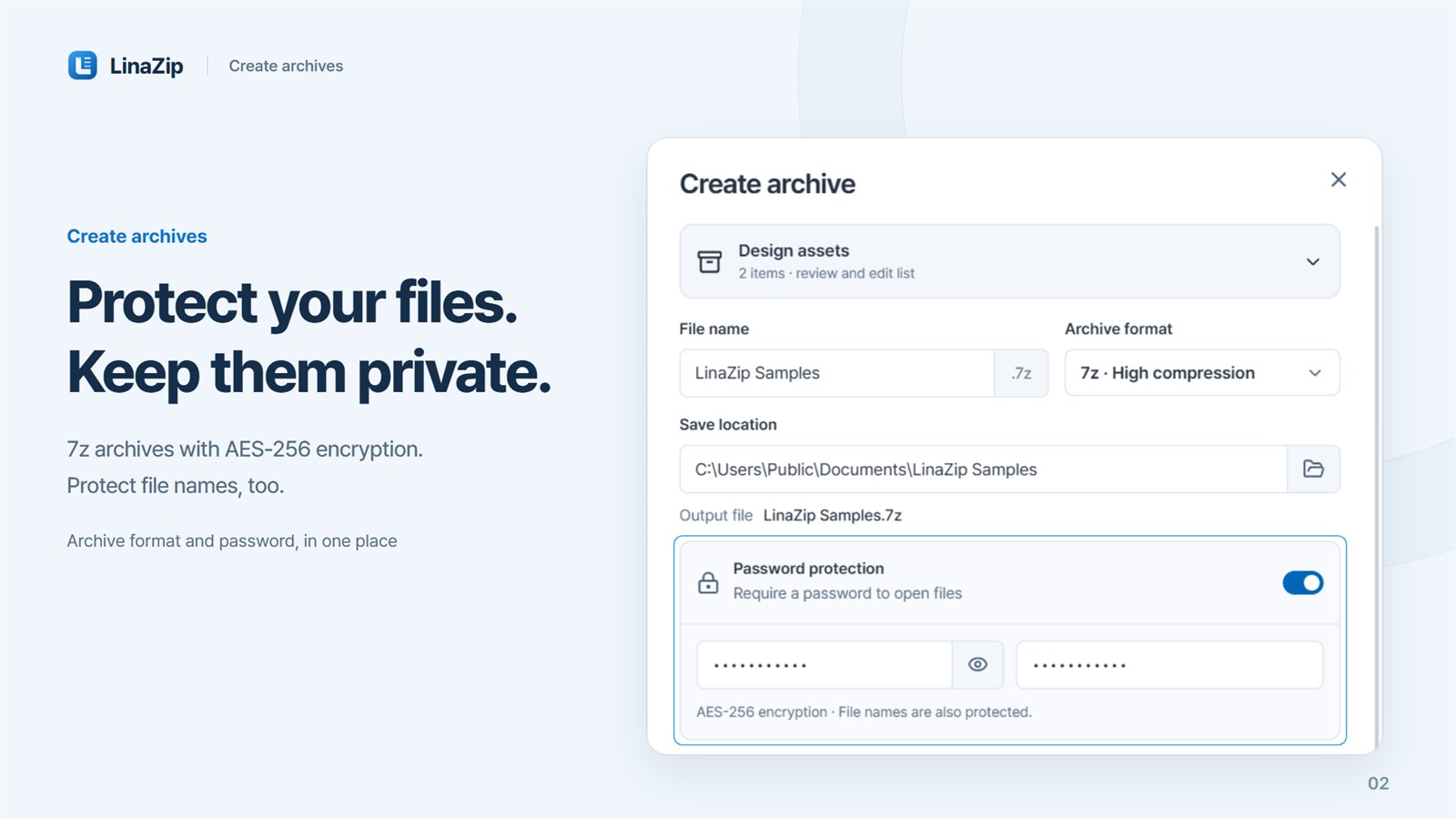
Choose ZIP, 7z or a TAR format, then set compression level, password and volume size. The output file name and location are shown before anything is created.
Inspect & extract
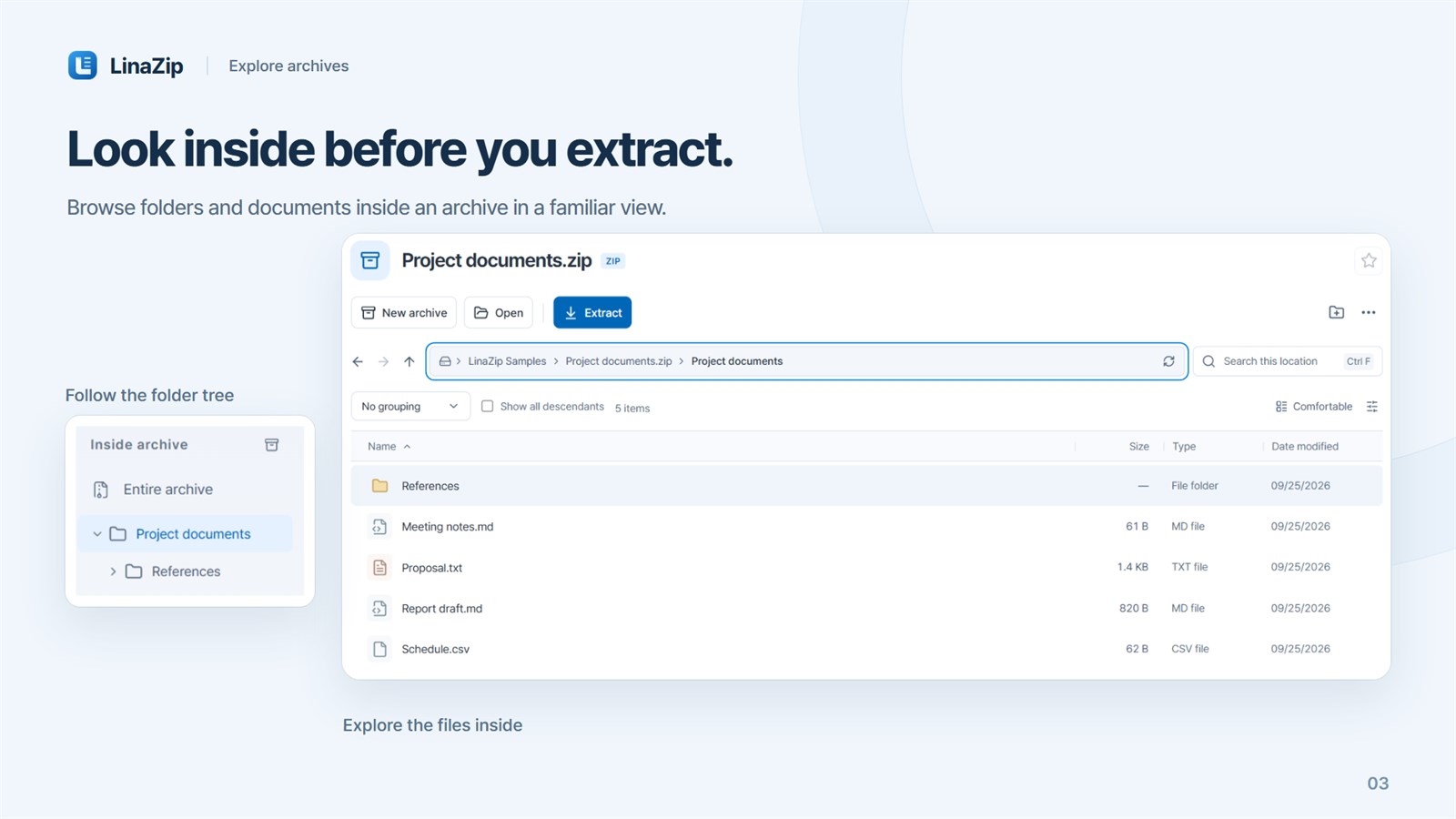
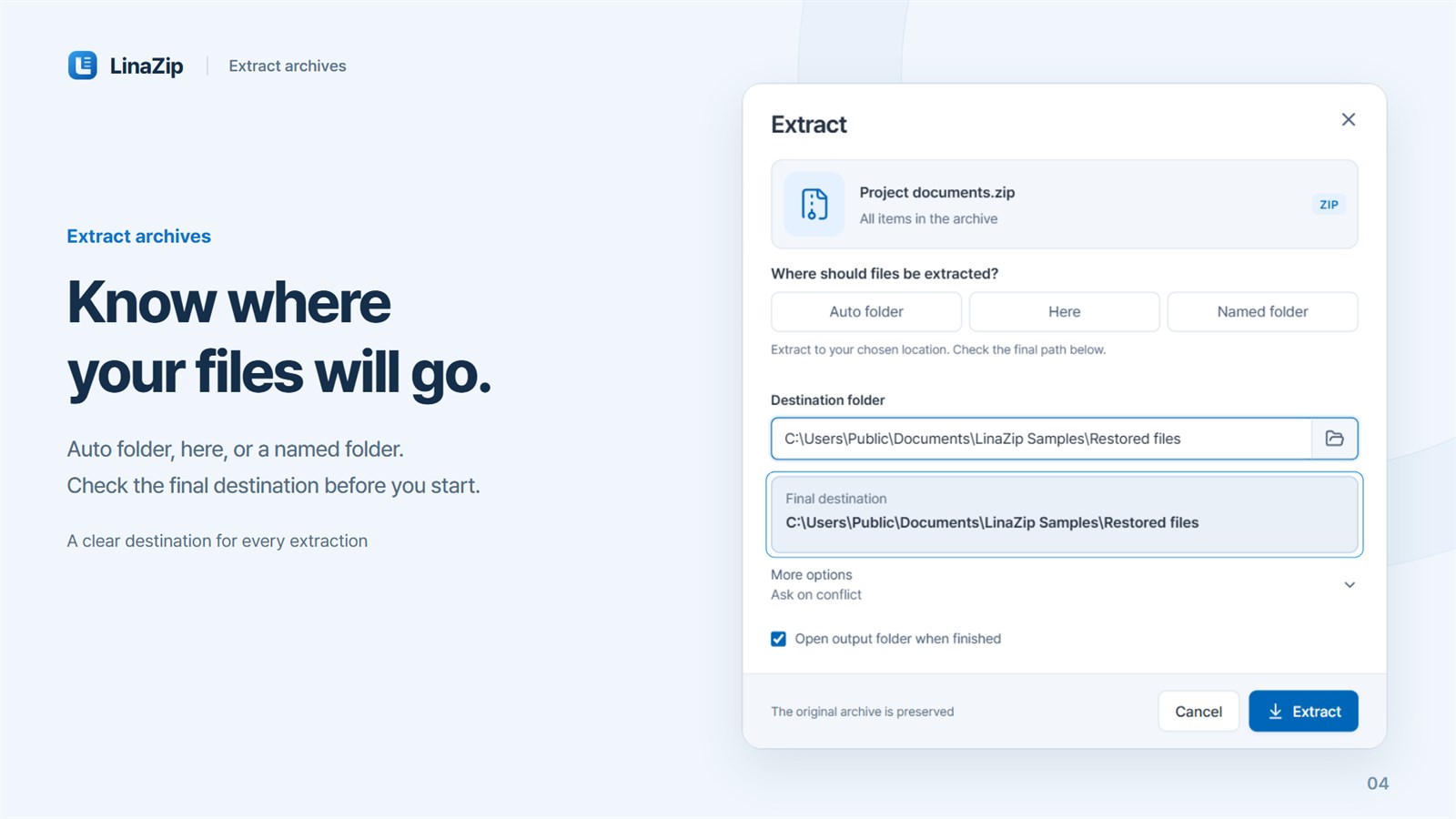
Browse an archive by its folder structure, then extract everything or only what you select. Choose Skip, Keep both or Replace for name conflicts; the original archive stays as it is.
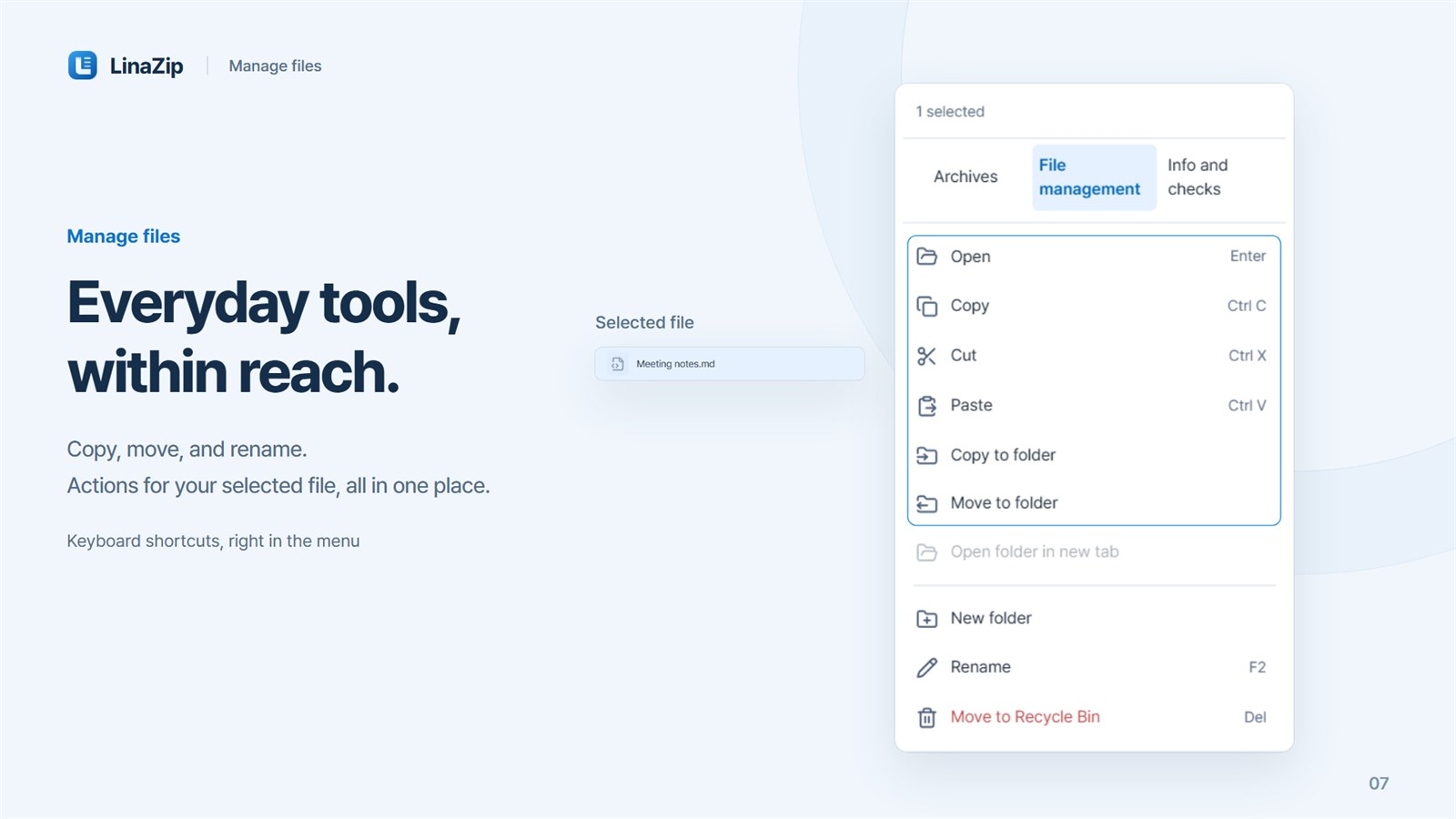
File tools
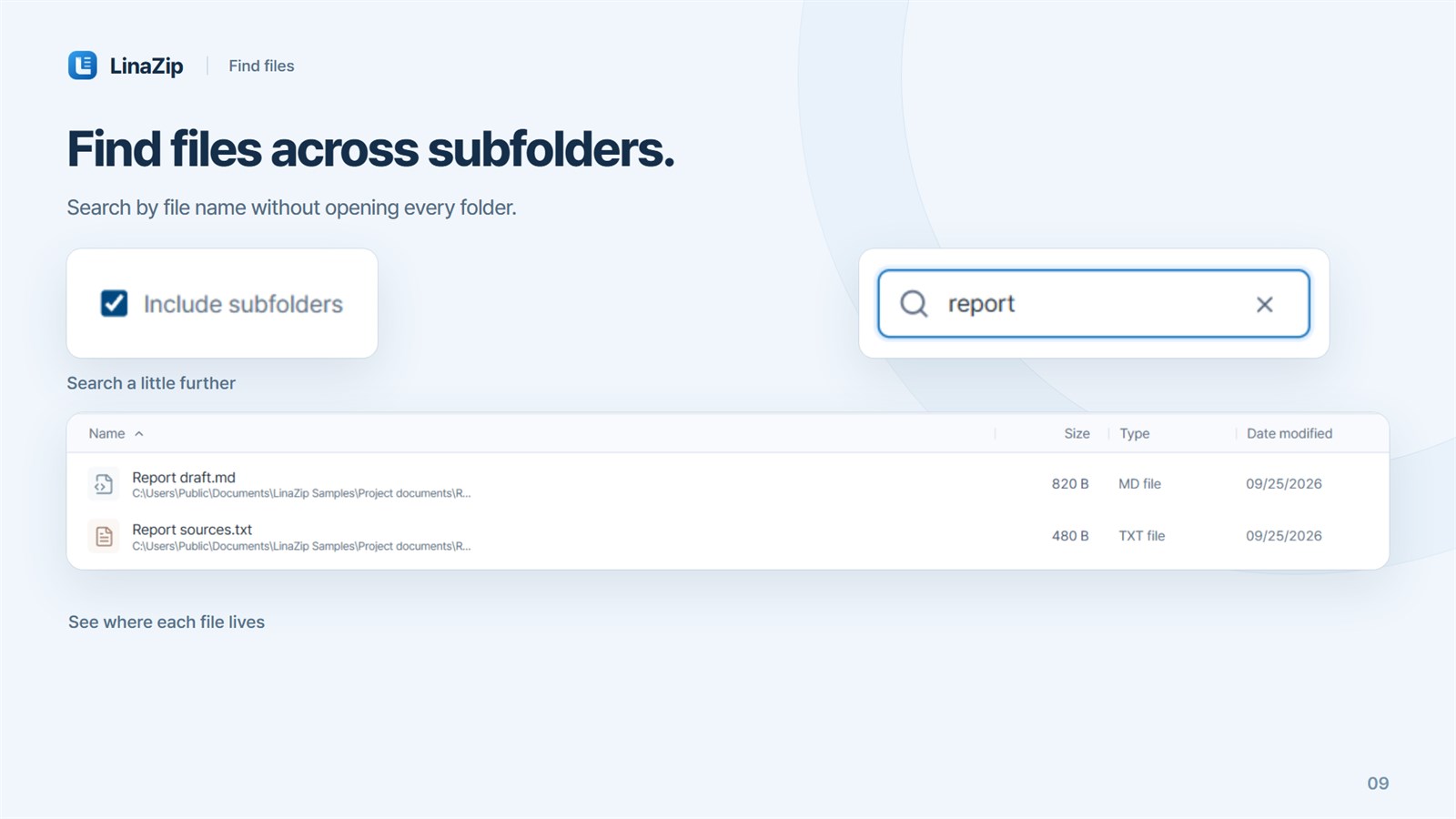
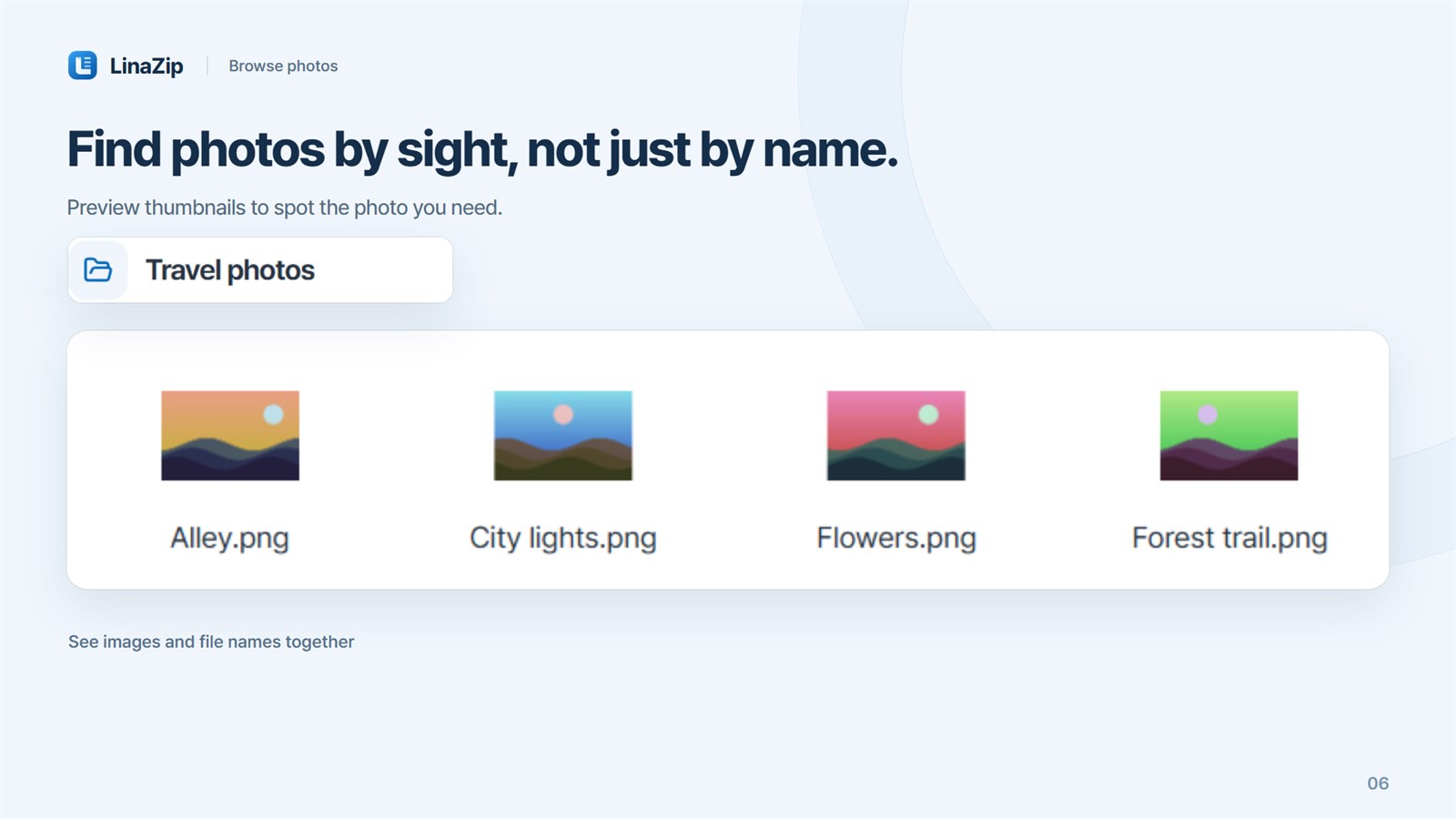
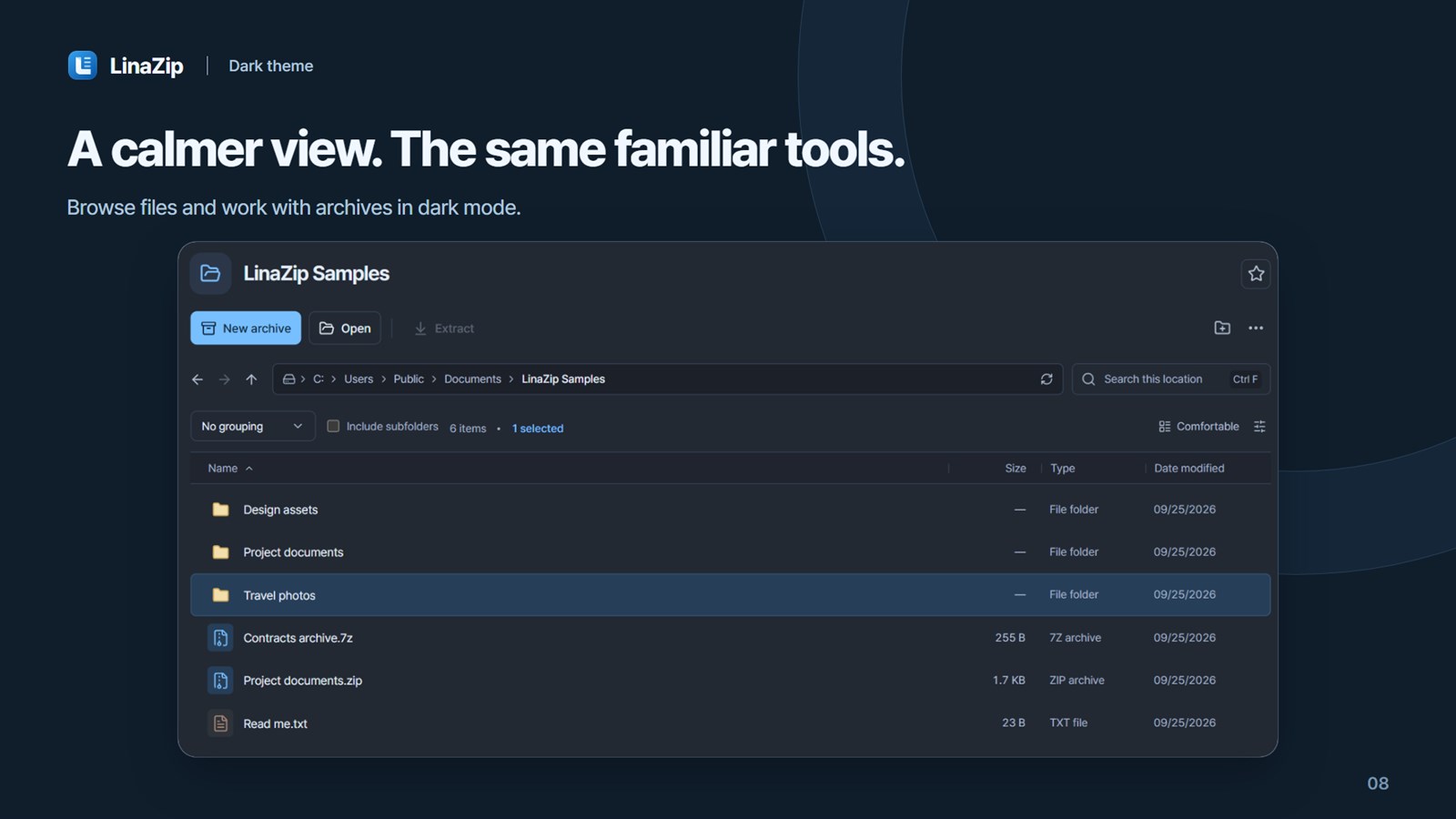
On Windows, copy, move, rename or recycle the selected file from one menu. Search by name across subfolders and browse photos as thumbnails.
Preferences
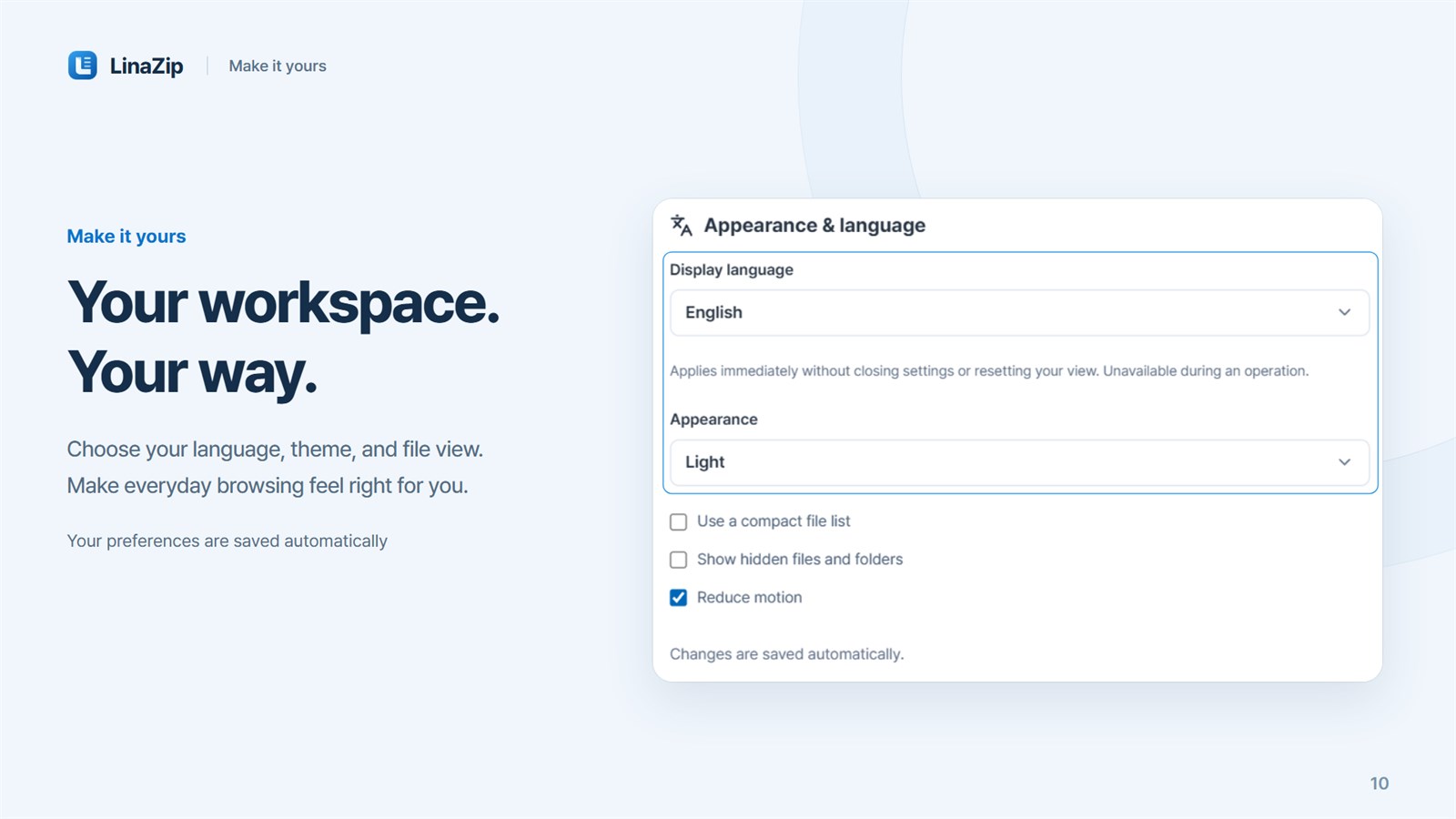
Switch between Korean and English, and between light, dark and system themes, right away. You can also use a compact list, show hidden files or reduce motion.
03 · Made for
More than a one-click extractor: a workspace for people who regularly build, inspect and organize archives.
Delivering large files in predictable volume sizes
Working often with multipart RAR, 7z or ZIP downloads
Inspecting an archive before extracting selected files
04 · Local workspace
Core archive features need no account or internet connection. File contents and paths are not sent to developer servers, and you can review inputs and destinations before work begins.
Processed on your computer
File contents and paths are not sent to developer servers. Core compression and extraction run on-device without an account or internet connection.
05 · FAQ
Open and extract ZIP and ZIP-based JAR, WAR, EPUB and APK files, plus 7z, RAR/RAR5, TAR, GZ, XZ, BZ2, ISO and CAB. Supported ALZ and EGG archives can also be browsed and extracted.
Creation, extraction, multipart handling, ALZ/EGG extraction and ZIP recovery are available on both. Finder Services are on Mac, while in-archive editing, nested archive previews and file tools such as move are on Windows.
Change the ZIP filename encoding to a Korean, Japanese, Chinese or Western codepage, or UTF-8, and reopen the archive. Names marked as UTF-8 take priority, and file contents are not converted.
RAR, ALZ and EGG creation and password recovery are not included. LinaZip can extract single and multipart RAR and RAR5 archives.
Get the official LinaZip release from Microsoft Store or Mac App Store.
Desktop products
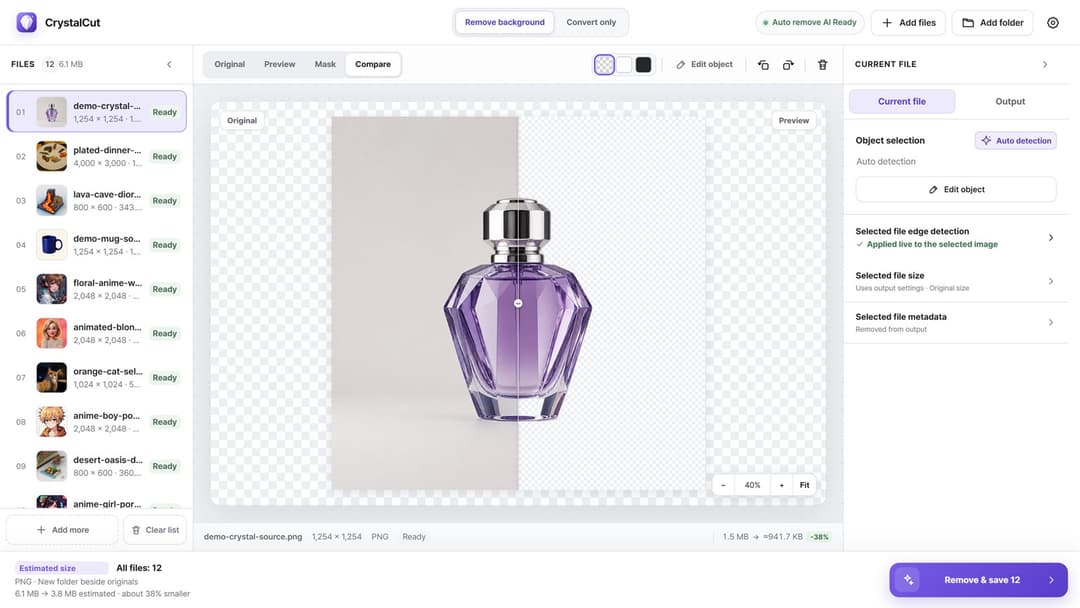
Image utility
Fast images. Private processing.
View productWindows · macOS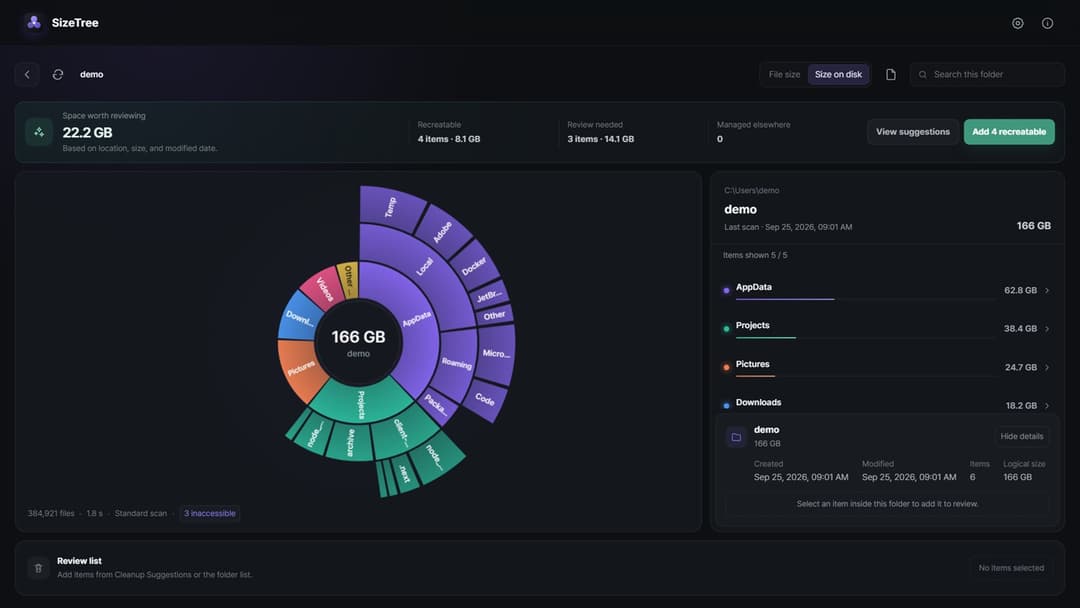
Storage utility
See your storage. Review cleanup with evidence.
View productWindows · macOS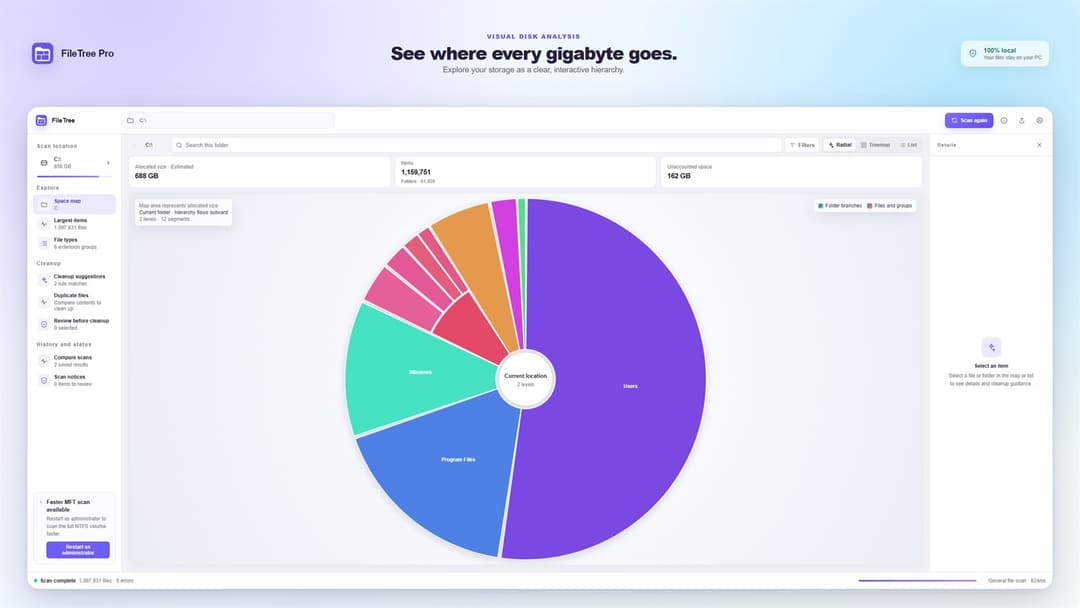
Disk space analyzer
Navigate the file system like a map.
View productWindows · macOS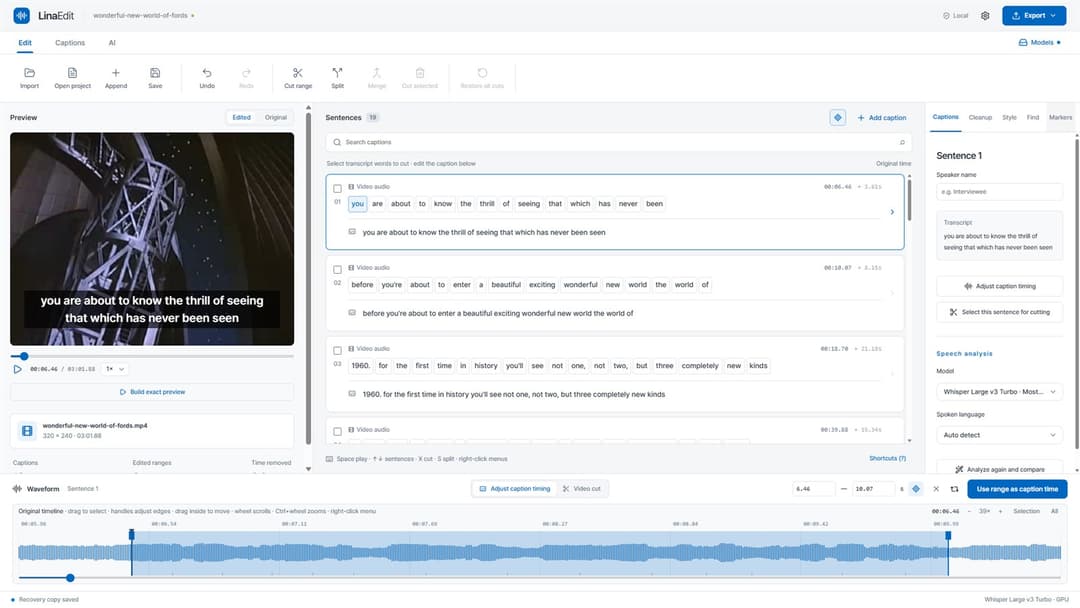
Video & caption editor
Edit video by its transcript.
View productWindows · macOS